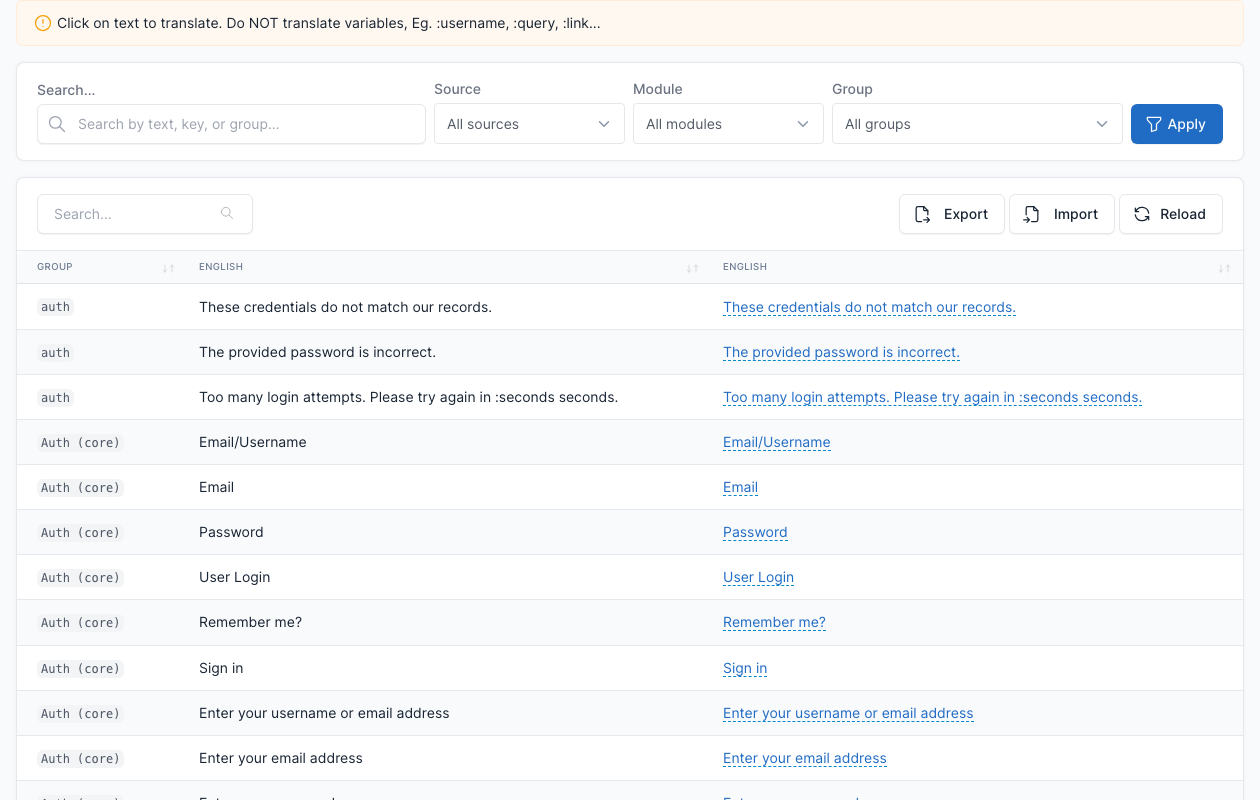
Translate
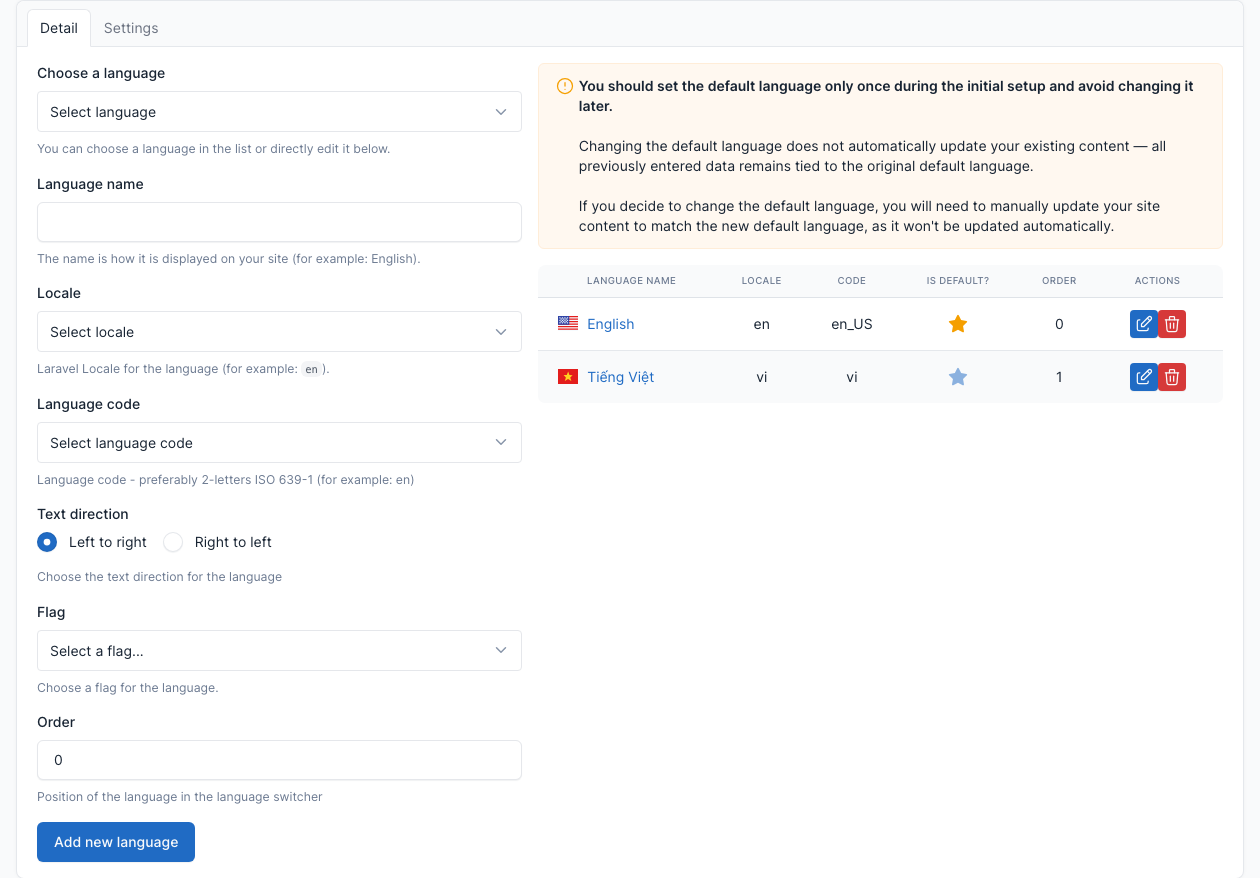
Monst is multilingual. It comes with English (the default language) and Vietnamese, and you can add more.
Languages
Go to Admin -> Settings -> Languages.
Add, edit or remove a language here, and choose the default one. See Config for the language settings.
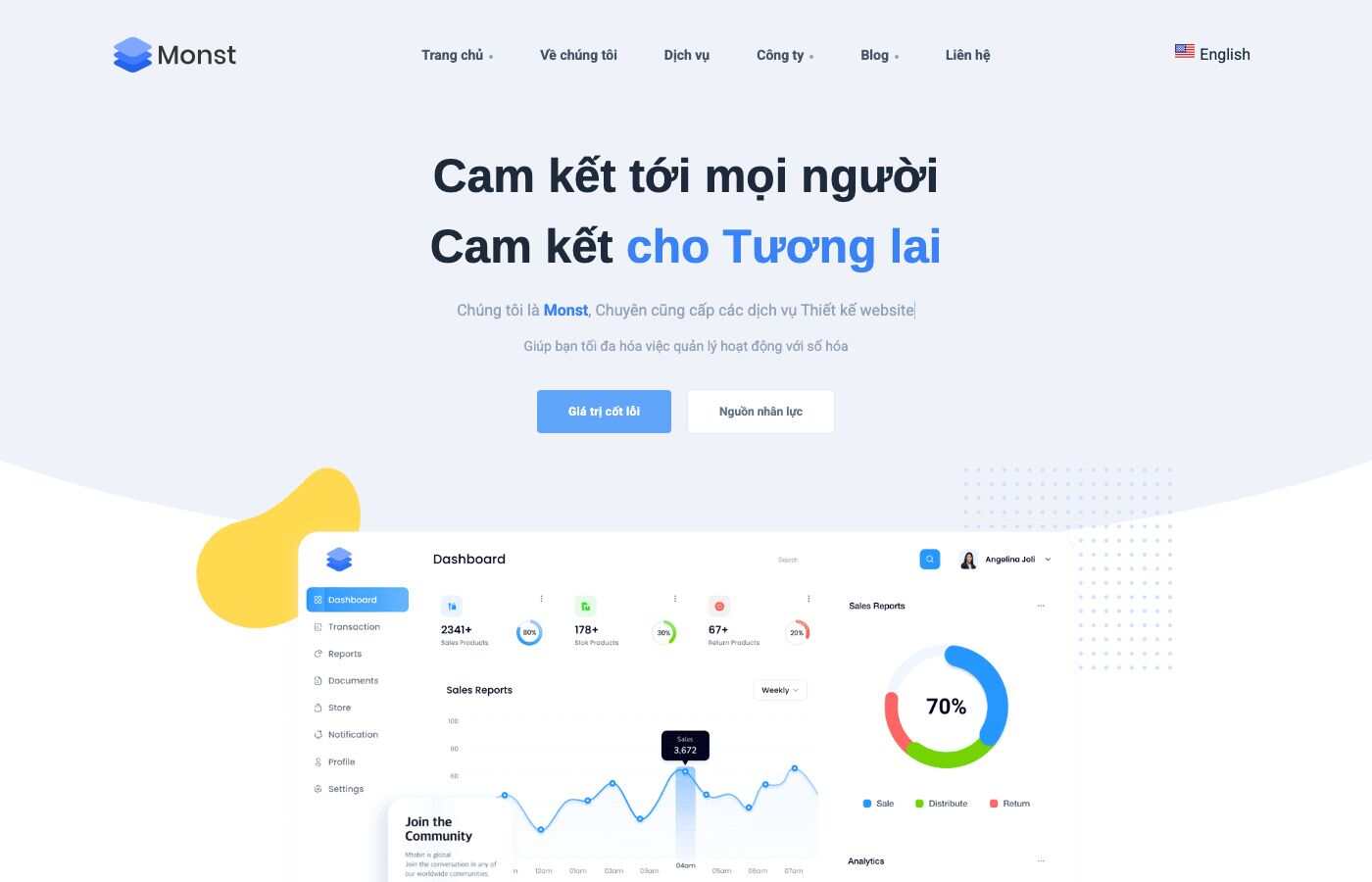
Visitors switch language with the language switcher in the header. The second language is served under its own address, for example /vi.

Translate content
A page, a post, a category, a menu or a widget area is translated one language at a time. The default language is the original; a translation is a second copy of the same item.
- Open the item, for example Admin -> Blog -> Posts and edit a post.
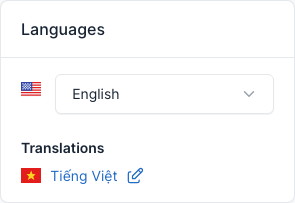
- In the Languages box on the right, click the language you want to translate to.
- Write the translated text and save. The language you are editing is shown at the top of the page ("You are editing ... version").
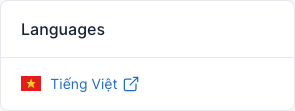
Menus work the same way: edit the menu, then use the Languages box to open its translation.
Theme options and widgets have a Translations link next to the save button: use it to translate the footer text or a widget. See General and Footer.
The landing page blocks keep their texts inside the page content, so translate a landing page by editing its translated copy and changing the texts of each block.
Translate Theme
It's the translation of the texts that are written in the theme, such as button labels.
First make sure the language exists in Admin -> Settings -> Locales (the list of languages files).
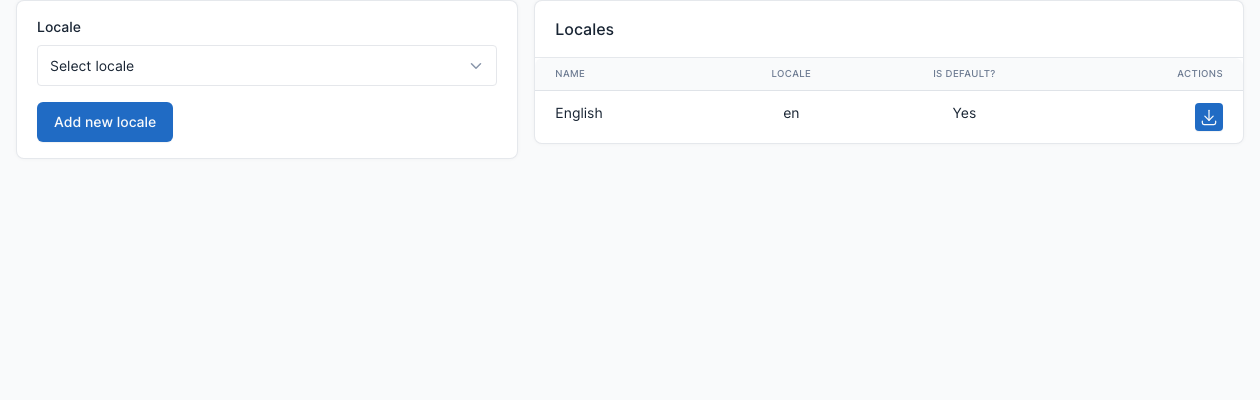
Then go to Admin -> Settings -> Theme Translations, choose the language, click a text, type its translation and confirm it:
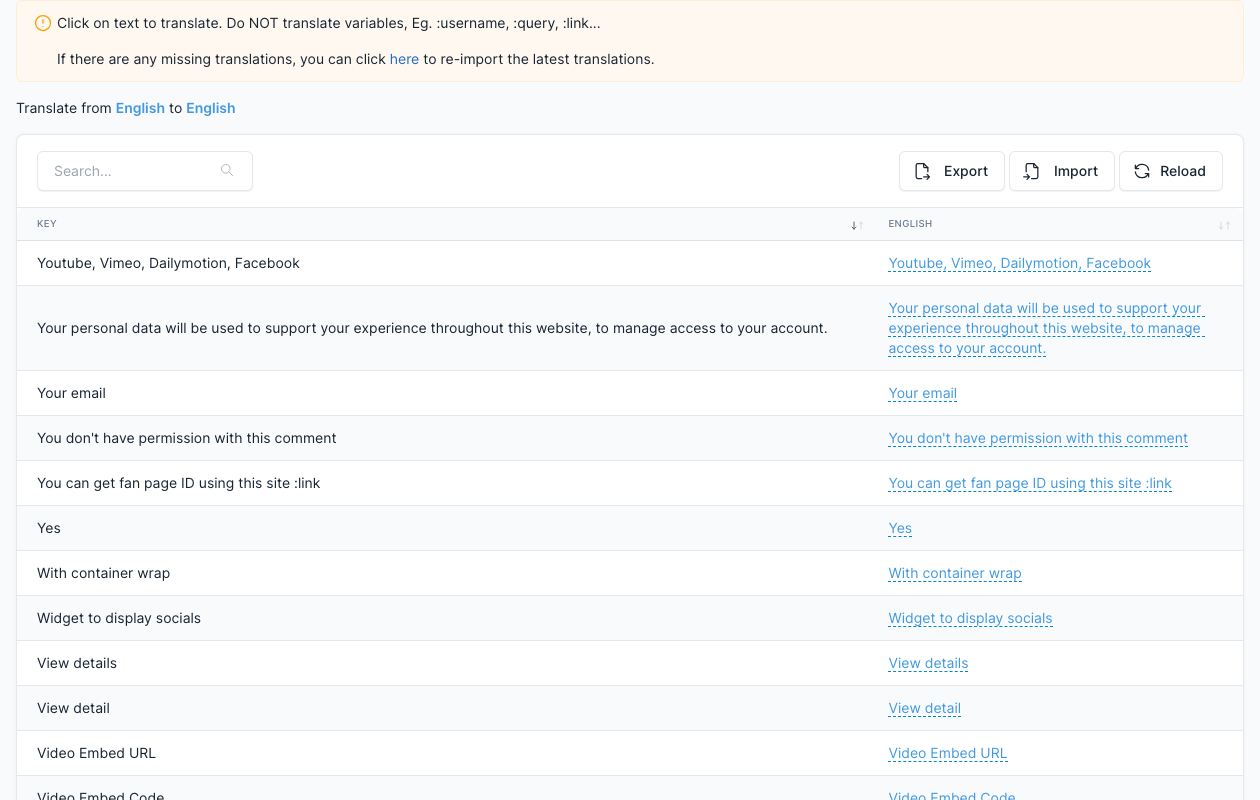
If a text is missing, click here at the top of the page to import the latest texts.
Translate Admin panel
If you want to translate the admin panel too, you can translate it in Admin -> Settings -> Other Translations (admin, plugins and packages).