Header
Monst has one header style: the logo on the left, the main menu in the middle, the language switcher on the right, and a burger button that opens the mobile menu on small screens. The header is transparent and sticks to the top of the page when you scroll.

What you can change
| Part | Where to change it |
|---|---|
| Logo | Admin -> Appearance -> Theme options, tab Logo. See General. |
| Menu links | Admin -> Appearance -> Menus, the menu with the display location Main Navigation. See Menu. |
| Menu link color | Theme options, tab Style, Menu color. |
| Language switcher | Switches between English and Vietnamese (and any language you add). See Translate. |
| Page title bar under the header | Theme options, tab Breadcrumb, and the Template of each page (No Breadcrumbs hides it). |
Mobile header
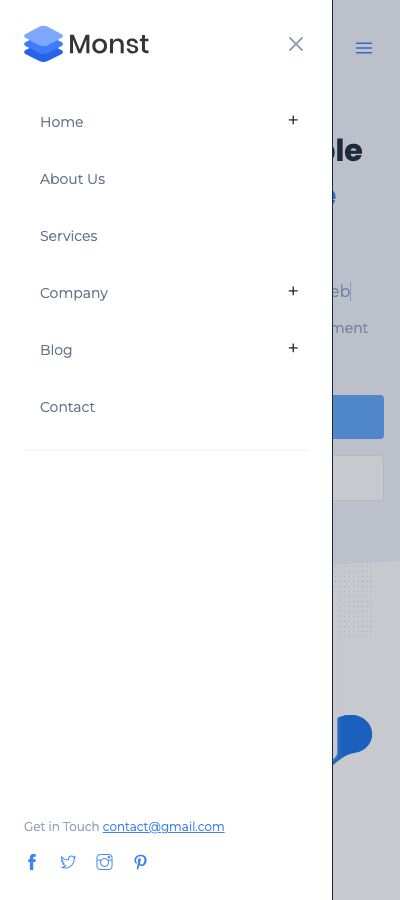
On screens narrower than 1024 px the menu is replaced by a burger button. It opens a panel with the logo, the same menu, the language switcher, the email of Theme options (as "Get in Touch") and the social links.