FAQs
Questions and answers, grouped in categories. They are shown by the FAQs shortcode as an accordion.
Manage questions
Go to Admin -> FAQs.
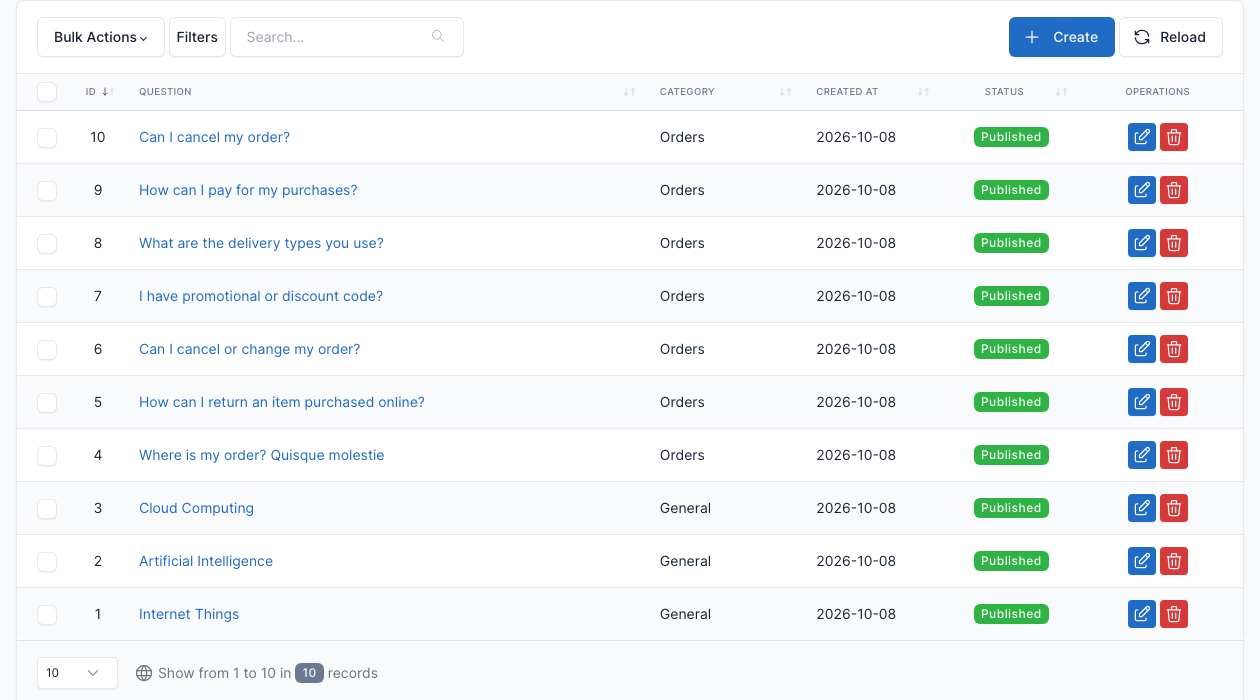
Click Create to add a question, or the edit button of a row to change it. A question has a Question, an Answer, a Category and a Status.
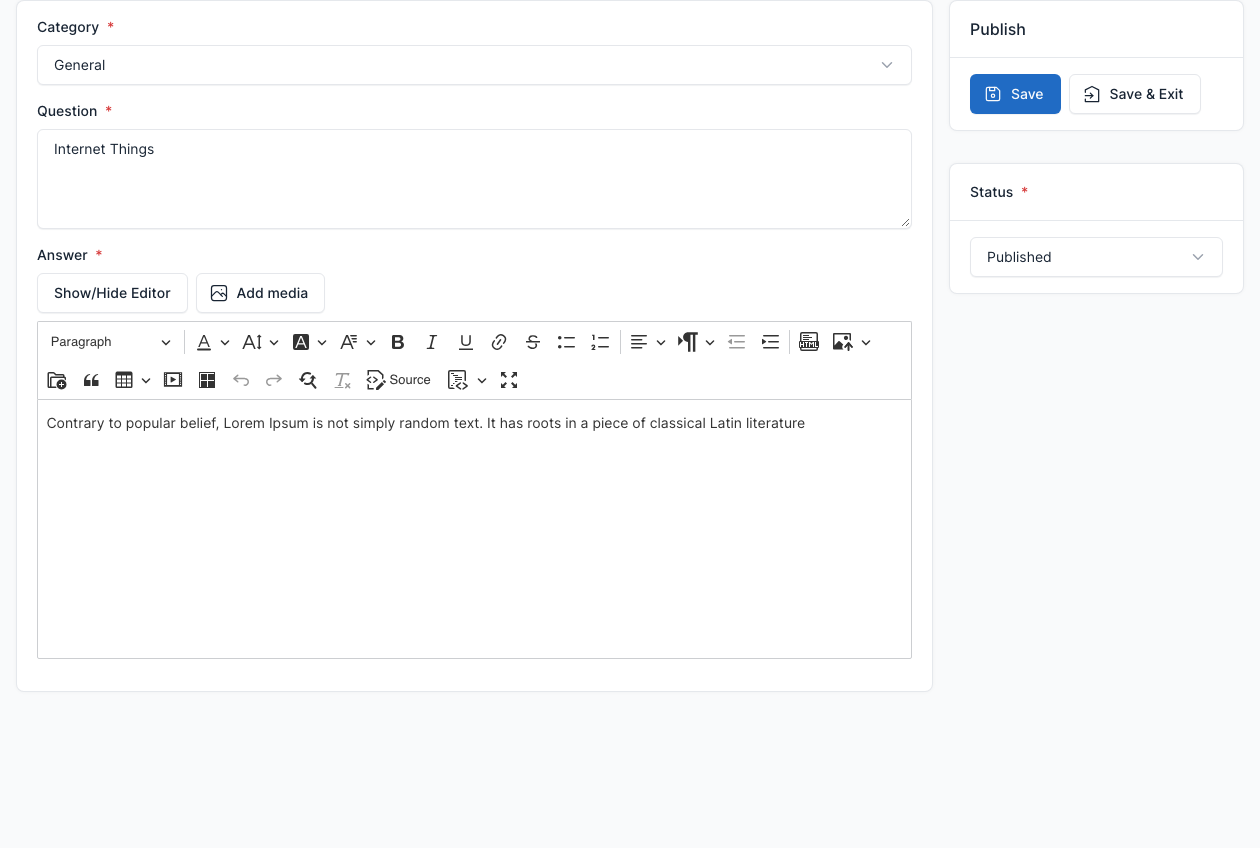
Categories
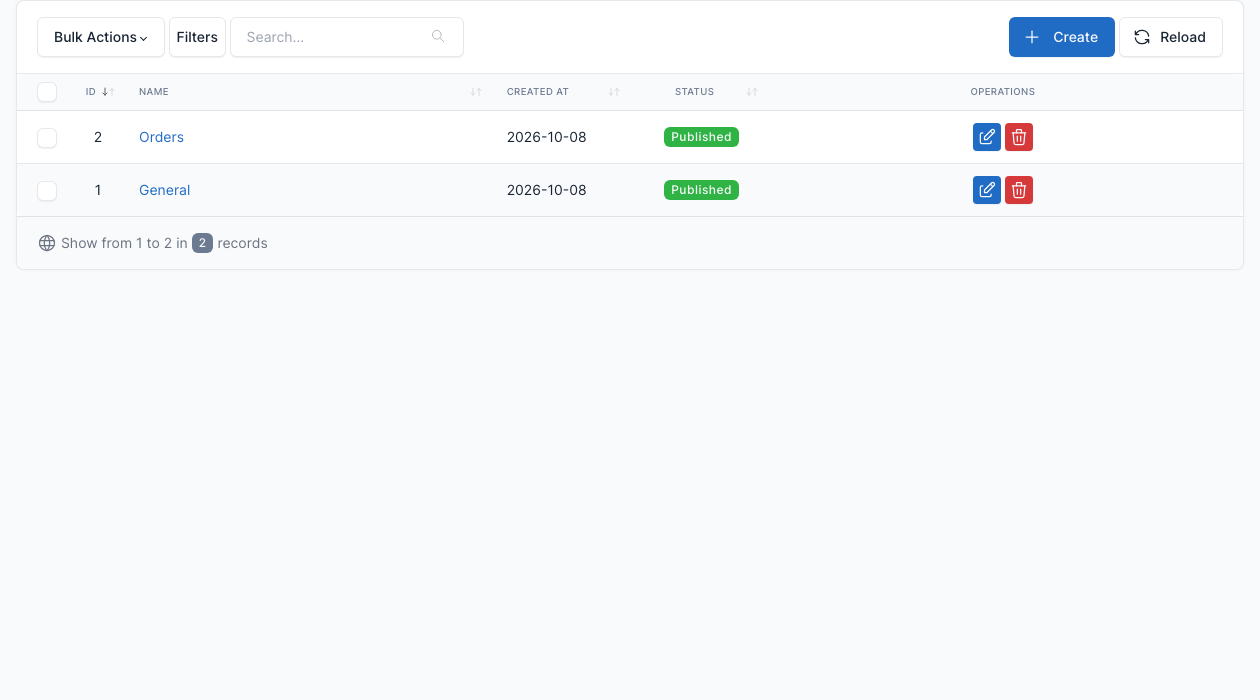
Go to Admin -> FAQs -> FAQ categories.
The demo has two categories, General and Orders. The FAQs shortcode can show one category only.
Show questions on a page
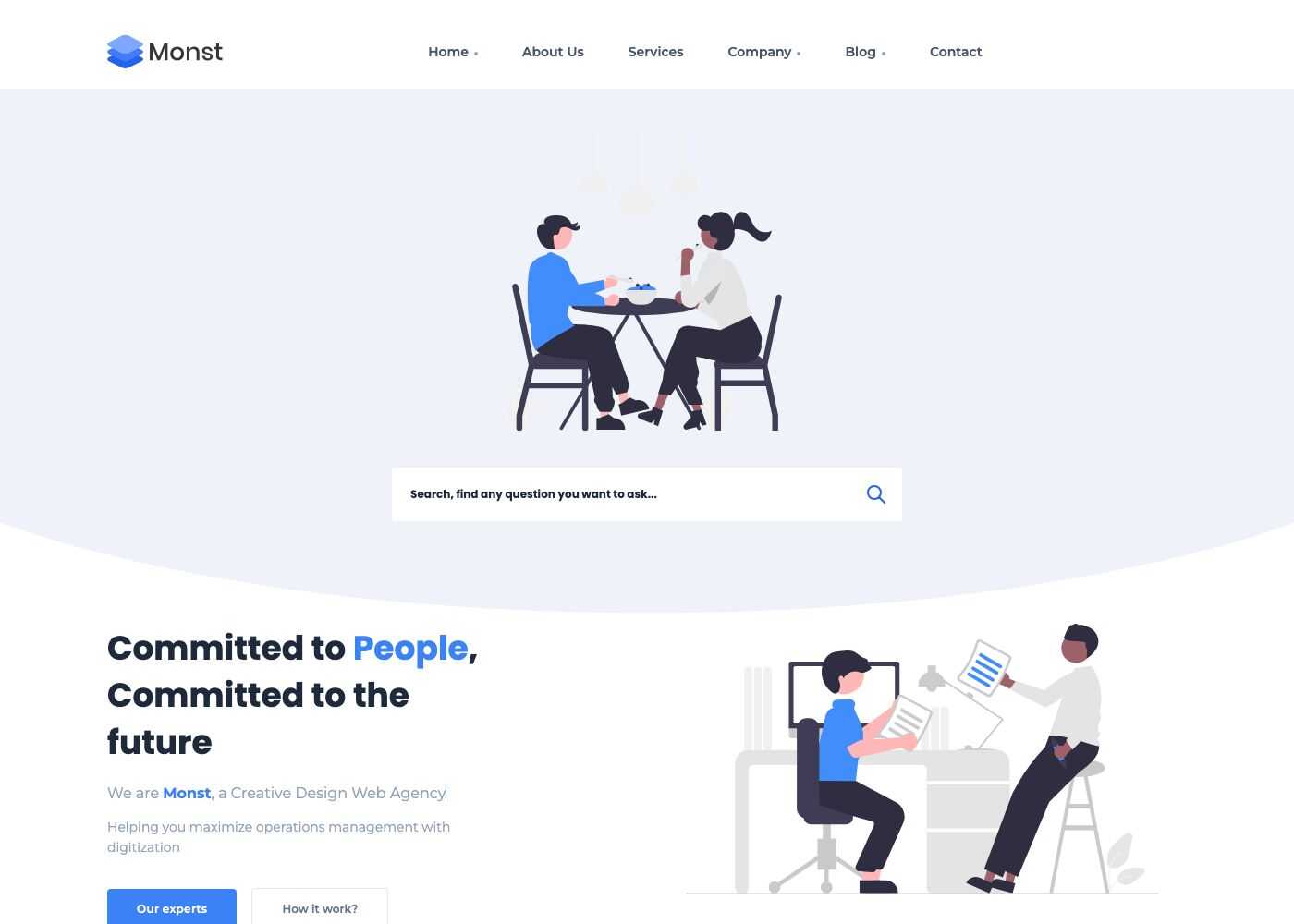
Add the FAQs shortcode to a page, pick a Category (or none to show all questions) and an Image banner. See Short code. The demo Faqs page uses the Faqs template (see Landing pages), which adds a search box: the visitor types a word and the accordion shows only the matching questions.
Settings
Go to Admin -> Settings -> FAQs.
Tick Enable FAQs Schema? to add the structured data that lets Google show your questions in search results.