Newsletter
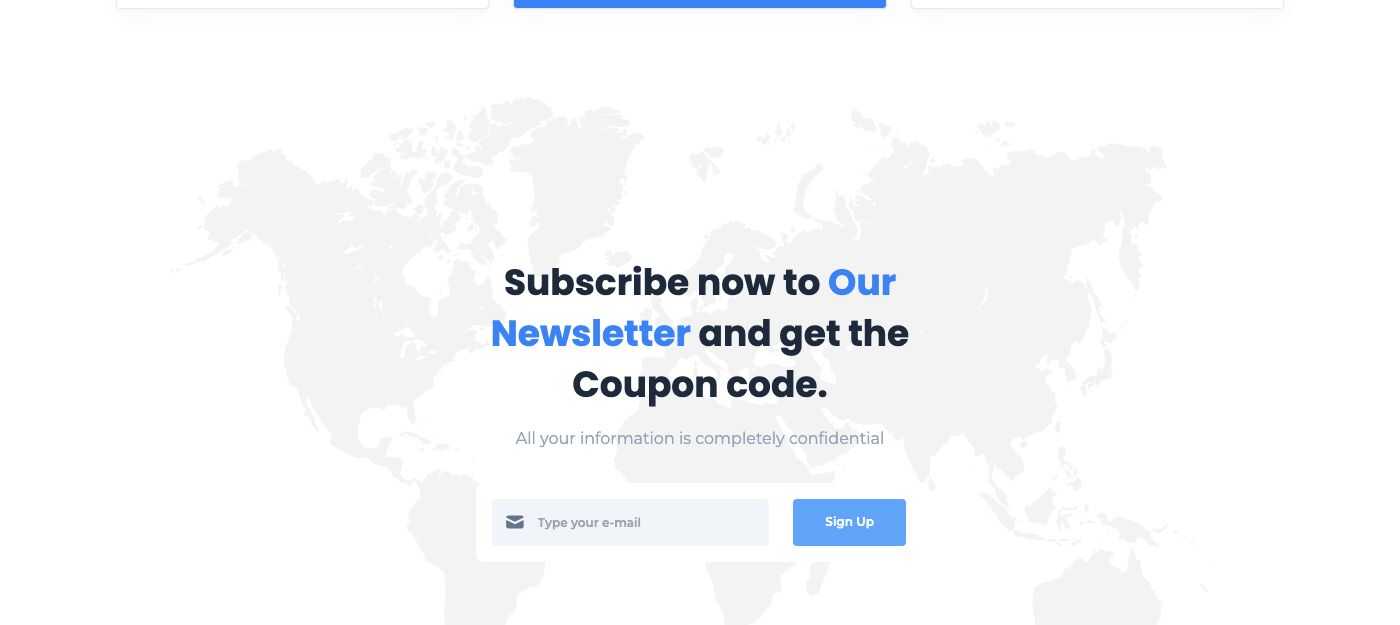
Visitors subscribe with their email address. Monst has two places for the form:
- the Newsletter widget in the footer (see Footer);
- the Block - Subscribe shortcode, in two styles (see Short code);
Subscribers
Go to Admin -> Newsletters.
Every address that signed up appears here. Use Export to download the list and the buttons of a row to change or delete an address.
Settings
Go to Admin -> Settings -> Newsletter.
Tick Enable newsletter contacts list API? to send new subscribers automatically to your email marketing service (Mailchimp or SendGrid). The page then asks for the keys of that service.
The emails sent to the subscriber and to you can be edited in Admin -> Settings -> Email templates. See Config.