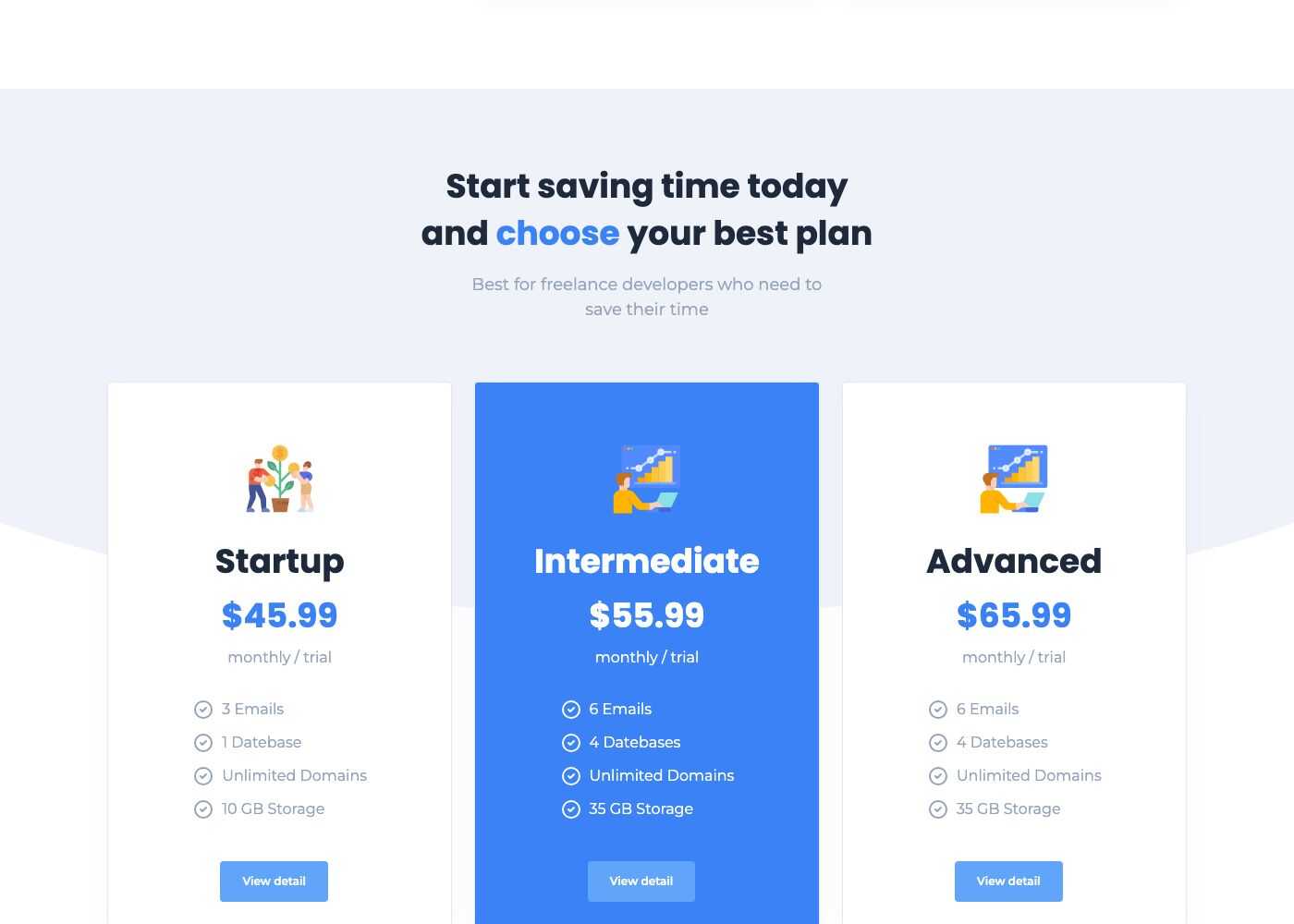
Packages (pricing)
Packages are the plans of a pricing table. They are shown by the Block - Subscription shortcode, in two styles.
Manage packages
Go to Admin -> Packages.
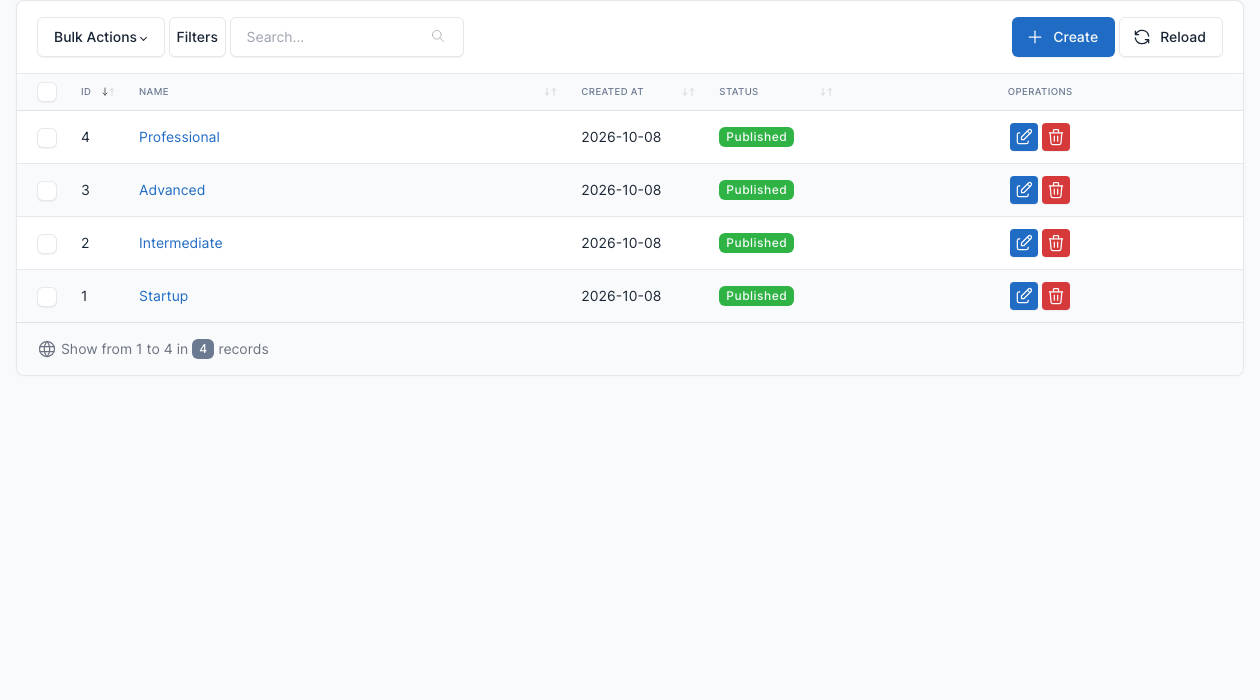
The demo has four packages: Startup, Intermediate, Advanced and Professional. Click Create to add one, or the edit button of a row to change it.
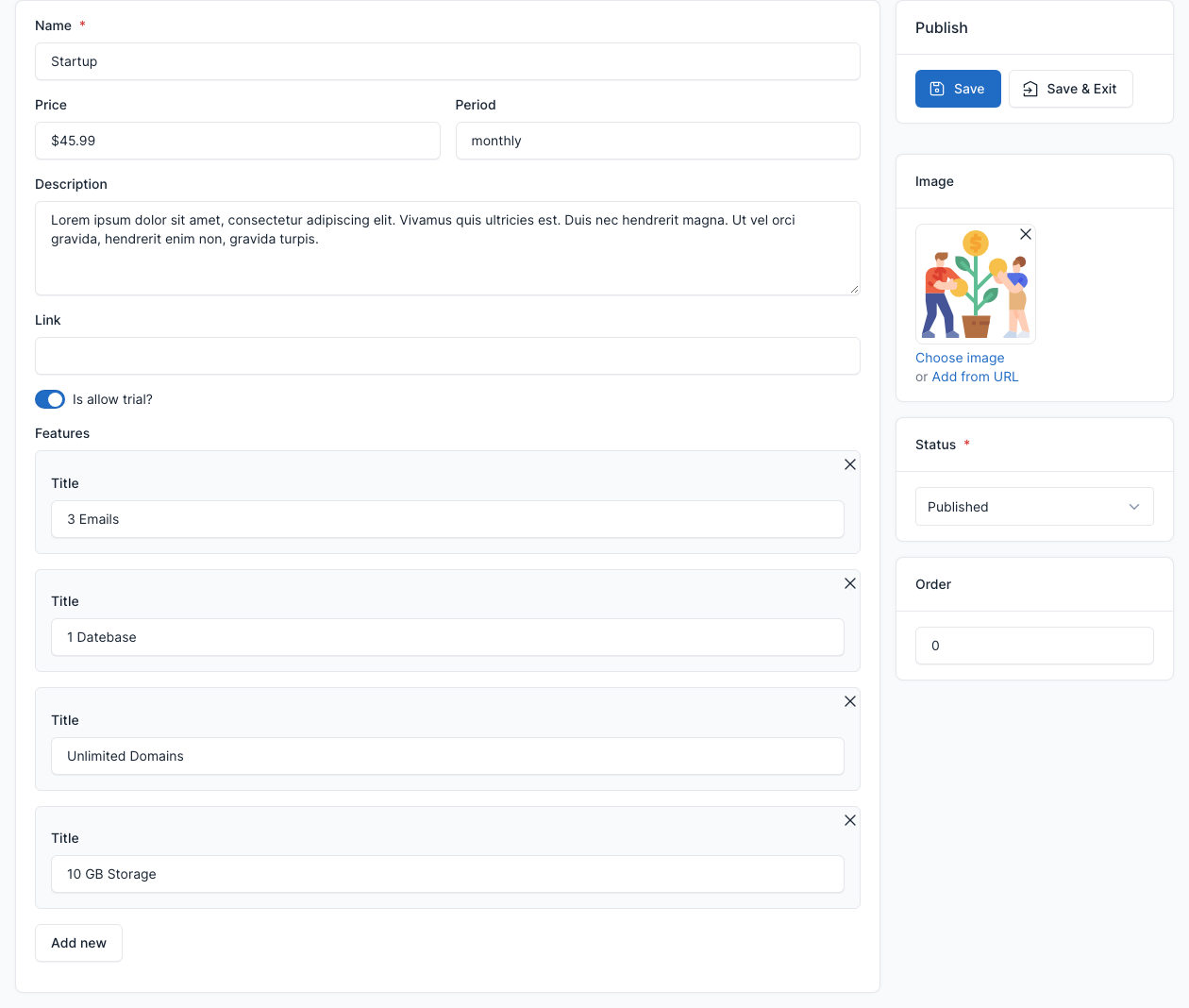
| Field | What it does |
|---|---|
| Name | The name of the plan. |
| Price, Period | The price (for example 45.99) and the period text (for example monthly). |
| Description | The short text of the plan. |
| Is allow trial? | Adds "/ trial" next to the period and shows the View detail button on the plan (style 1). |
| Link | Where the View detail button goes (the Pricing page when empty). |
| Features | One row per feature of the plan (for example "3 Emails"). Click Add new for another row. |
| Image | The picture of the plan. |
| Order, Status | The sort order and whether the package is published. |
Show packages on a page
Add the Block - Subscription shortcode to a page and pick the plans in its Subscriptions field. See Short code. The demo Pricing page shows both styles.