Static Blocks
A static block is a piece of formatted text or HTML that you write once and reuse. Monst uses static blocks as the rich text of the hero banner and the contact description.
Manage static blocks
Go to Admin -> Static Blocks.
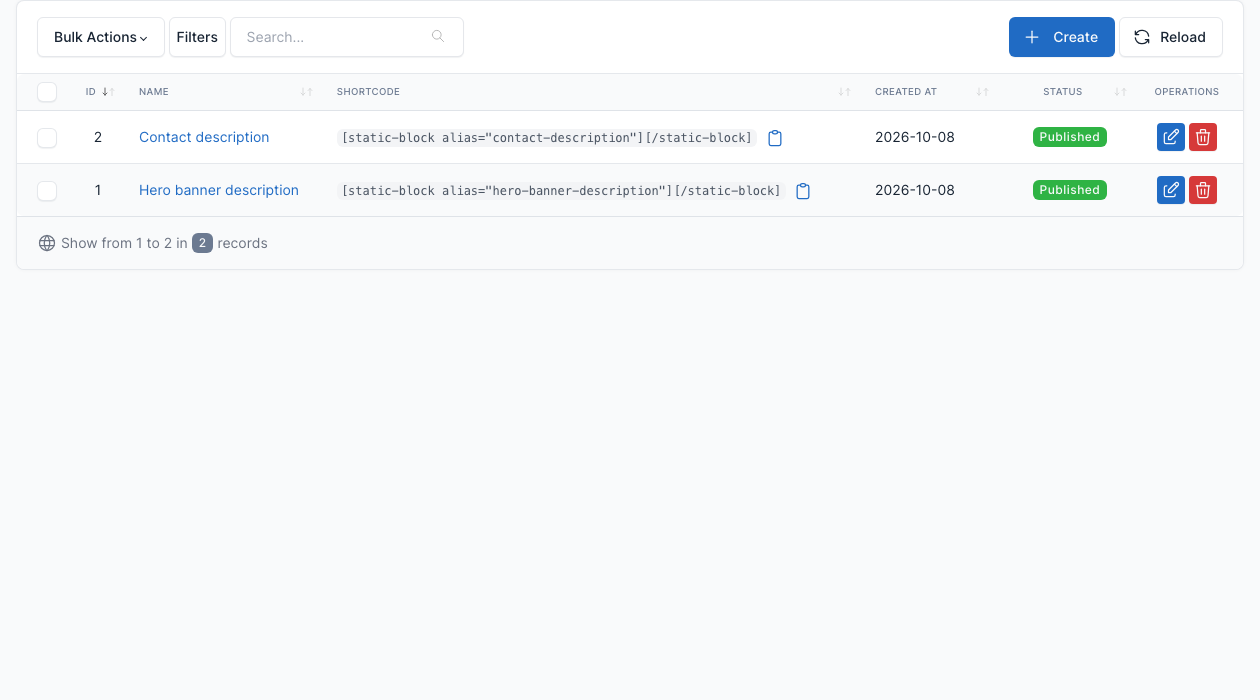
The demo has two blocks: Hero banner description (the "We are Monst, a Creative Design Web Agency" line with the typewriter words) and Contact description. Click Create to add one, or the edit button of a row to change it.
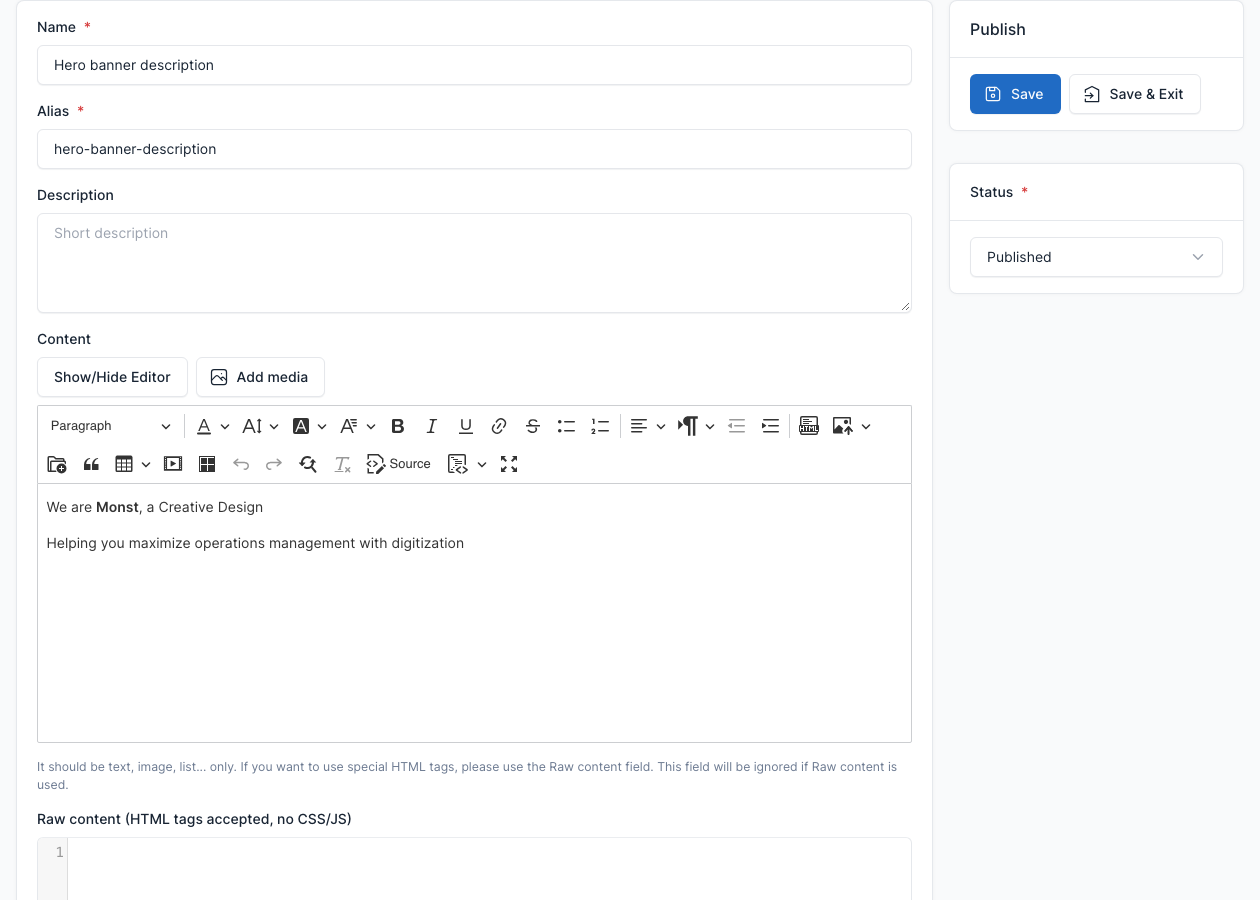
| Field | What it does |
|---|---|
| Name | The name you see in the lists. |
| Alias | The identifier of the block. |
| Description | A short note for yourself. |
| Content | The formatted text. |
| Raw content | HTML for the cases where the editor would remove your tags. CSS and JS are not allowed. If you fill it, it replaces the Content. |
TIP
For the typewriter effect of the hero, write the words in data-type, separated by "|": <span class="typewrite" data-period="3000" data-type="Web Agency|Social Marketing"></span>. Edit the demo block to see the full markup.
Use a static block
- In a "Block" shortcode, choose the Rich text from static block tab of the Description and pick the block. See Short code.
- Anywhere in a page, use the Static block shortcode from UI Blocks.