Members
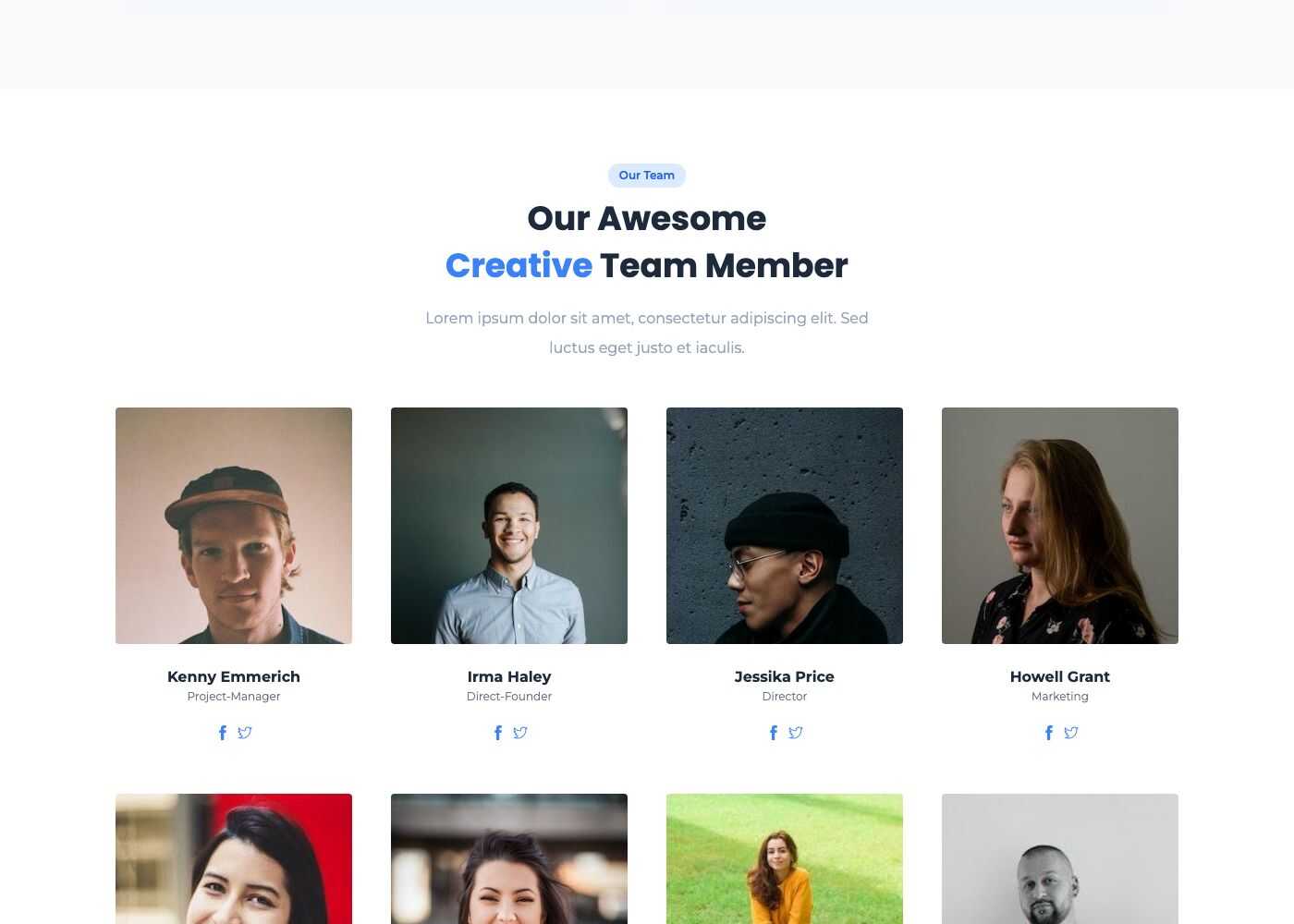
Members are the people of your site: authors of posts, and the team shown by the Block - Specialists/Experts shortcode.
Manage members
Go to Admin -> Members.
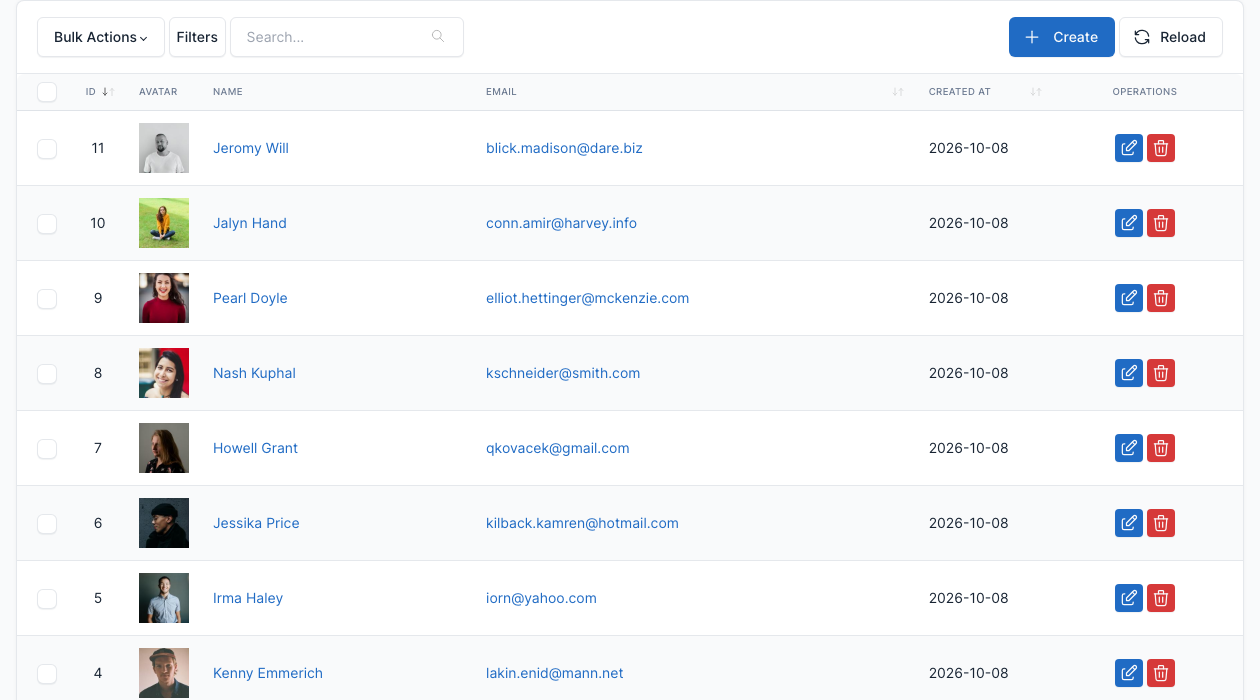
Click Create to add a member, or the edit button of a row to change one.
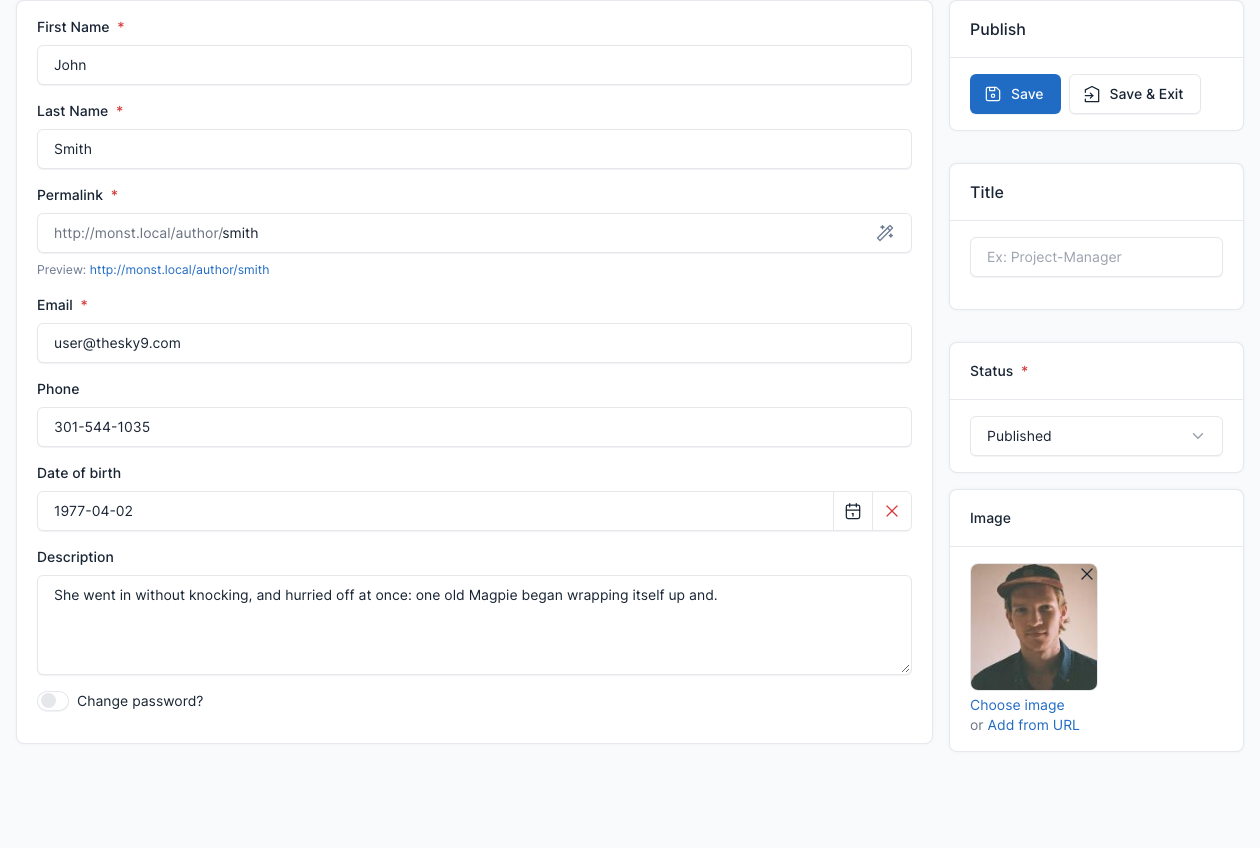
| Field | What it does |
|---|---|
| First Name, Last Name | The name shown on the team card and as post author. |
| Permalink | The address of the author page, for example /author/smith. |
| Email, Phone, Date of birth | The details of the member. |
| Description | The text shown under the name in the "with socials link + description" team style. |
| Title | The position shown under the name, for example "Project Manager". |
| Image | The photo of the member. |
| Status | Whether the member is active. |
Show members on a page
Add the Block - Specialists/Experts shortcode to a page and pick the members in its Experts field. The demo Team and About Us pages do this. See Short code.
Sign in and sign up
Monst does not include sign in or sign up pages for members: the members of the demo are created by the administrator in Admin -> Members and appear as authors and team cards.