Pro Posts
Pro Posts adds three things for the members of the site: favorite posts, bookmarked posts and a list of the posts they read. The plugin comes with UltraNews and is already active.
It works for members who are signed in, so turn on the member area first: Admin -> Appearance -> Theme options -> General -> Allow user login? (see Members).
Favorites and bookmarks
On a post page, the line under the title has a heart (like) and a bookmark button, with the number of likes. A signed-in member clicks one to add the post to their list, and clicks it again to remove it. A visitor who is not signed in gets a message that they must sign in first. The buttons are shown by the 3 post layouts (see General).
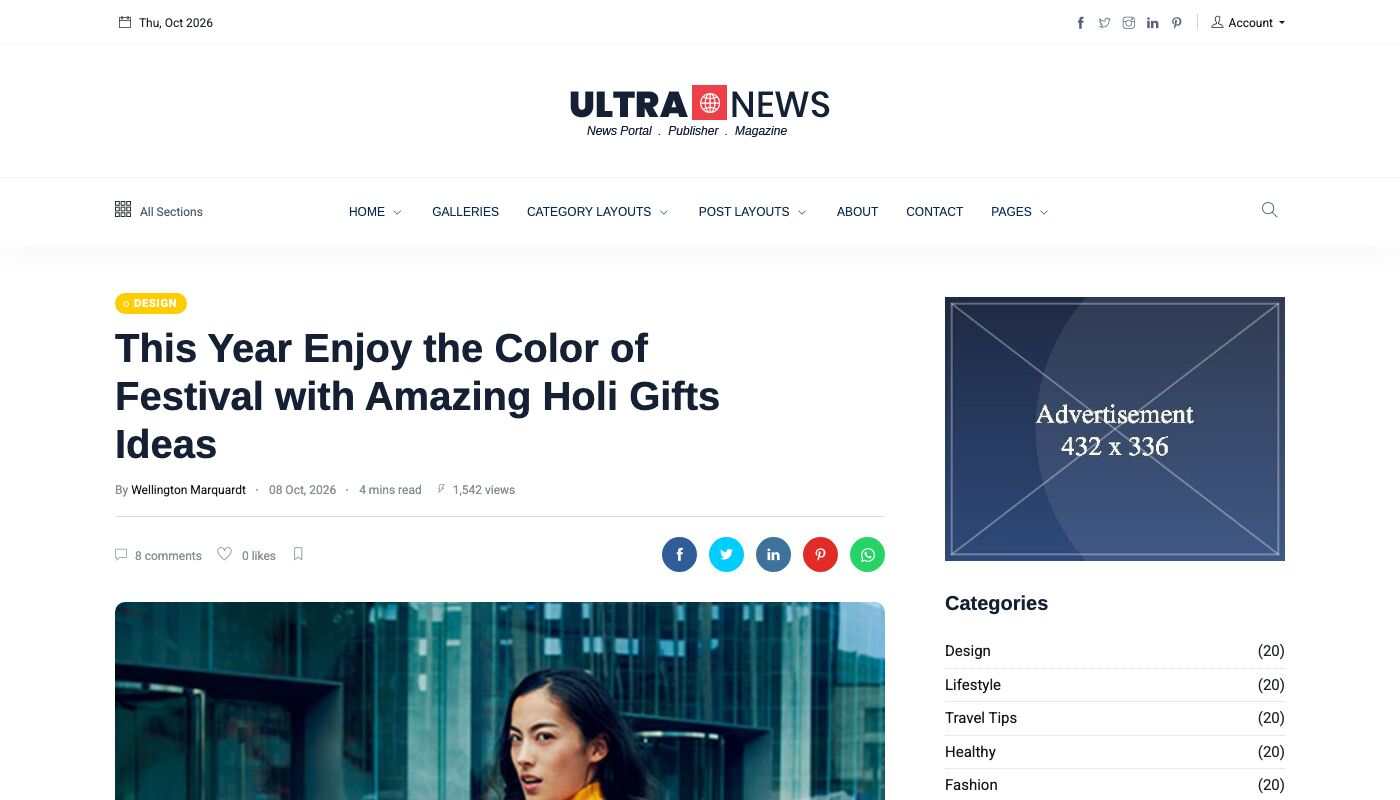
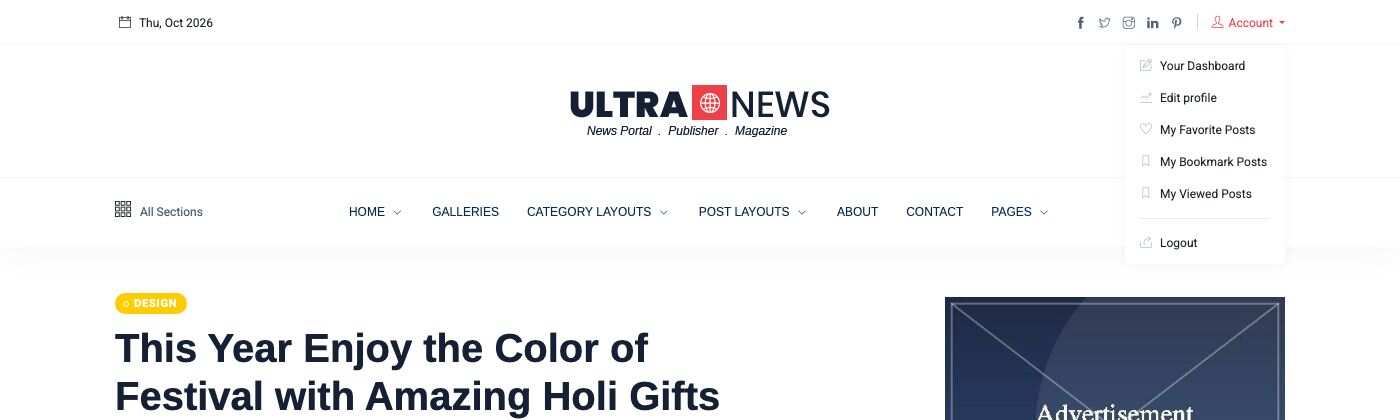
The member finds the lists in the Account menu of the top bar:
- My Favorite Posts (
/favorite-post) - My Bookmark Posts (
/bookmark-post) - My Viewed Posts (
/recently-viewed-posts)
TIP
If the buttons do not show after you turn the plugin on, deactivate and activate the plugin again in Admin -> Plugins -> Installed Plugins.
Recently viewed posts
The theme remembers the posts a visitor read in a cookie of their browser. The plugin shows them in two places:
- the Recent Viewed Posts shortcode, which you can place in any page (see Short code);
- under each post, when Enable Recently viewed posts? is set to Yes in Theme options -> General.

The block is empty until the visitor has read at least one other post.