Post scheduler
Set the published time of a post. A post is shown on the site only once its publish date and time have come: before that it is hidden from the lists and its page returns a 404. The date and time you set are also the date shown on the post.
Set published time for posts
Edit a post in Admin -> Blog -> Posts.
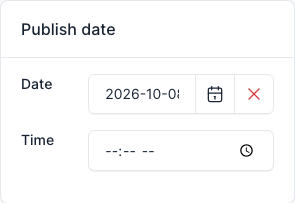
In the Publish date box on the right, choose the Date and the Time, then save the post.