Footer
Overview
The footer has two rows: four widget columns, and a line with the copyright on the left and a small menu on the right.
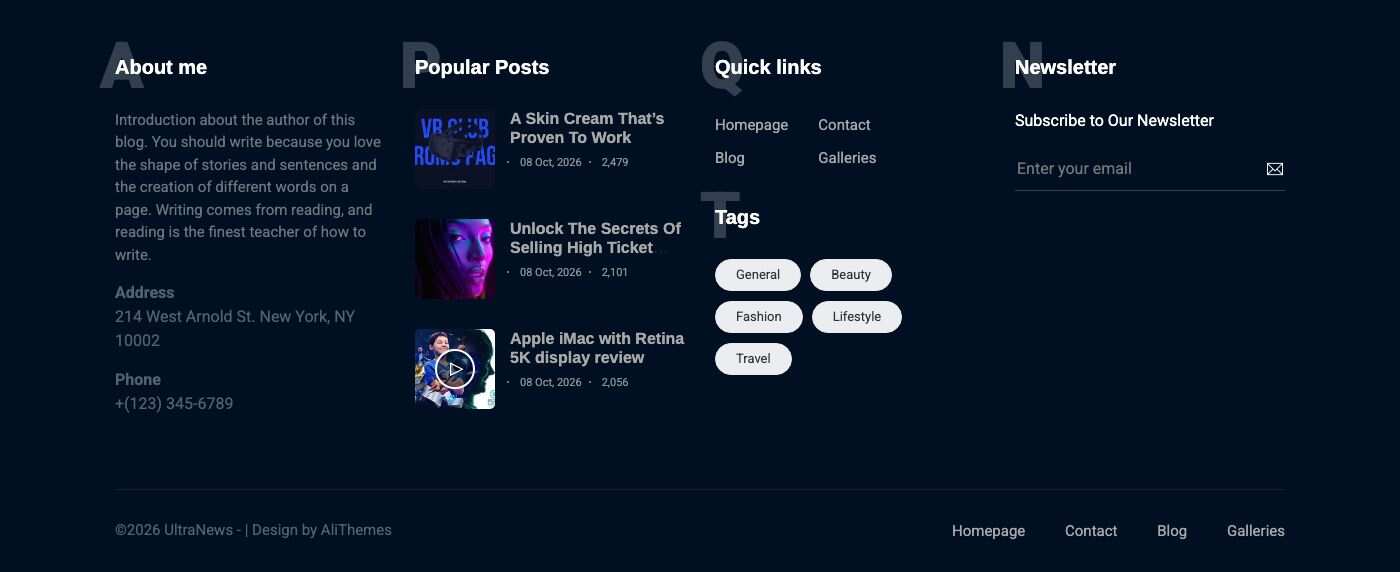
Columns and copyright menu
Go to Admin -> Appearance -> Widgets.
- Footer sidebar 1 to Footer sidebar 4 are the four columns. Drag any widget into a column, open it to change its title or content, and reorder the widgets inside a column. The demo has About me in the first column, Popular Posts in the second, a Custom Menu (Quick links) and Tags in the third and Newsletter in the fourth.
- Footer copyright menu is the small menu on the right of the copyright line. It holds a Copyright footer Menu widget that shows one menu.
The menus themselves are edited in Admin -> Appearance -> Menus. See Menu and Widgets.
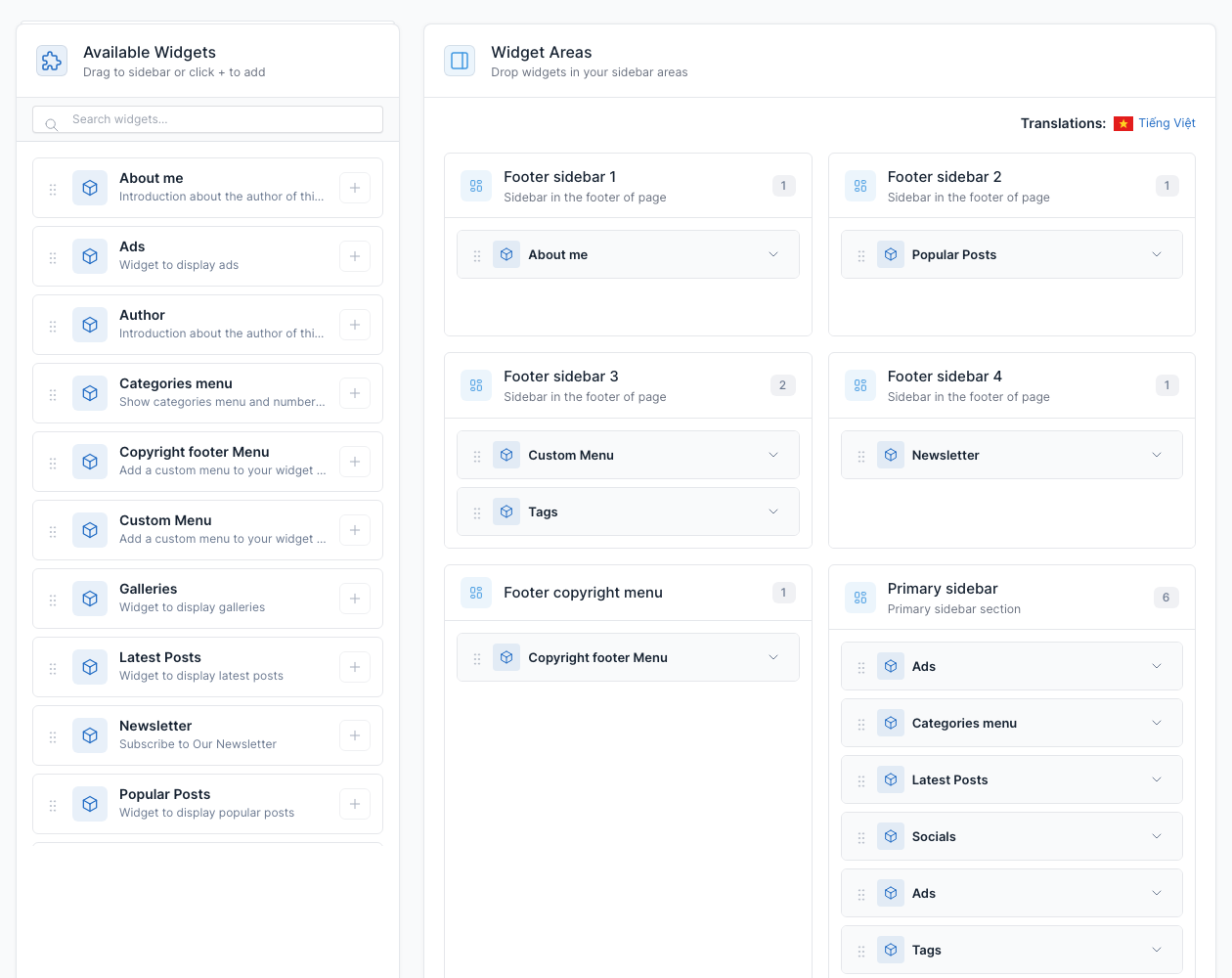
Copyright and credit
Go to Admin -> Appearance -> Theme options, tab General.
Edit Copyright and Designed by: both texts are shown on the left of the last footer line, one after the other.
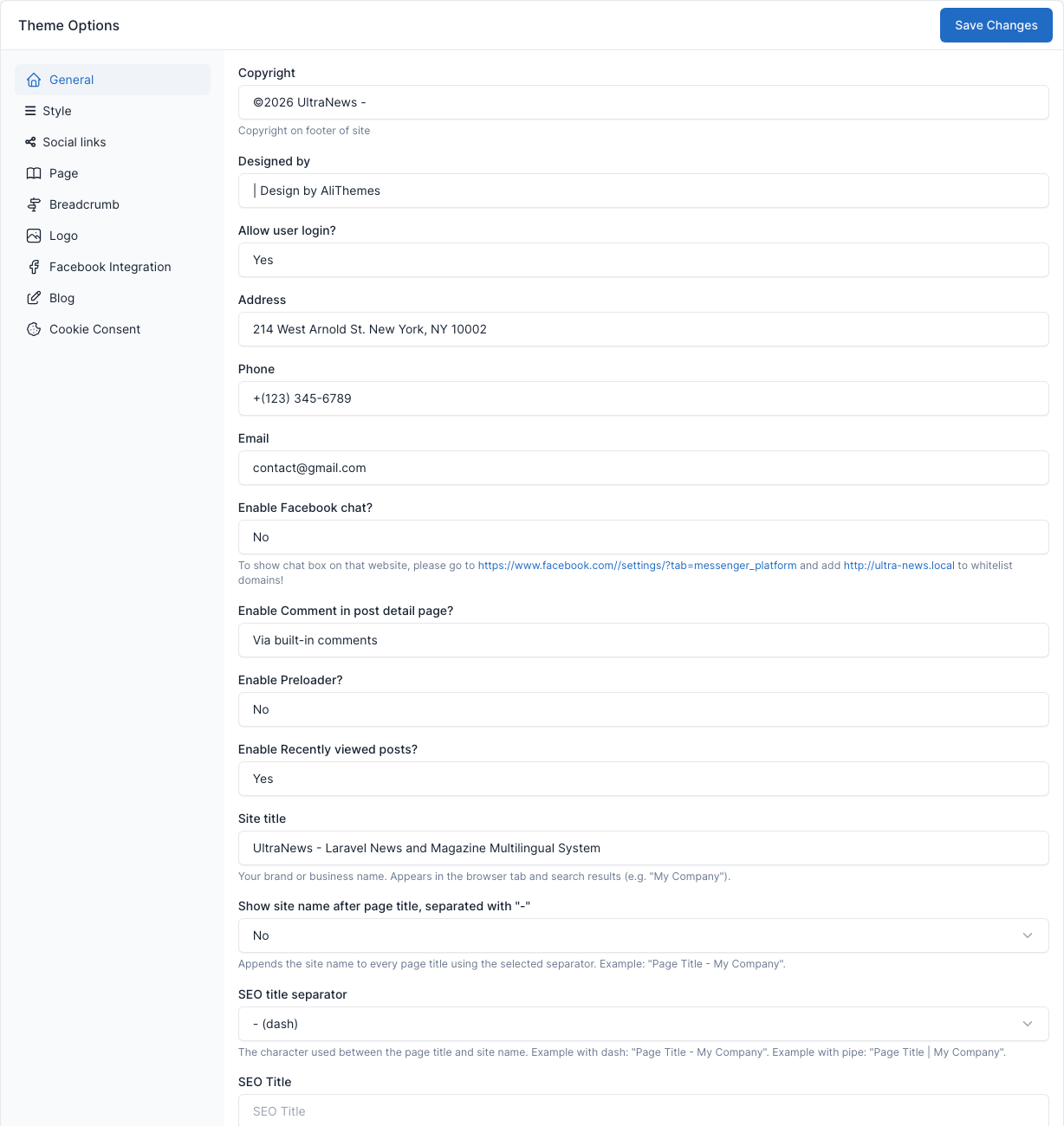
The address and phone shown in the first column come from the same tab and appear in the About me widget. The social links are shown in the top bar and by the Socials widget, not in the footer by default (see Widgets).