Posts Collection
A collection is a named list of posts that you pick by hand, for example "Editor's Picked". It can be shown on a page with the Posts Collection shortcode.
Manage collections
Go to Admin -> Blog -> Post collections.
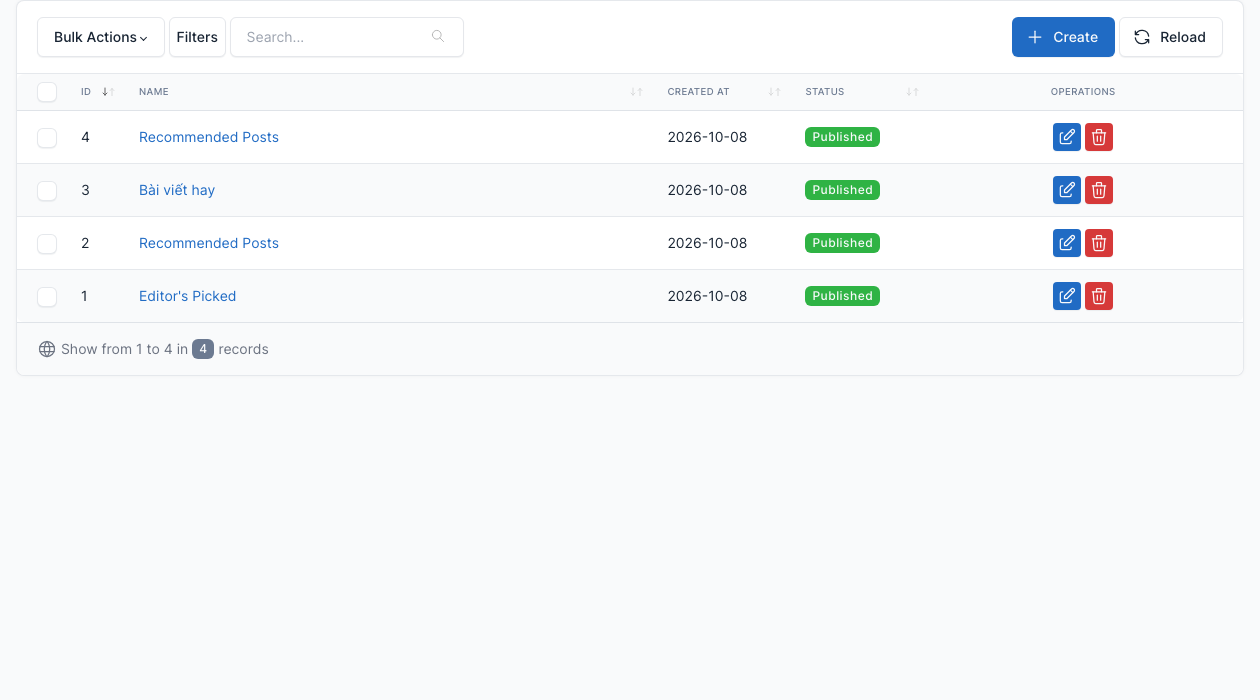
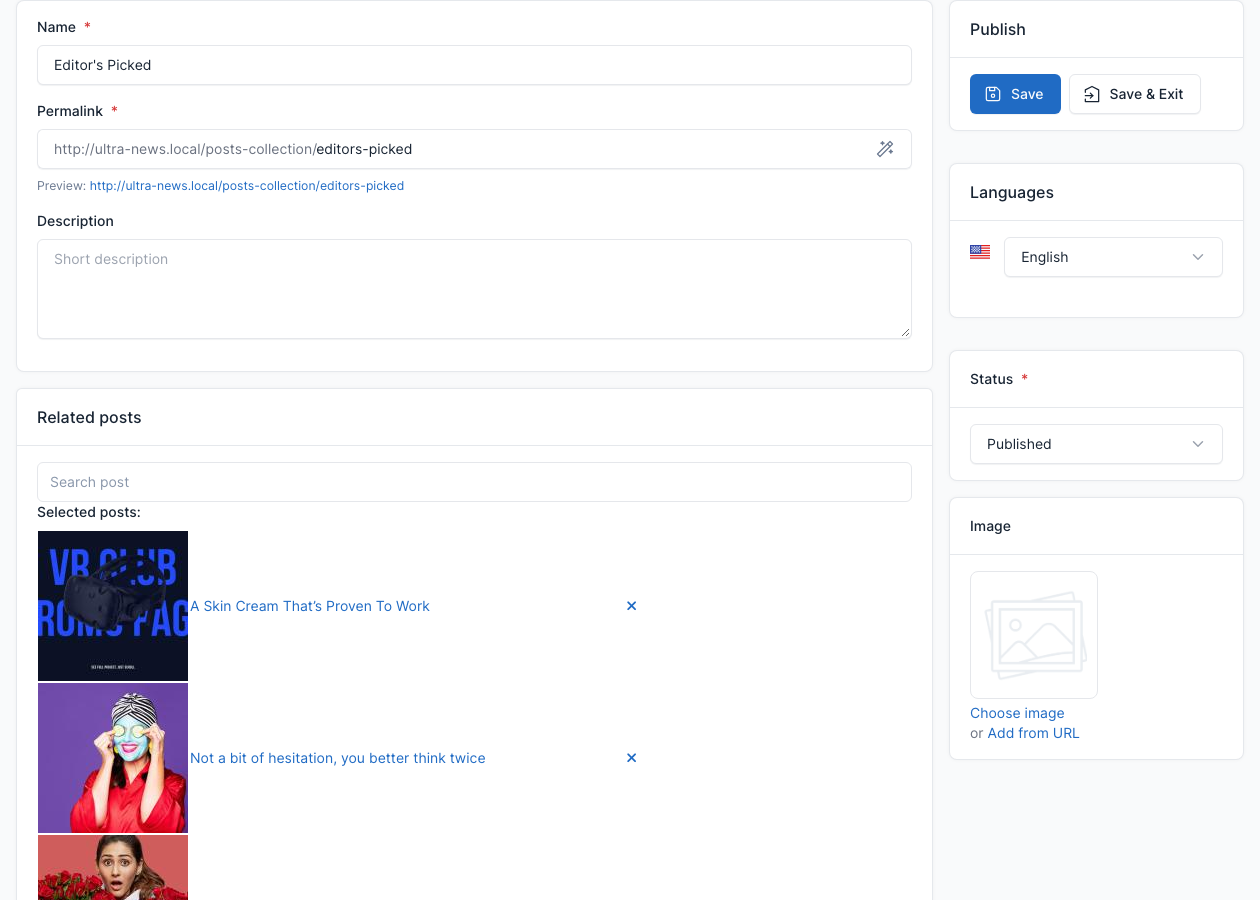
Click Create to add a collection, or the edit button of a row to change one. Give it a name, a description and a status, then search posts in Related posts to add them. Remove a post with the cross next to it.
Show a collection on a page
Add the Posts Collection shortcode to a page, choose the collection and the number of posts. The demo Homepage does this. A collection that is not published shows nothing. See Short code.