Members
Members are the people of your site: the authors of the posts, and the readers who sign in to save favorite posts.
Manage members
Go to Admin -> Members.
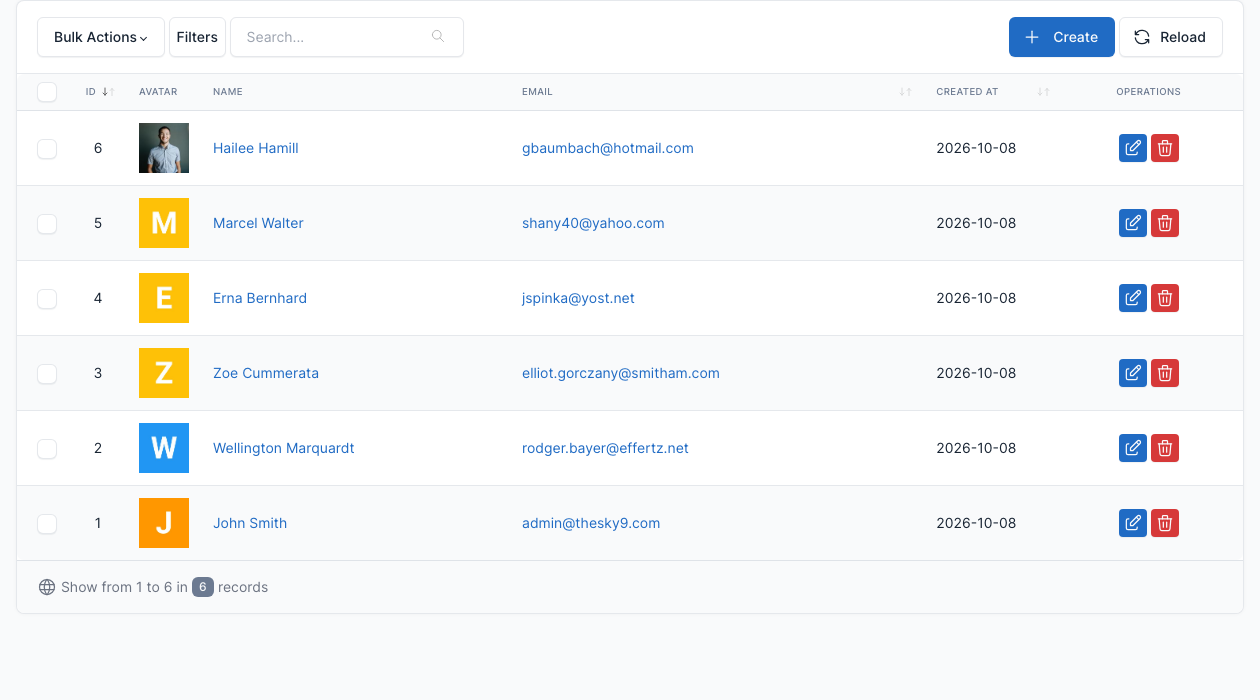
Click Create to add a member, or the edit button of a row to change one.
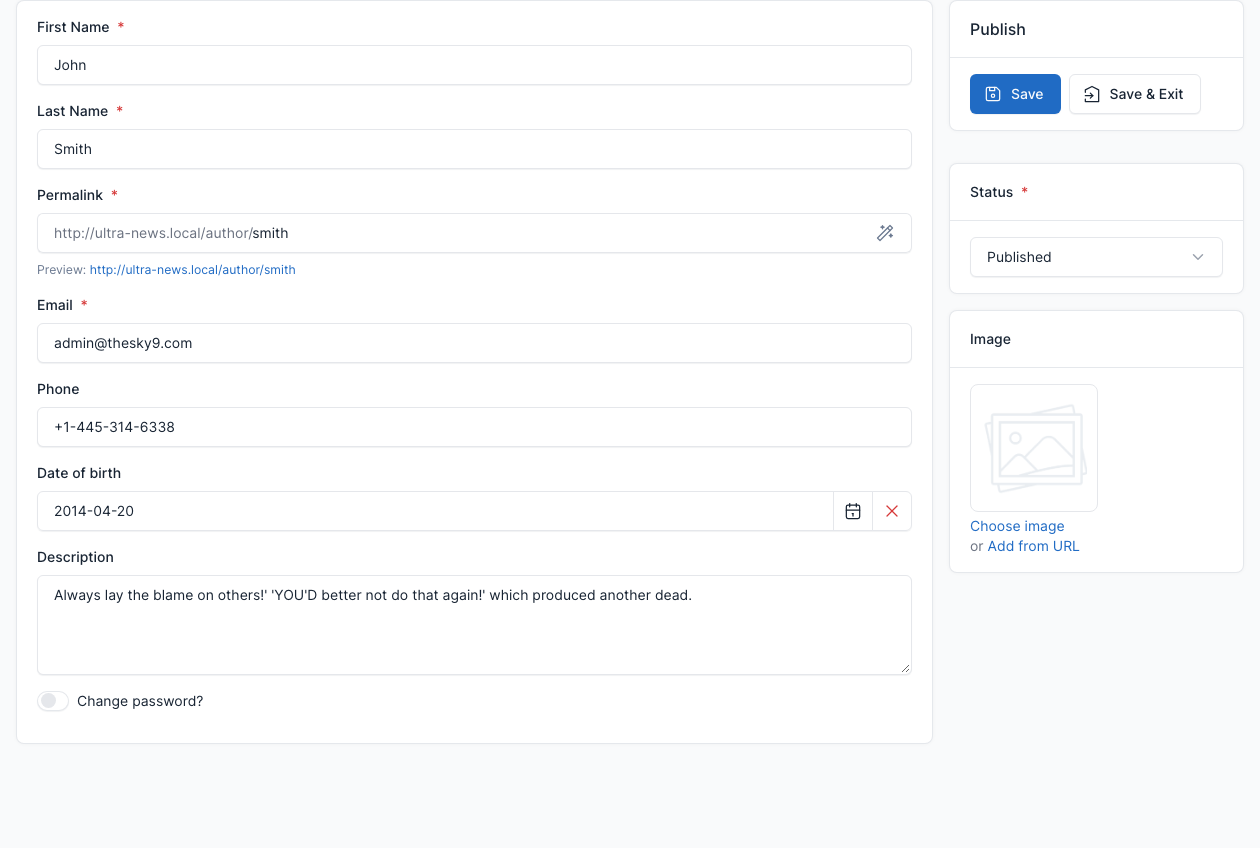
| Field | What it does |
|---|---|
| First Name, Last Name | The name shown on the posts as author. |
| Permalink | The address of the author page, for example /author/smith. |
| Email, Phone, Date of birth | The details of the member. The email is used to sign in. |
| Description | The bio shown in the author box of a post and by the Author widget. |
| Image | The picture of the member. |
| Status | Whether the member is active. |
The author of a post is chosen in the Author box of the post editor in Admin -> Blog -> Posts.
Sign in and sign up
Go to Admin -> Appearance -> Theme options -> General and set Allow user login? to Yes.
The site then has a sign in page at /login and a sign up page at /register. The top bar shows a Login link, and a signed-in member sees an Account menu with their dashboard, their profile and, with the Pro Posts plugin, their favorite, bookmarked and viewed posts (see Pro Posts).
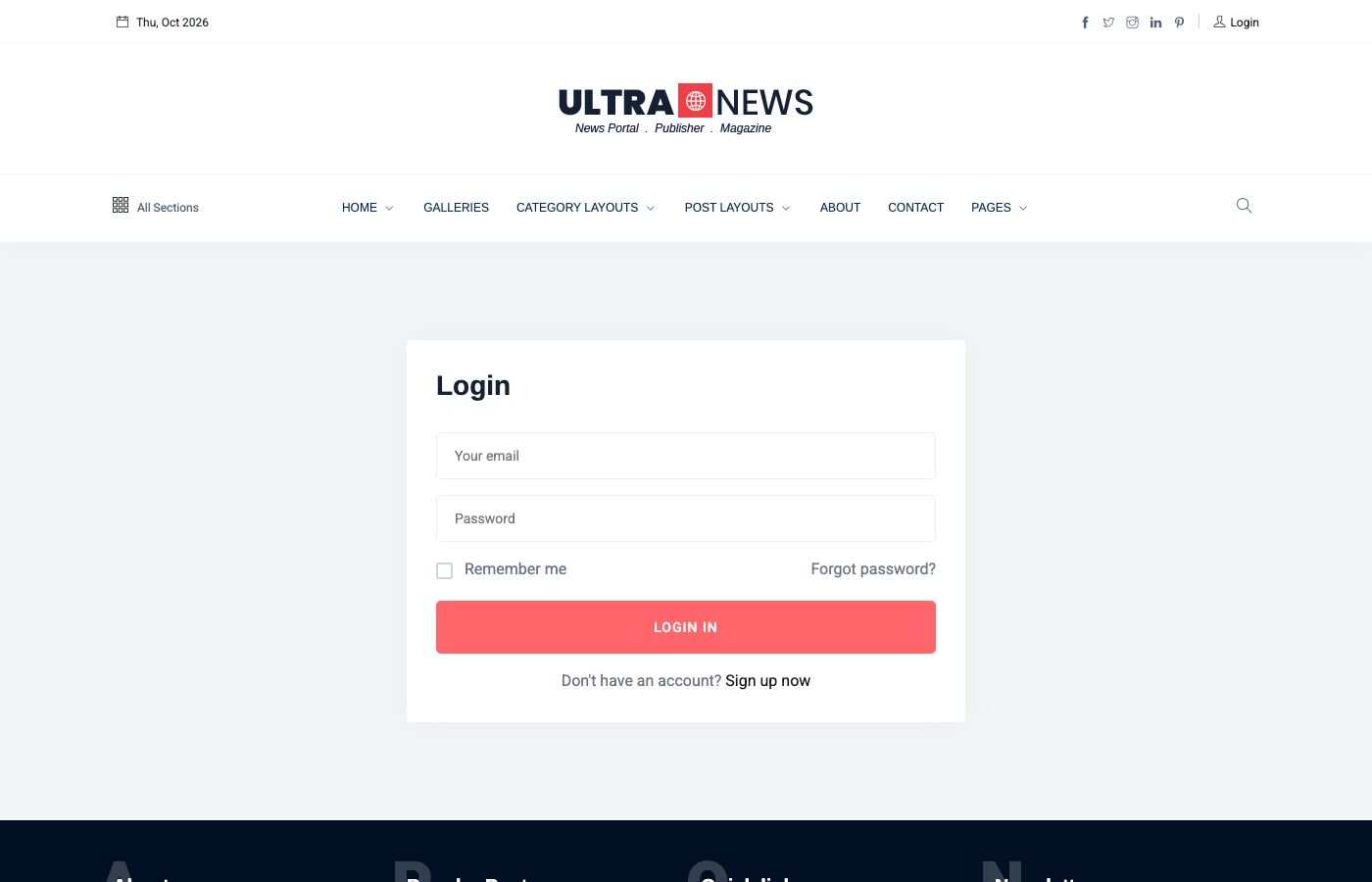
With Allow user login? set to No, these pages return a 404 and the top bar shows no login link.
Settings
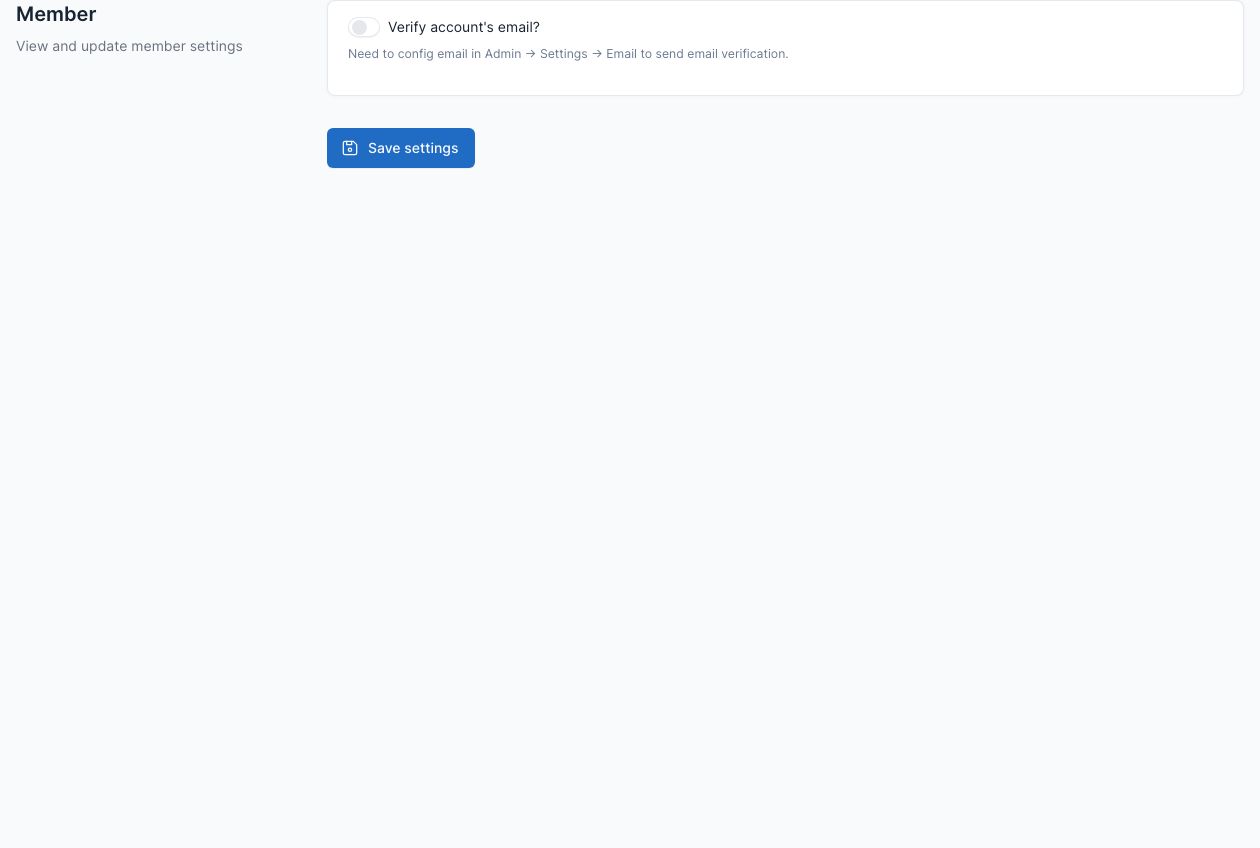
Go to Admin -> Settings -> Member.
Tick Verify account's email? to send a verification email to new members. Email must be set up first (see Config).
Members can also sign in with their social accounts, see Social Login.