Contact form
Usage
Using shortcode
Add to a page's content in Admin -> Pages (the demo Contact page does this). The Title is the heading above the form:
[contact-form title="Get in Touch"][/contact-form]Or add in any view in platform/themes/ultra/views:
{!! do_shortcode('[contact-form][/contact-form]') !!}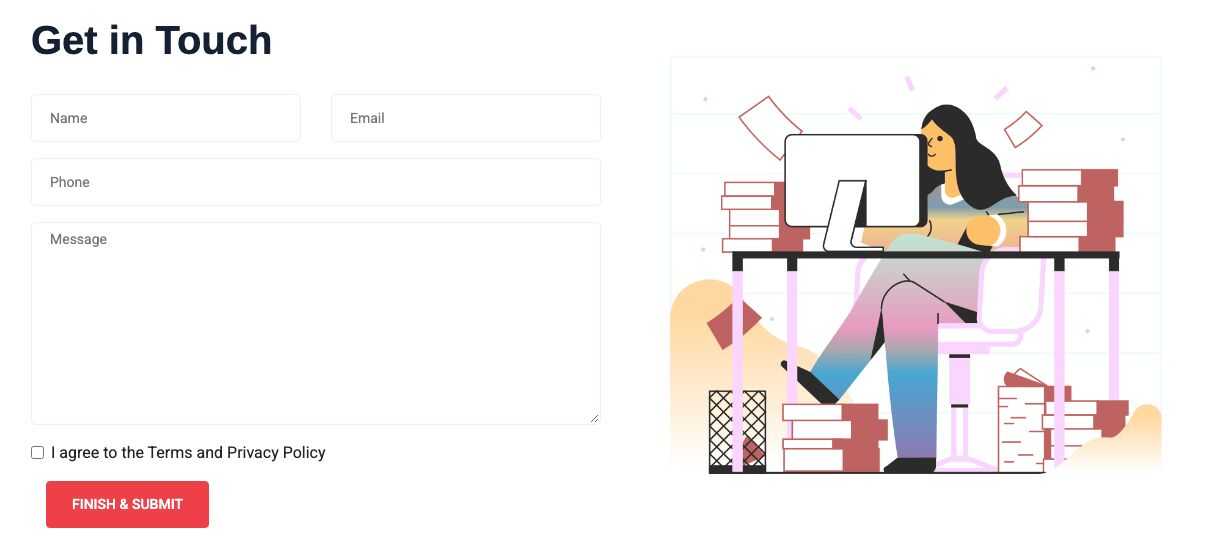
Messages
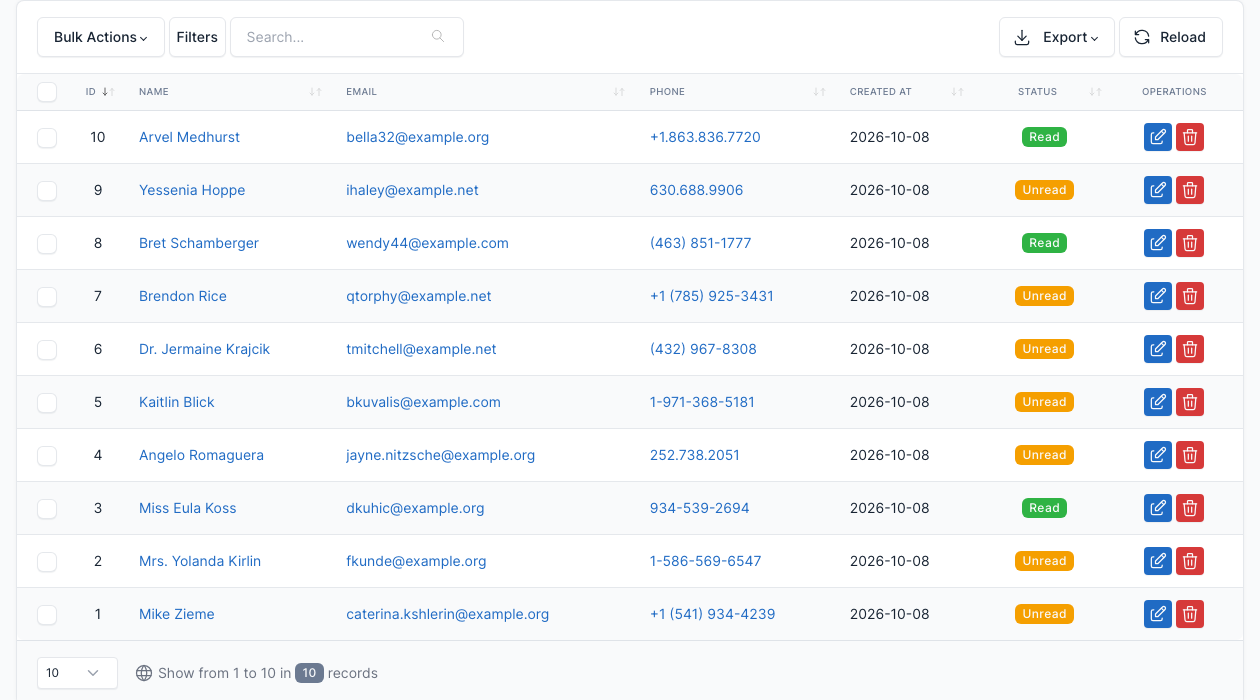
Go to Admin -> Contact -> Contacts.
Every message sent from the form is saved here. Open a message to read it and to reply to the sender from the admin; the number of unread messages is shown in the admin menu.
Settings
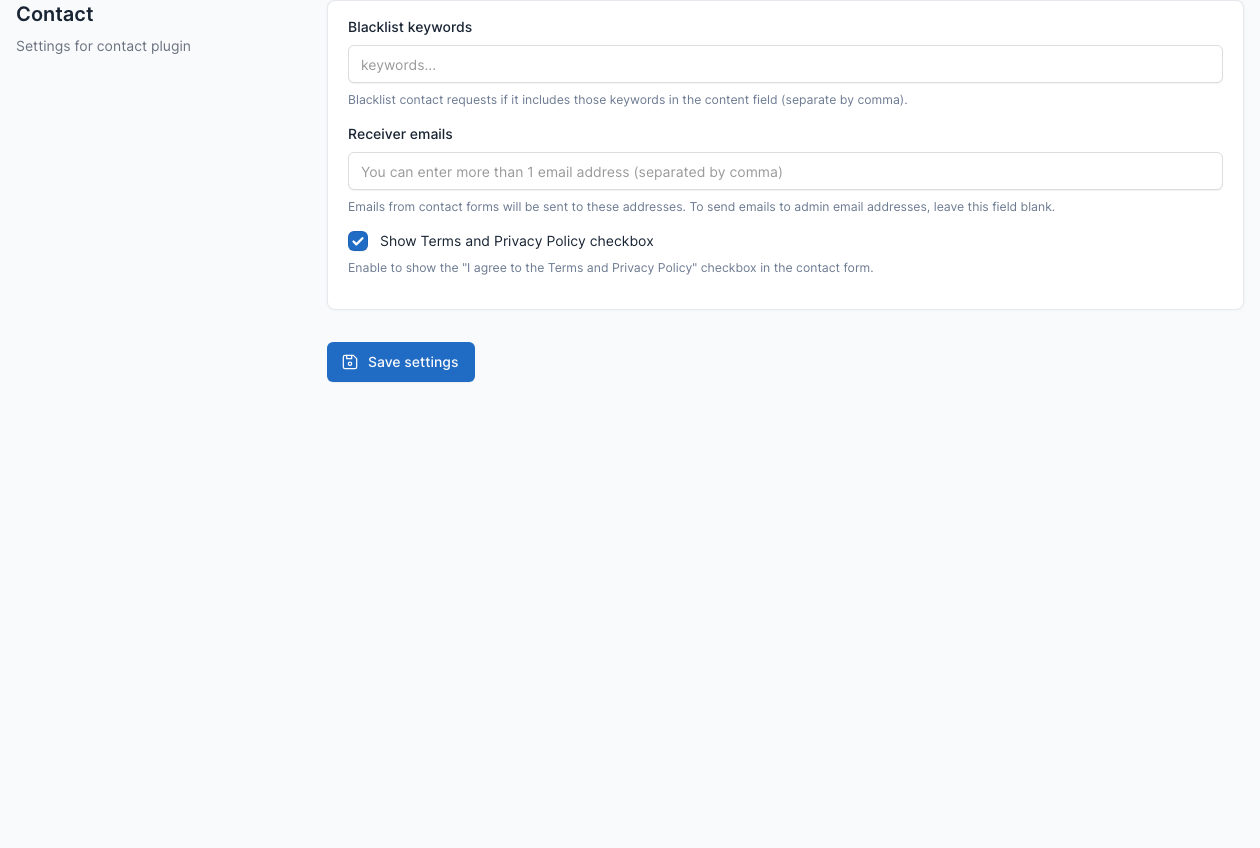
Go to Admin -> Settings -> Contact.
- Blacklisted keywords: messages that contain one of these words are rejected.
- Receiver emails: the addresses that receive the messages. Leave it empty to use the admin email.
- Show Terms and Privacy Policy checkbox: shows the "I agree to the Terms and Privacy Policy" checkbox in the form. It is on by default, and visitors must tick it to send the form. Turn it off to remove the checkbox and the requirement.
The emails sent by the form (the notice to you, the confirmation to the sender and your reply) can be edited in Admin -> Settings -> Email templates. See Config.