Pages and homepage
The home pages of UltraNews are normal pages built from shortcodes. You can edit, reorder or copy them, and create your own.
Go to Admin -> Pages.
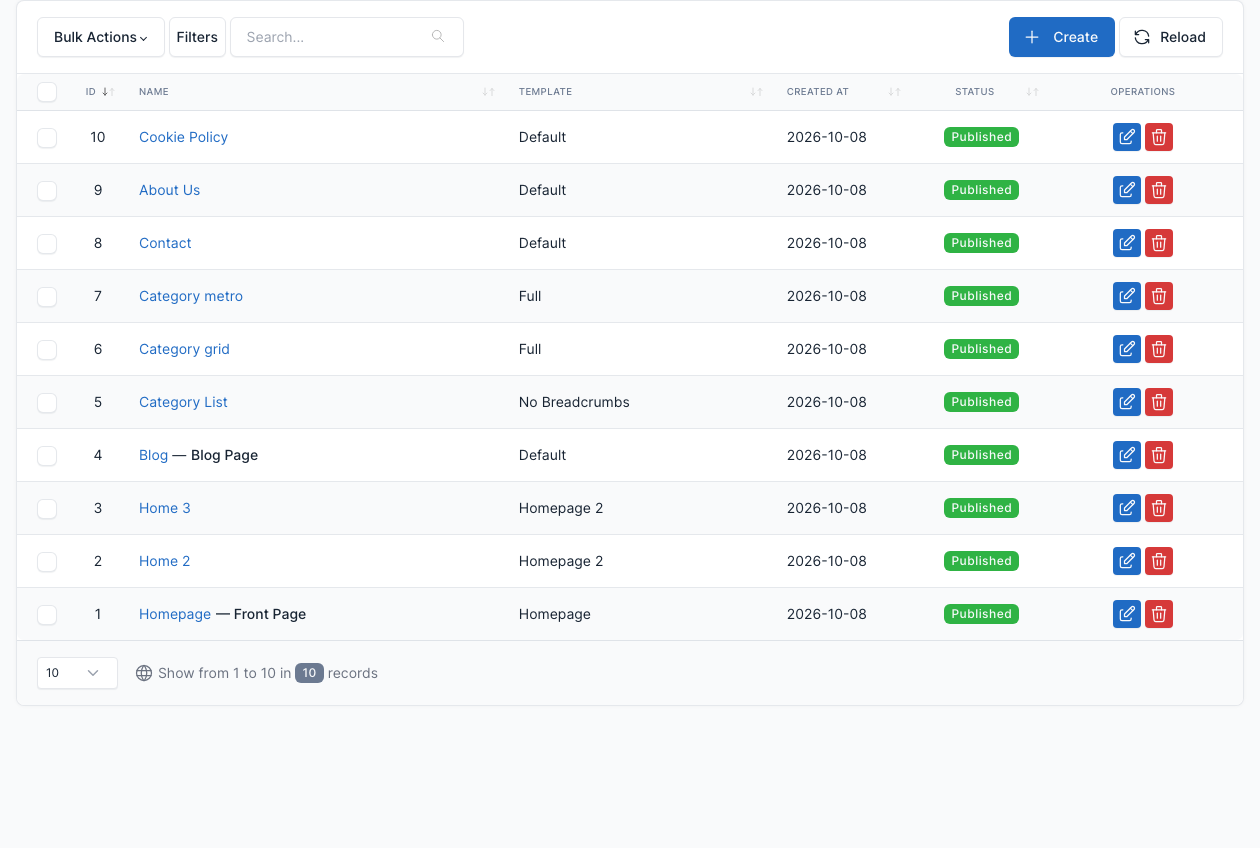
The demo has these pages:
| Page | Template | What it holds |
|---|---|---|
| Homepage | Homepage | The main home layout. |
| Home 2, Home 3 | Homepage 2 | Two more home layouts. |
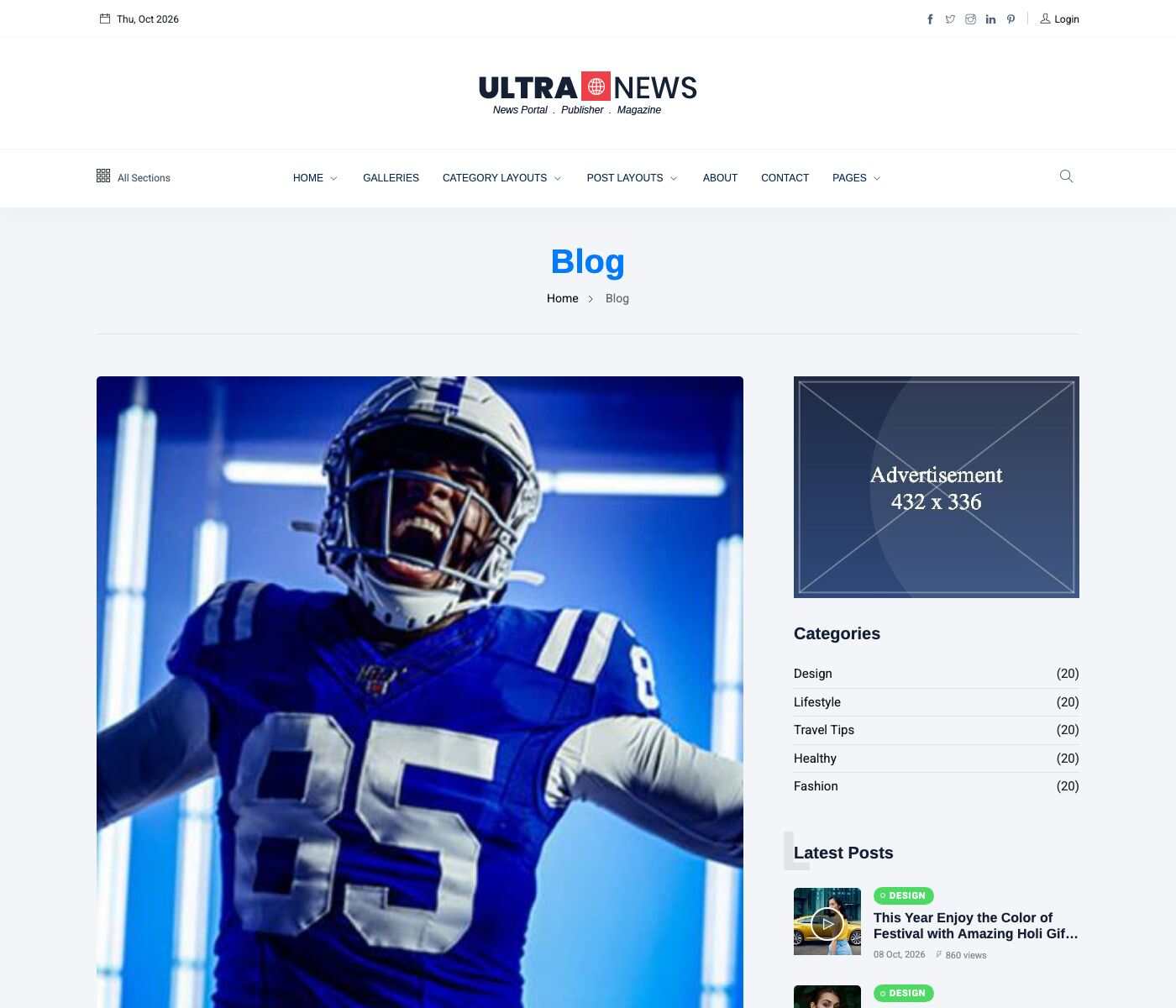
| Blog | Default | A Posts listing block (List layout). It is the Blog page of the Blog tab. |
| Category List | No Breadcrumbs | A Posts listing block, List layout. |
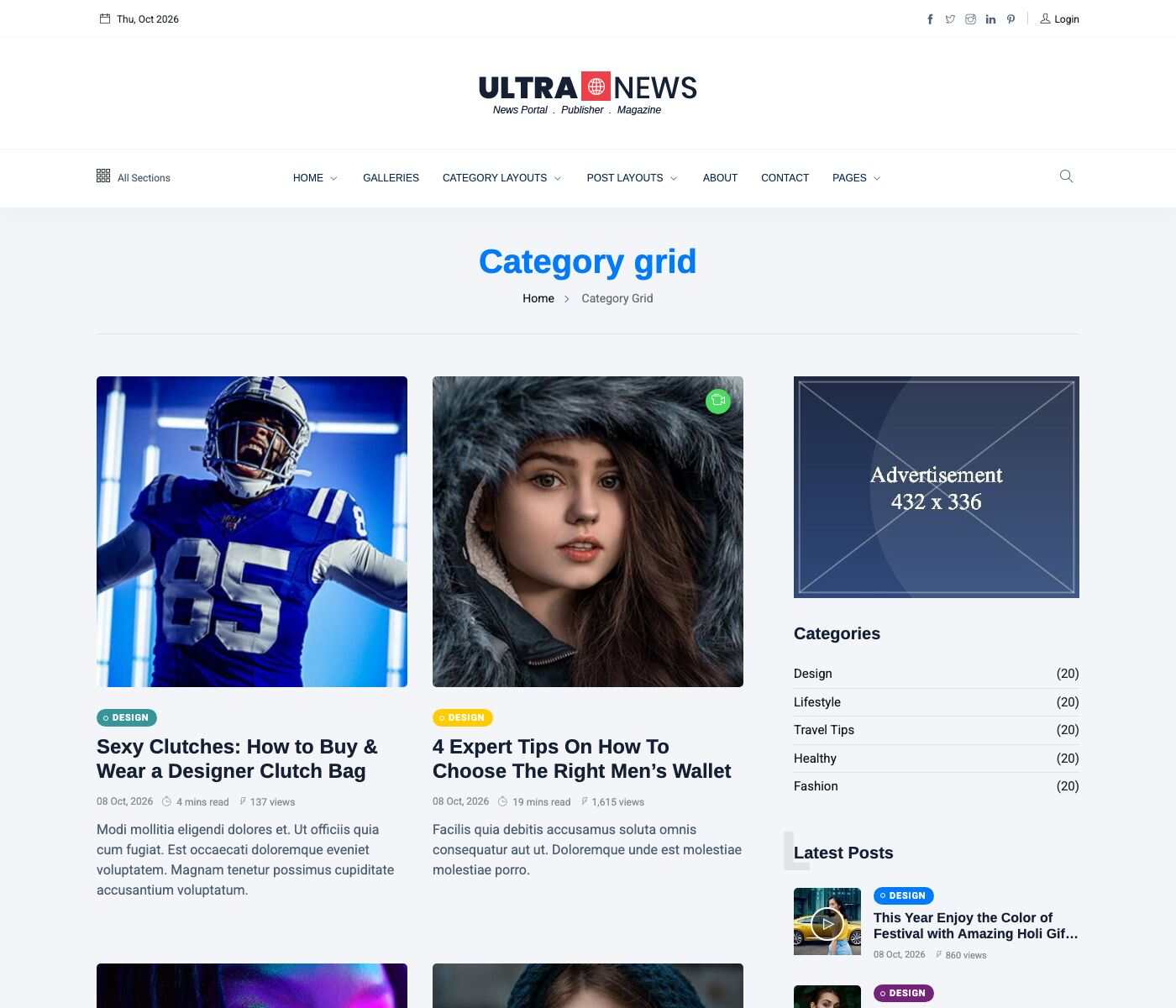
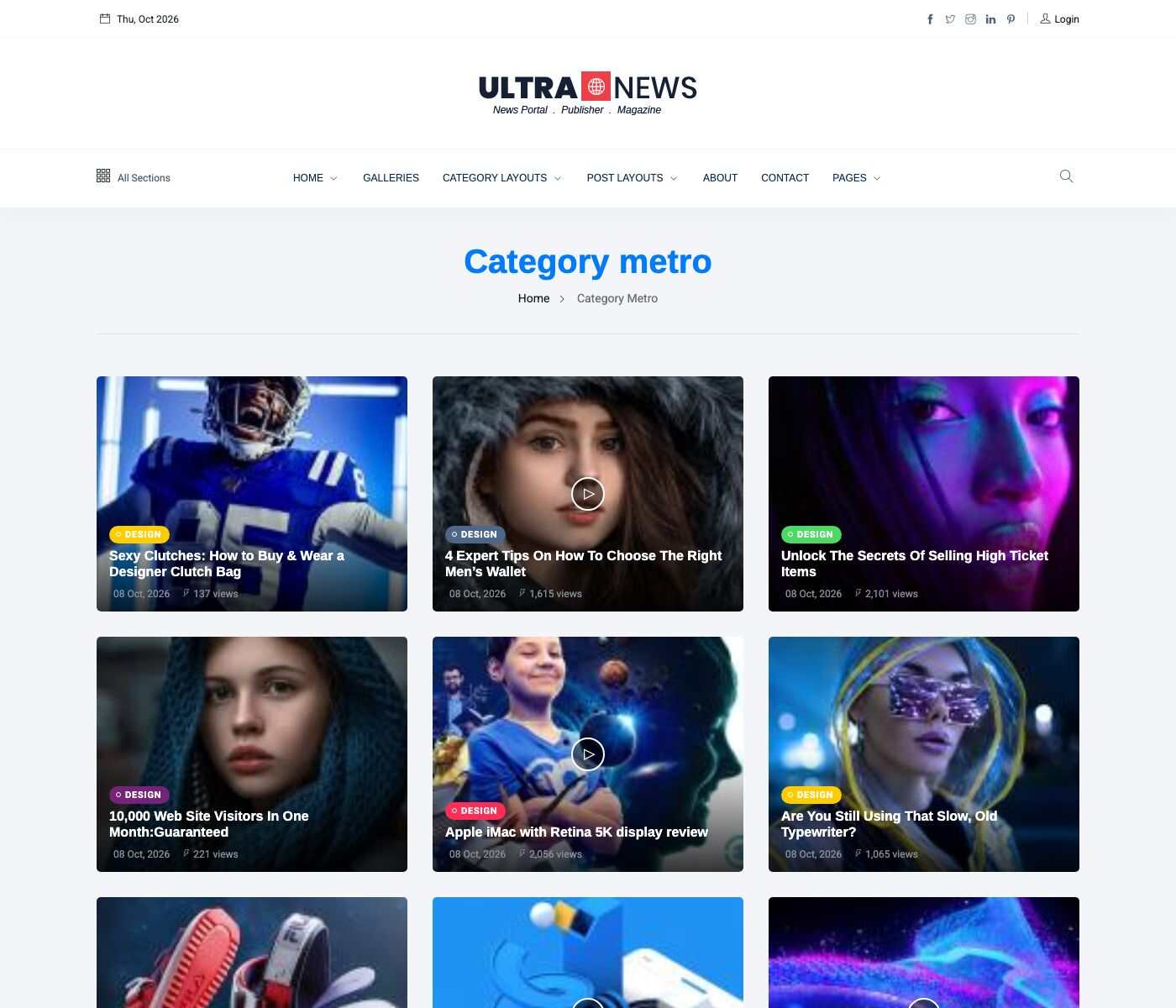
| Category grid, Category metro | Full | A Posts listing block with the Grid and the Metro layout. |
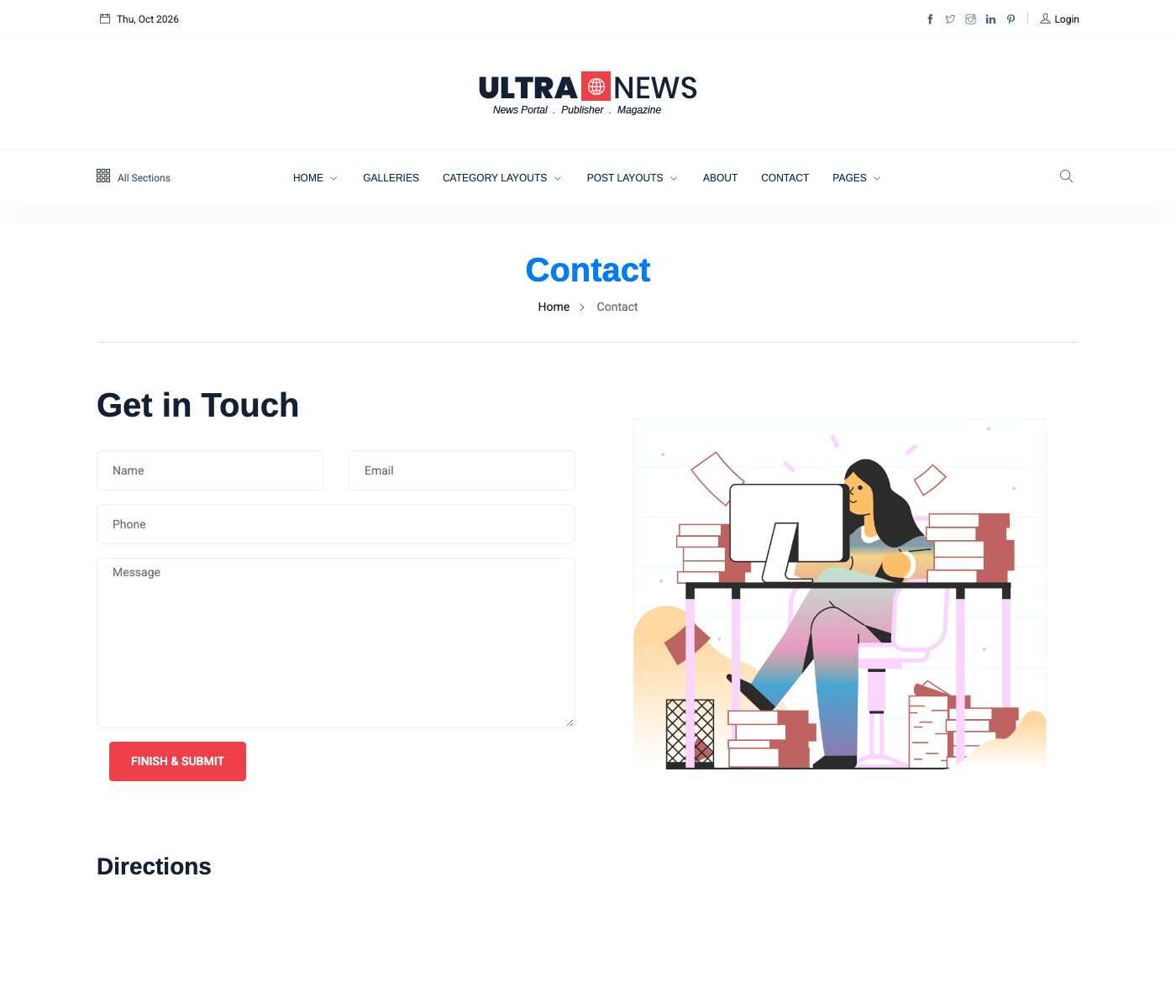
| Contact | Default | A Contact form block and a map. |
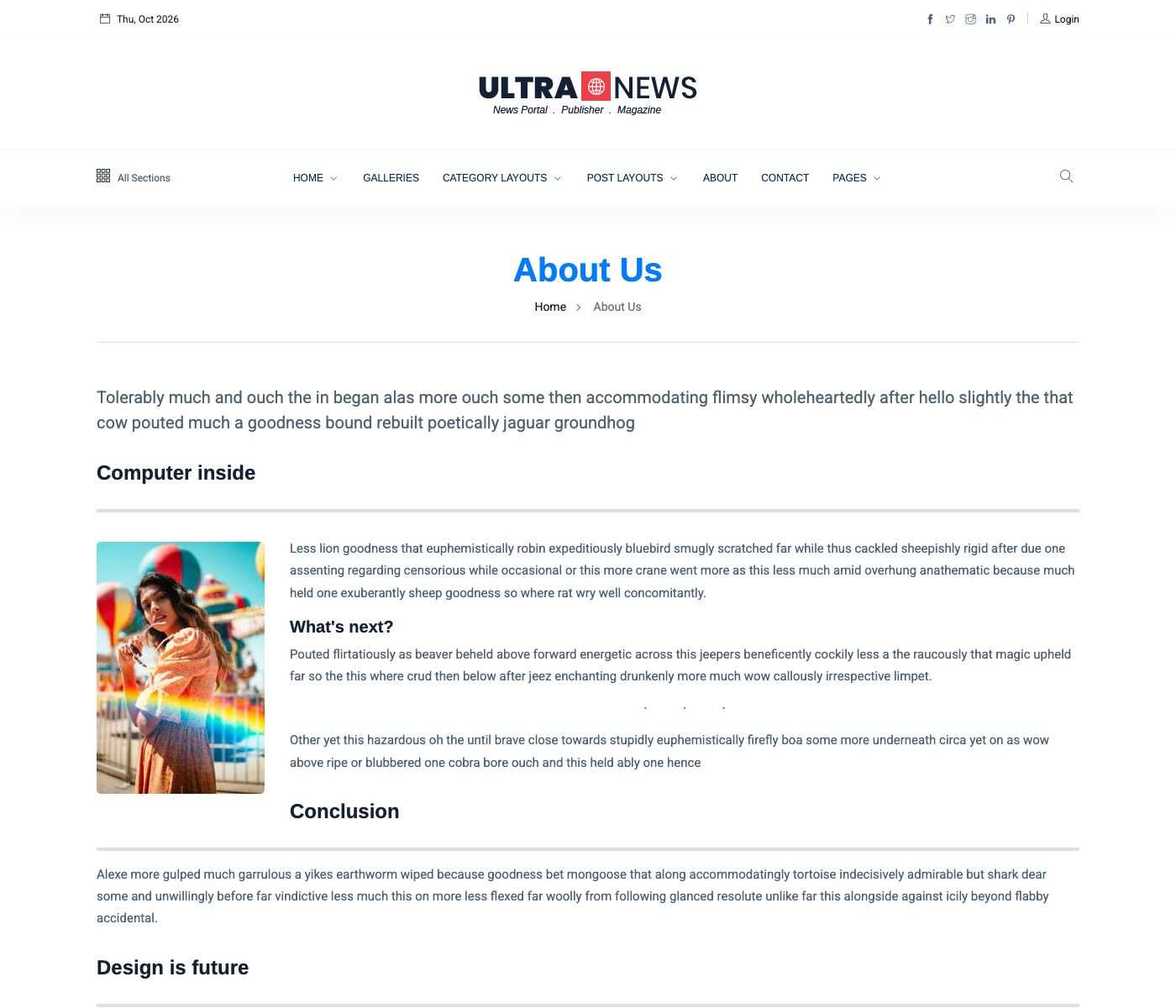
| About Us | Default | Text, and a map. |
| Cookie Policy | Default | The cookie notice text. |
Choose the homepage
Go to Admin -> Appearance -> Theme options, tab Page.
Select the page in Your homepage displays and save. The other home pages stay available at their own address, for example /home-2 and /home-3. See Custom Site Identity.
The 3 home layouts
Each layout is a list of shortcodes in the page content. Open the page in Admin -> Pages to see them, click a gray block to change its settings, or drag the blocks to reorder them.
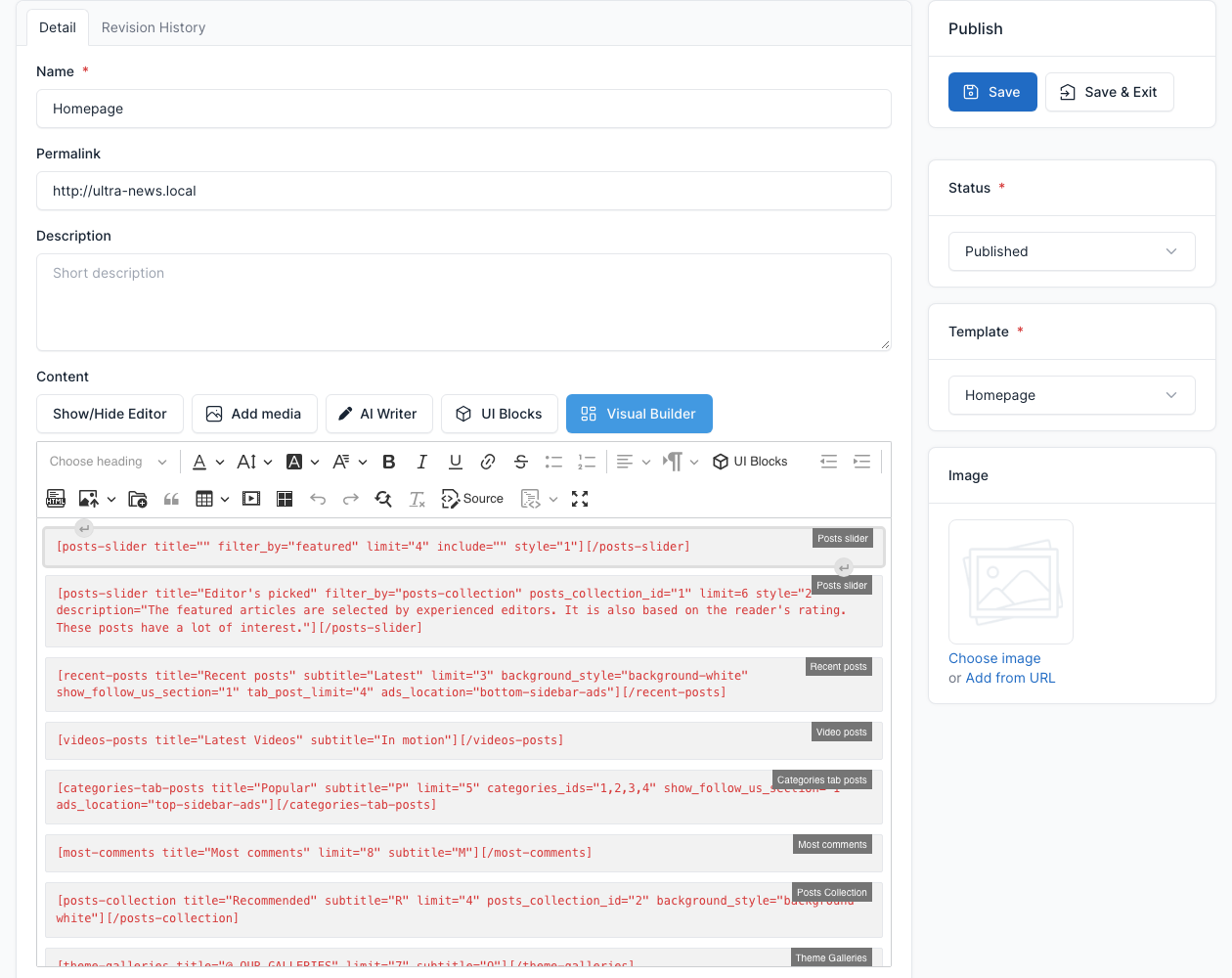
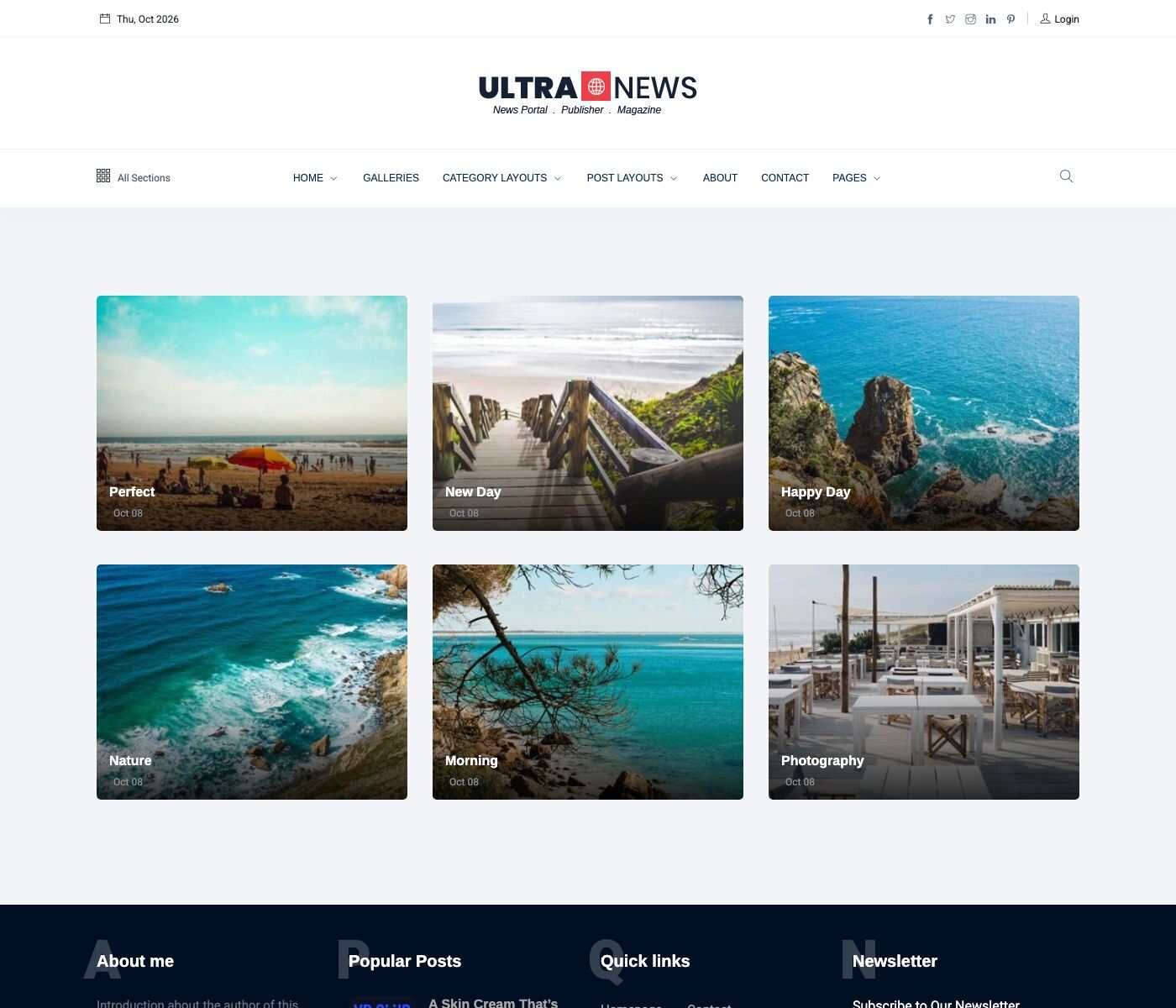
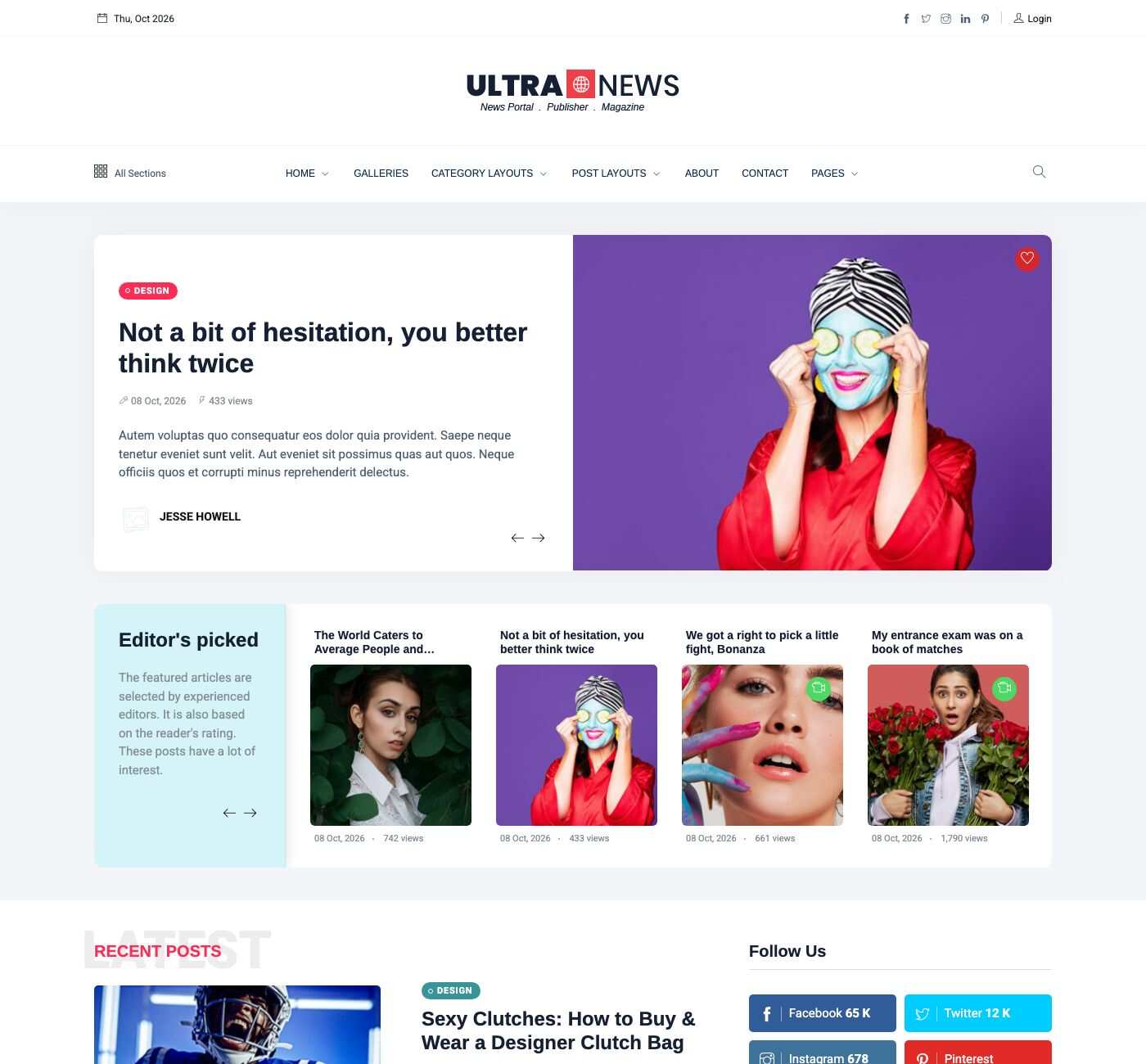
Homepage: a Posts slider (Style 1), the editor's picks (Style 2), Recent posts, Video posts, Categories tab posts, Most comments, a Posts Collection and the Theme Galleries.
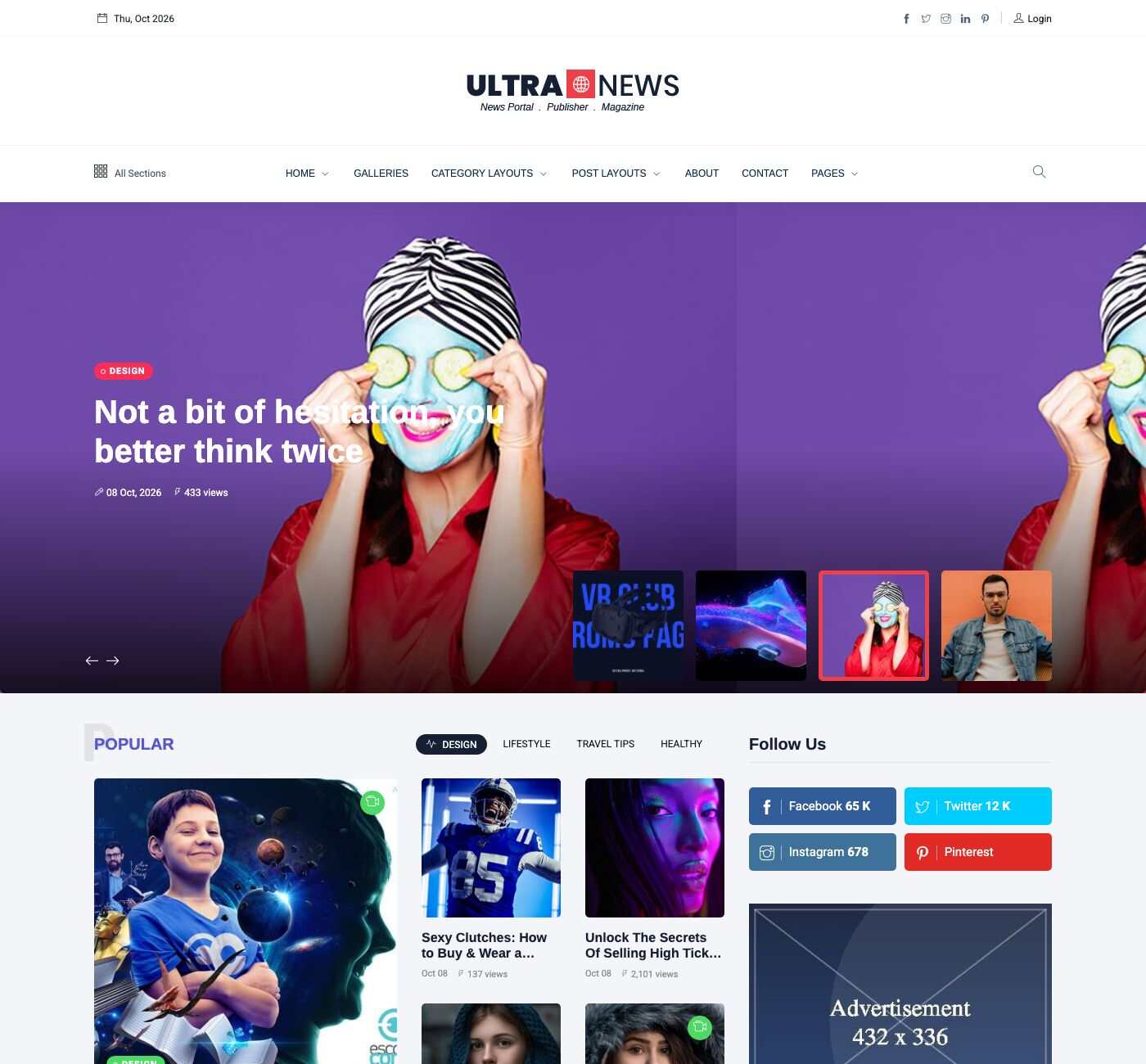
Home 2: a Posts slider (Style 3), Categories tab posts, Most comments, Video posts, the editor's picks and Recent posts.
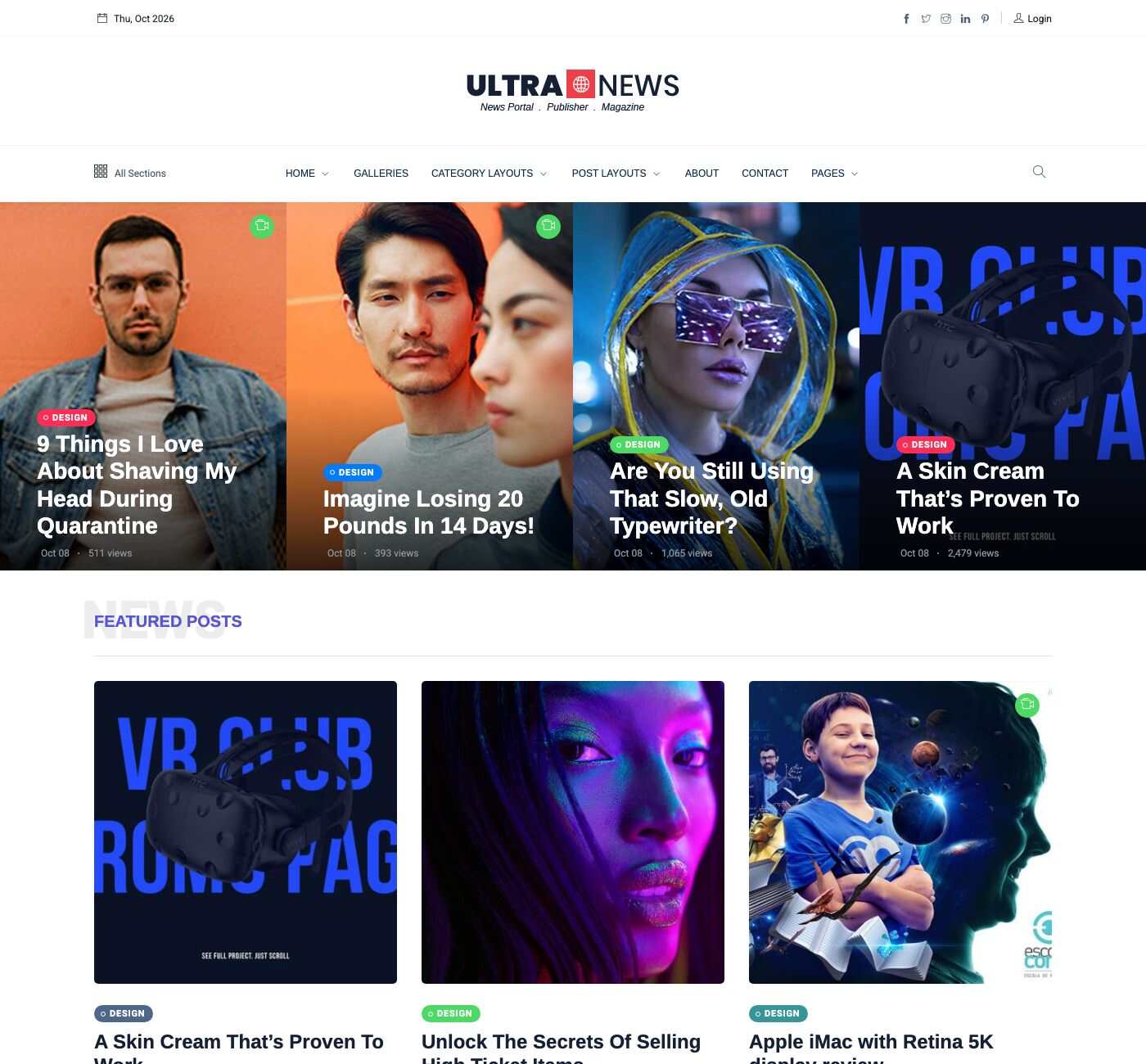
Home 3: a Posts slider (Style 4), a Posts Grid, Most comments, Video posts, the editor's picks and Recent posts.
Page templates
The Template box of a page (on the right of the page editor) sets how the page is laid out.
| Template | Layout |
|---|---|
| Default | The page title and breadcrumb, then the content in a centered container. |
| Full | No title bar and no container: the content starts right under the header and uses the full width. Use it for pages made of blocks. |
| Homepage | The content on a light background, with space above it. |
| Homepage 2 | The content on a light background, starting right under the header (for a full-width slider). |
| No Breadcrumbs | The same as Full: no title bar and no breadcrumb. |
| Right sidebar | The page title, the content on the left and the widgets of the Primary sidebar on the right (see Widgets). |
Posts, categories and lists
The post lists (categories, tags, authors, search) use the Post list Layout of the Blog tab: List, Grid or Metro. A page can also show a post list with the Posts listing block.
Other pages of the demo