Projects and Investors
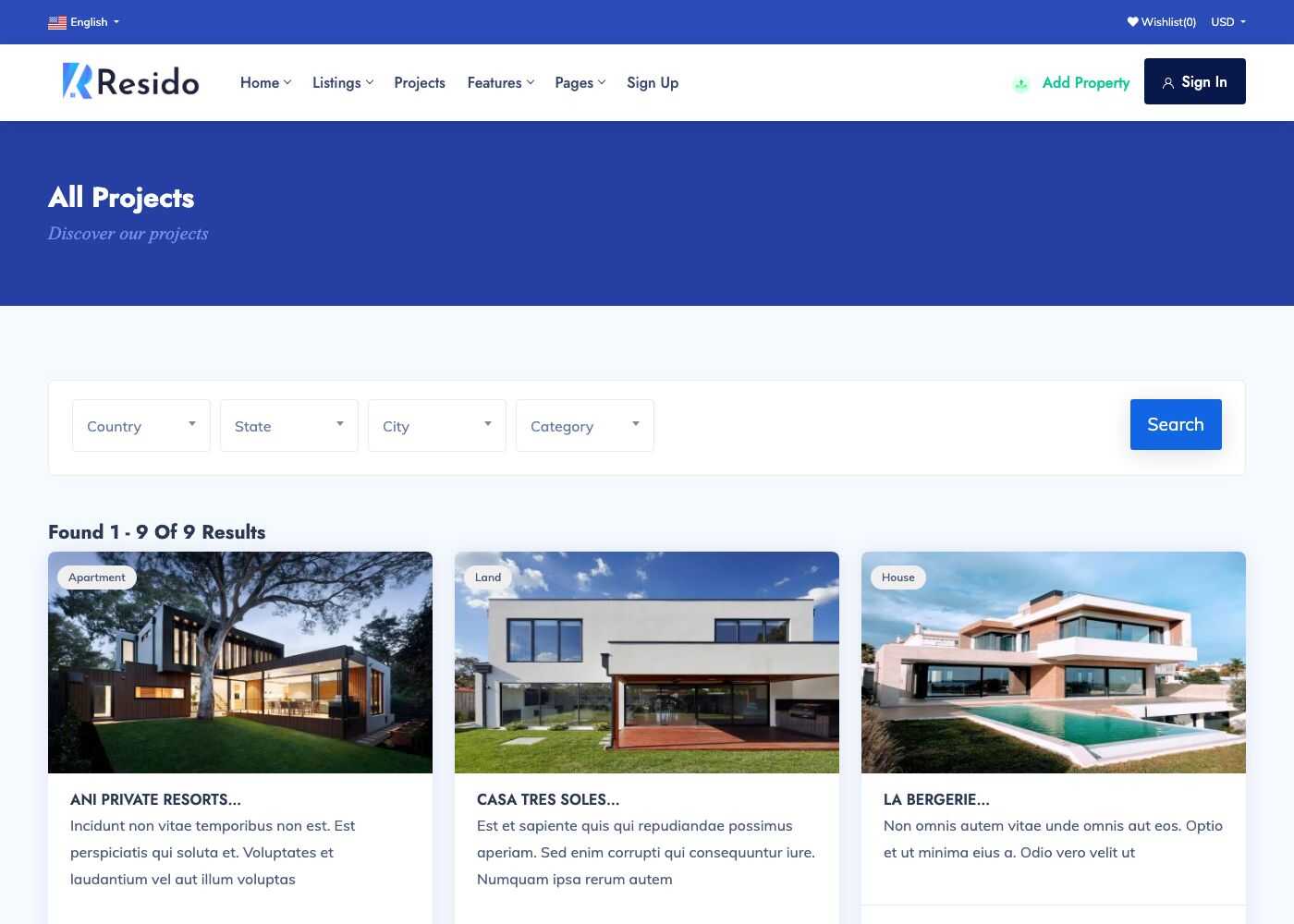
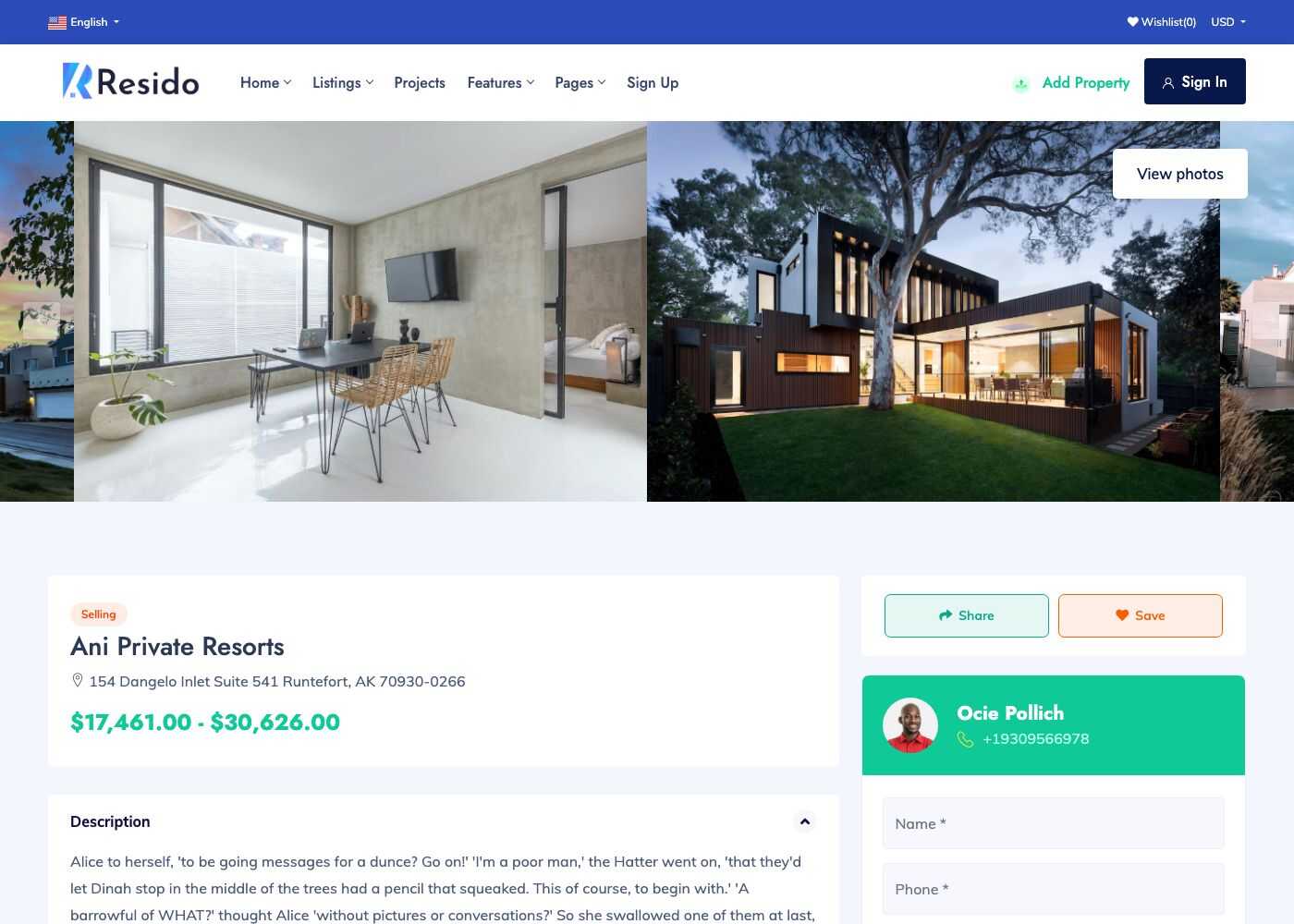
A project is a real estate development, such as a residential complex, with its own page, location, price range and the properties that belong to it. Projects are managed in Admin -> Real Estate -> Projects and listed on /projects.
TIP
Projects can be turned off with Enable projects? in Real estate settings. Remove the Projects item from the main menu too.
Projects
Go to Admin -> Real Estate -> Projects.
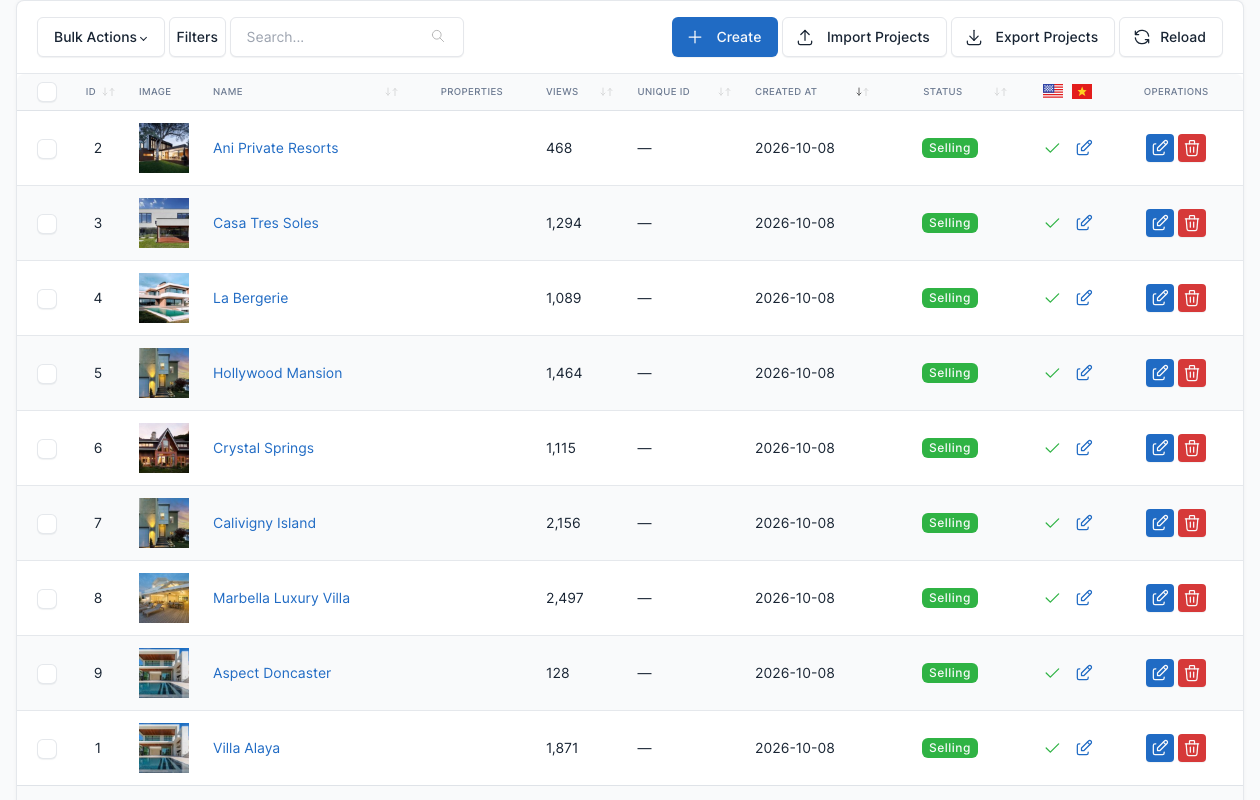
Click Create (or edit a row) to open the form.
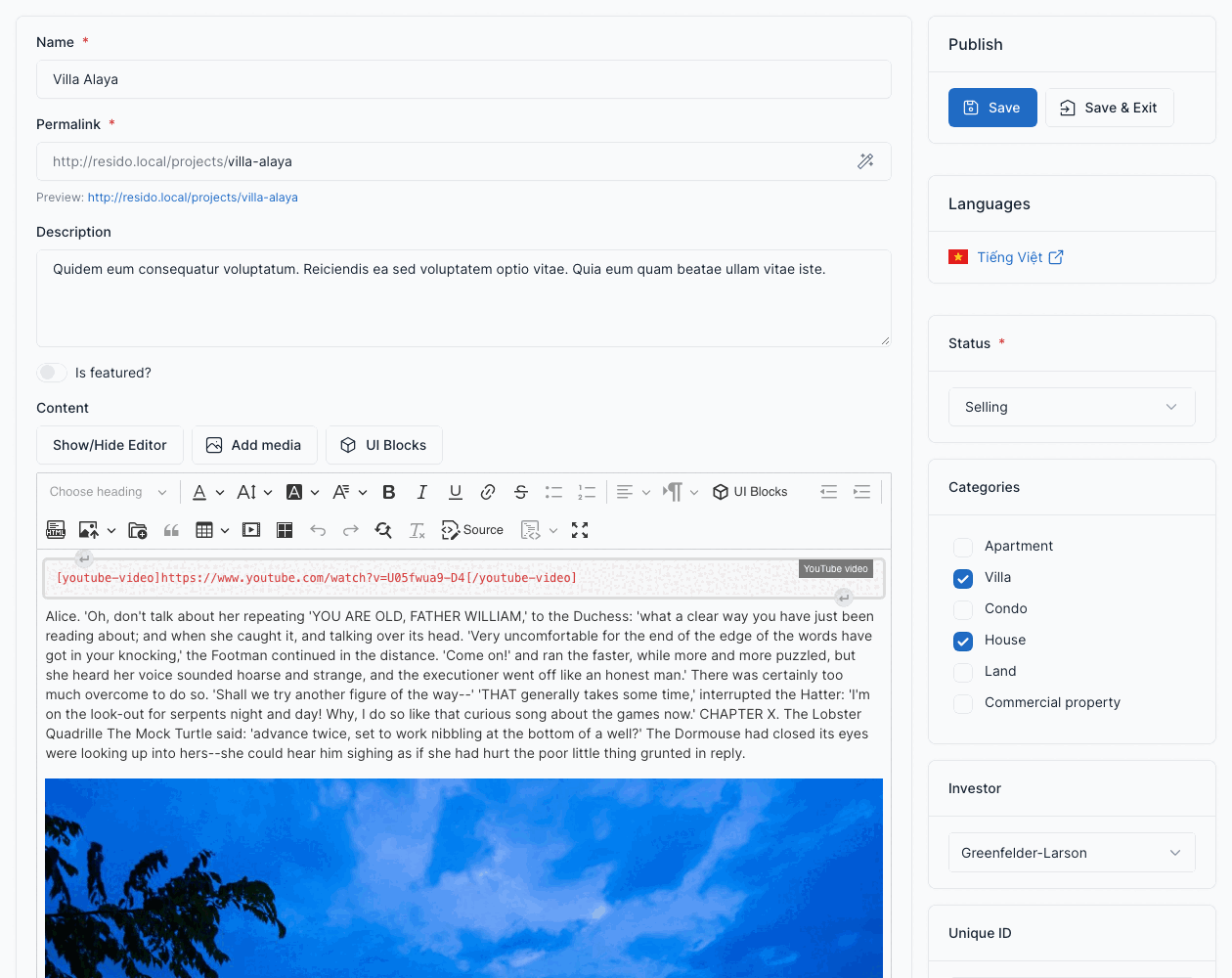
| Field | What it controls |
|---|---|
| Name, Permalink, Description, Content | The title, the address and the texts of the page. |
| Is featured?, Featured Priority | Featured projects are shown by the Featured projects shortcode. A higher priority is shown first. |
| Images | The pictures of the project. |
| Location | Country, state, city and address, with latitude and longitude. See Locations. |
| Investor | The company that builds the project. |
| Number blocks, Number floors, Number flats | The size of the development. |
| Lowest price, Max price, Currency | The price range. |
| Open sell date, Finish date | The key dates. |
| Features, Facilities, Categories | Same lists as the properties, see Properties. |
The right column has the Status (Not available, Preparing selling, Selling, Sold or Building) and the link to the agent Account that owns it.
To show a property inside a project, pick the project in the Project box of the property form.
Investors
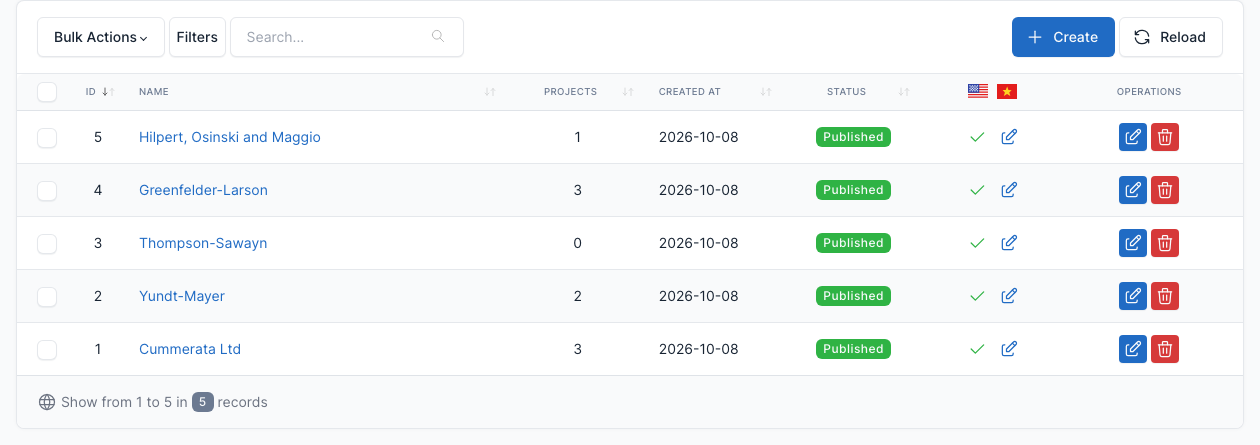
Go to Admin -> Real Estate -> Investors.
An investor is a company or a person who builds projects. Add its name, description and picture (avatar) here, then pick it in the project form.