Payment
Payments are used when agents buy credits with a package (see Agents, Packages and Credits). The checkout offers the methods you turn on here.
Go to Admin -> Payment methods.
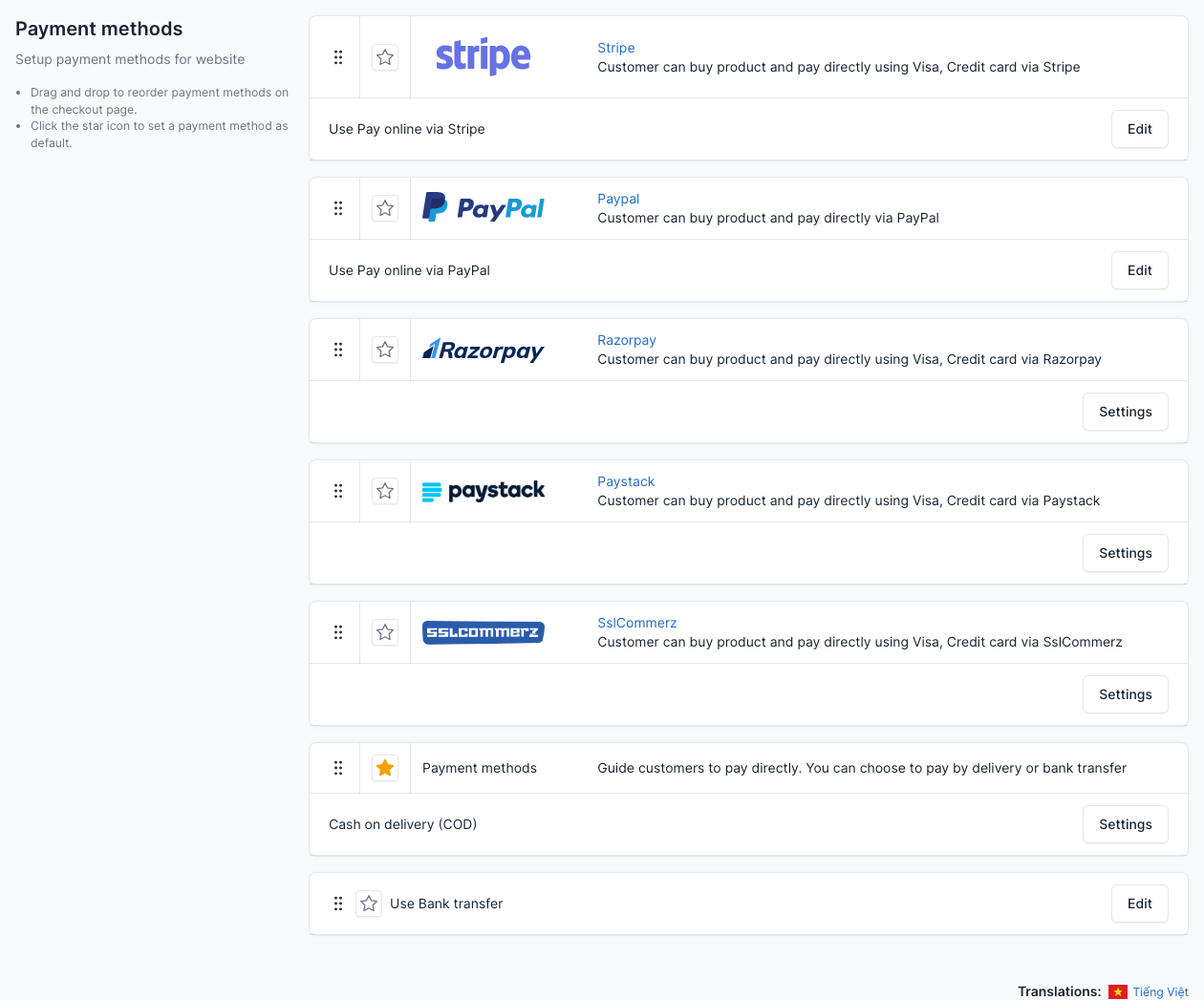
Methods that ship with Resido
| Method | Type |
|---|---|
| Stripe | Online payment by card |
| PayPal | Online payment with a PayPal account |
| Razorpay | Online payment by card |
| Paystack | Online payment by card |
| SSLCommerz | Online payment by card |
| Cash on delivery (COD) | Offline: you receive the money yourself |
| Bank transfer | Offline: the agent pays to your bank account and you confirm it |
For an online method, click Settings (or Edit), enter the keys of your account on the provider, and switch it on. The page shows what to copy from the provider's dashboard. Use the sandbox or test keys first. For COD and Bank transfer, write the instructions the agent sees at checkout.
Drag the methods to reorder them on the checkout page, and click the star to make one the default.
WARNING
Online providers send the buyer back to your site (and some call a webhook), so test them on a public address, not on a local one. A purchase paid by COD or bank transfer stays pending: the agent gets the credits when you mark the payment as completed in Transactions.
Transactions
Go to Admin -> Transactions.
Every payment is listed here with the agent, the amount, the method and the status. Payment Logs keeps the raw answers of the providers, which helps when a payment does not arrive.

Invoices
Go to Admin -> Real Estate -> Invoices.
An invoice is created for each package purchase. The agent can download it from the Invoices page of the account area. Set the company name, address, logo and code prefix in Real estate settings (tab Invoice) and edit the layout in the tab Invoice Template.
