Newsletter
The Newsletter plugin collects the email addresses of visitors who subscribe on your site.
Subscribe form
The form is the Newsletter widget. In the demo it is in Footer sidebar 3 (see Footer and Widgets). Drag the widget into another widget area to show the form elsewhere.
Subscribers
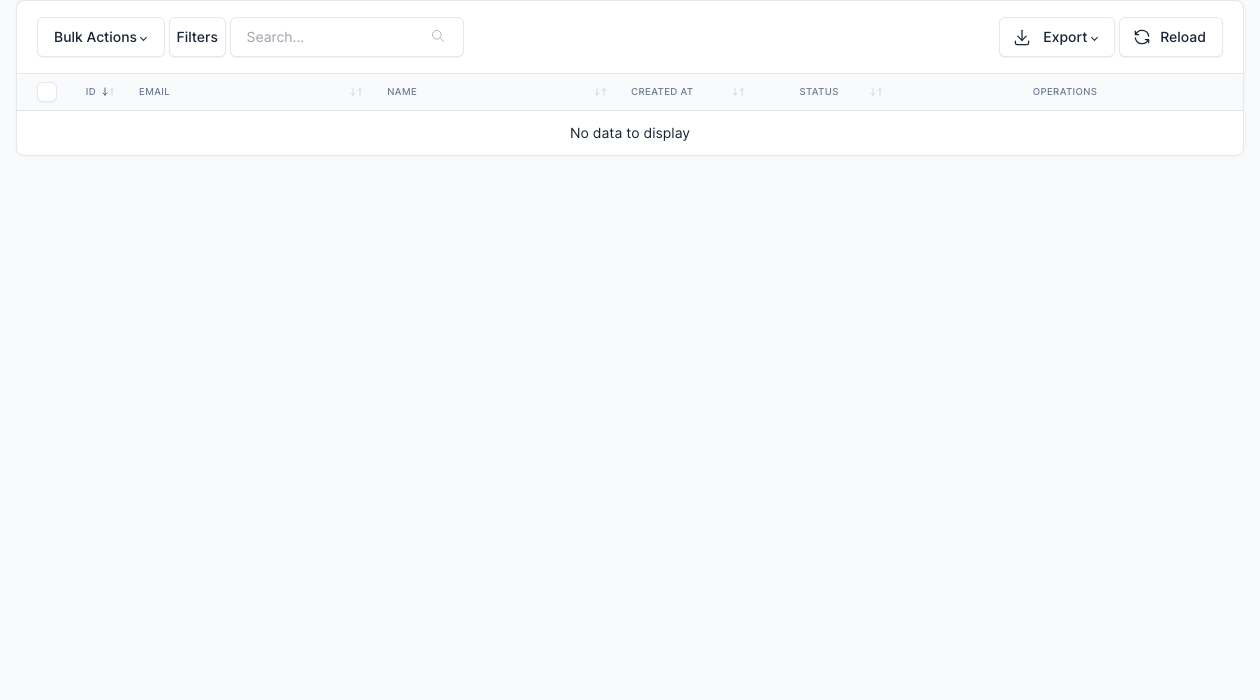
Go to Admin -> Newsletters.
Every subscriber is listed with the date and the status. You can delete a subscriber.
Settings
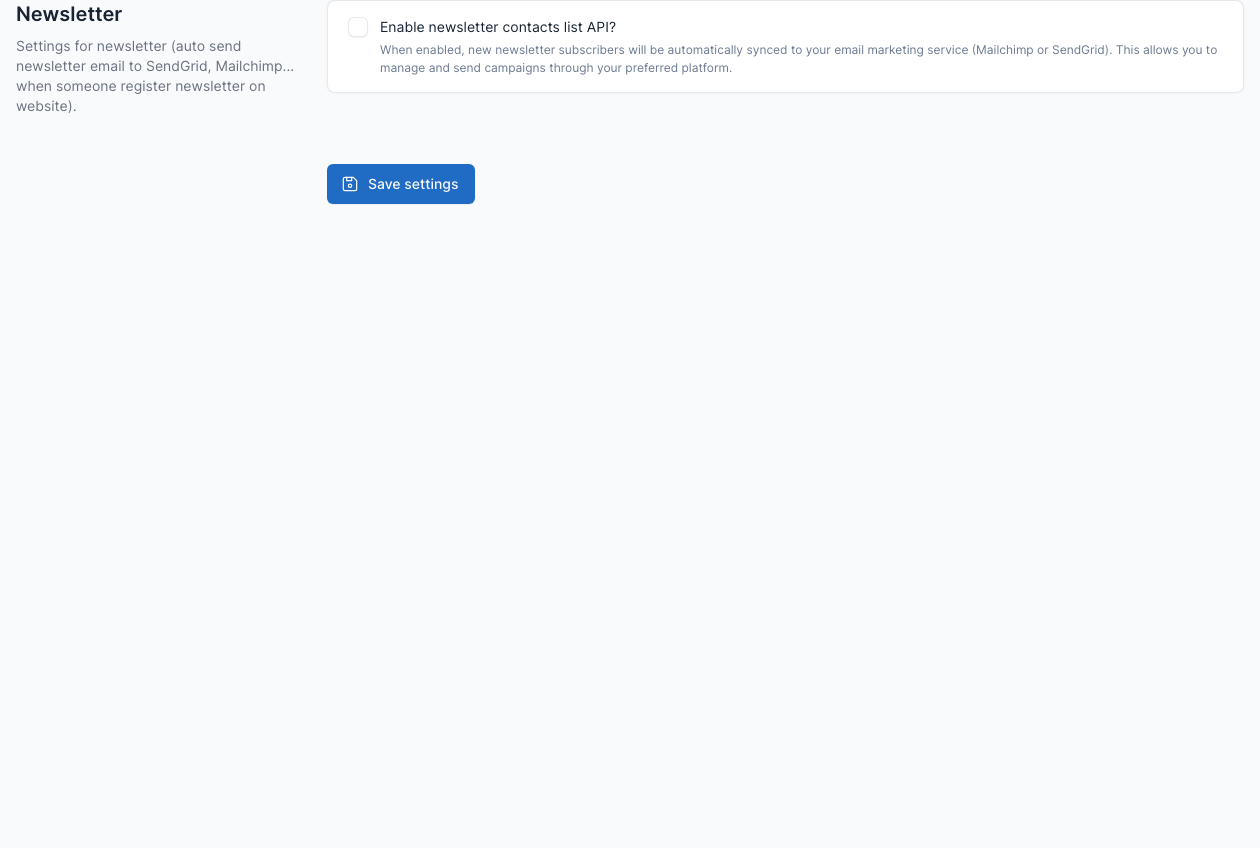
Go to Admin -> Settings -> Newsletter.
Tick Enable newsletter contacts list API? to send each new subscriber to your email marketing service (Mailchimp or SendGrid) as well. Enter the API key and the list of the service in the fields that appear.
The emails of the plugin (a notice to you and a confirmation to the subscriber) can be edited in Admin -> Settings -> Email templates. See Config.