Agents, Packages and Credits
Agents are the people or companies who publish properties. In the admin they are called Accounts; on the front end they are Agents. A visitor registers at /register, signs in at /login, and then manages properties from the account area. You can make agents pay for listings with credits that they buy as packages.

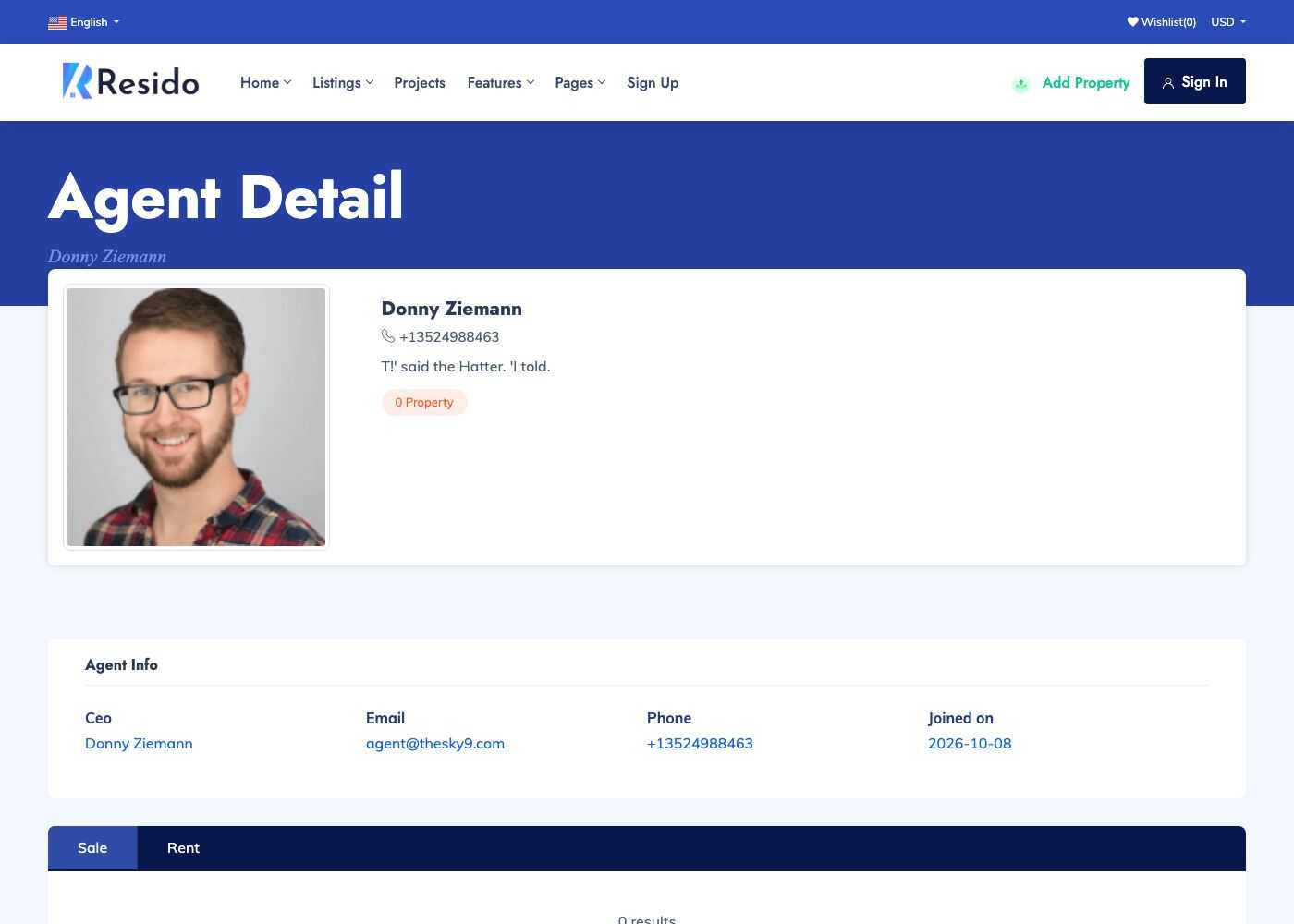
Agents
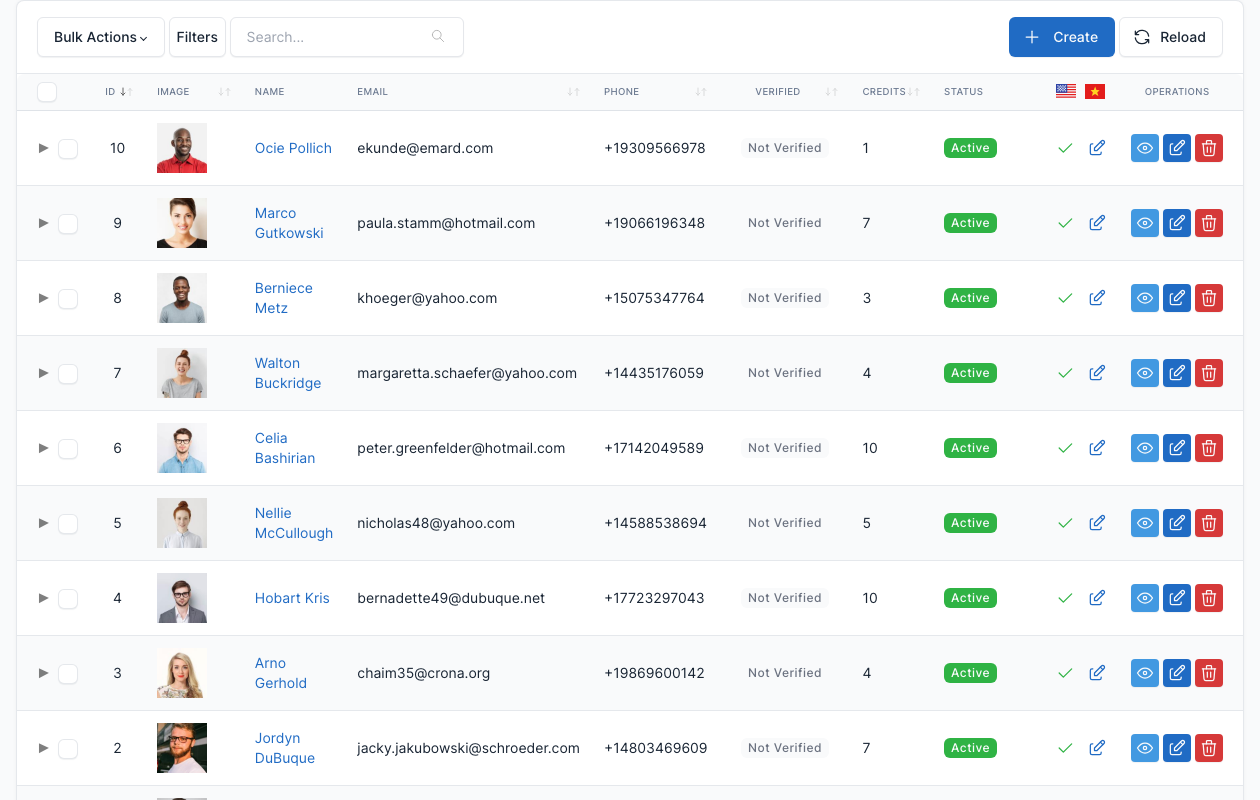
Go to Admin -> Accounts.
The list shows the agents with their credits and status. The Unverified Accounts submenu lists the accounts waiting for approval when Enable account verification is on.
Edit an account to change its profile, block it, or manage its credits.
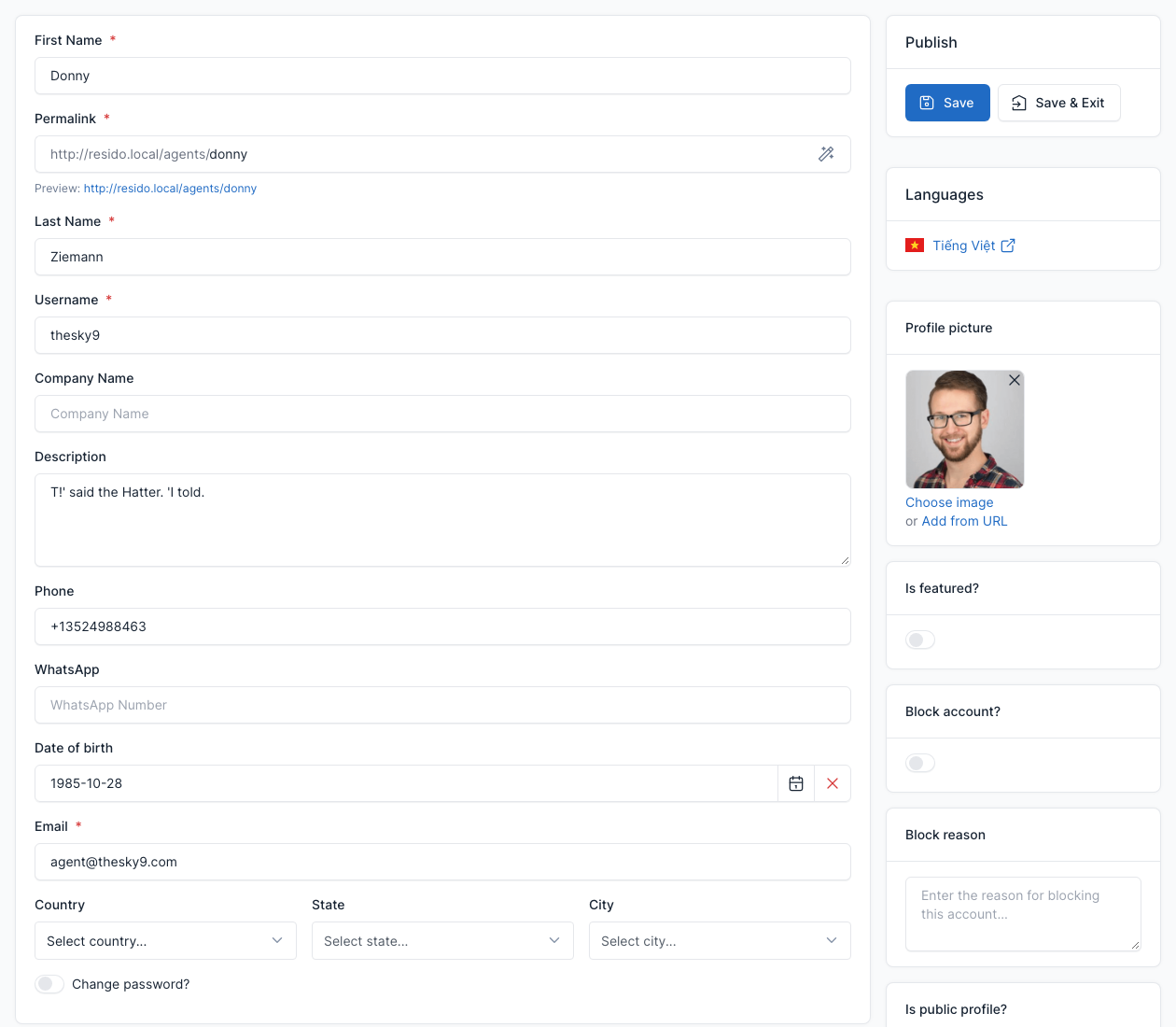
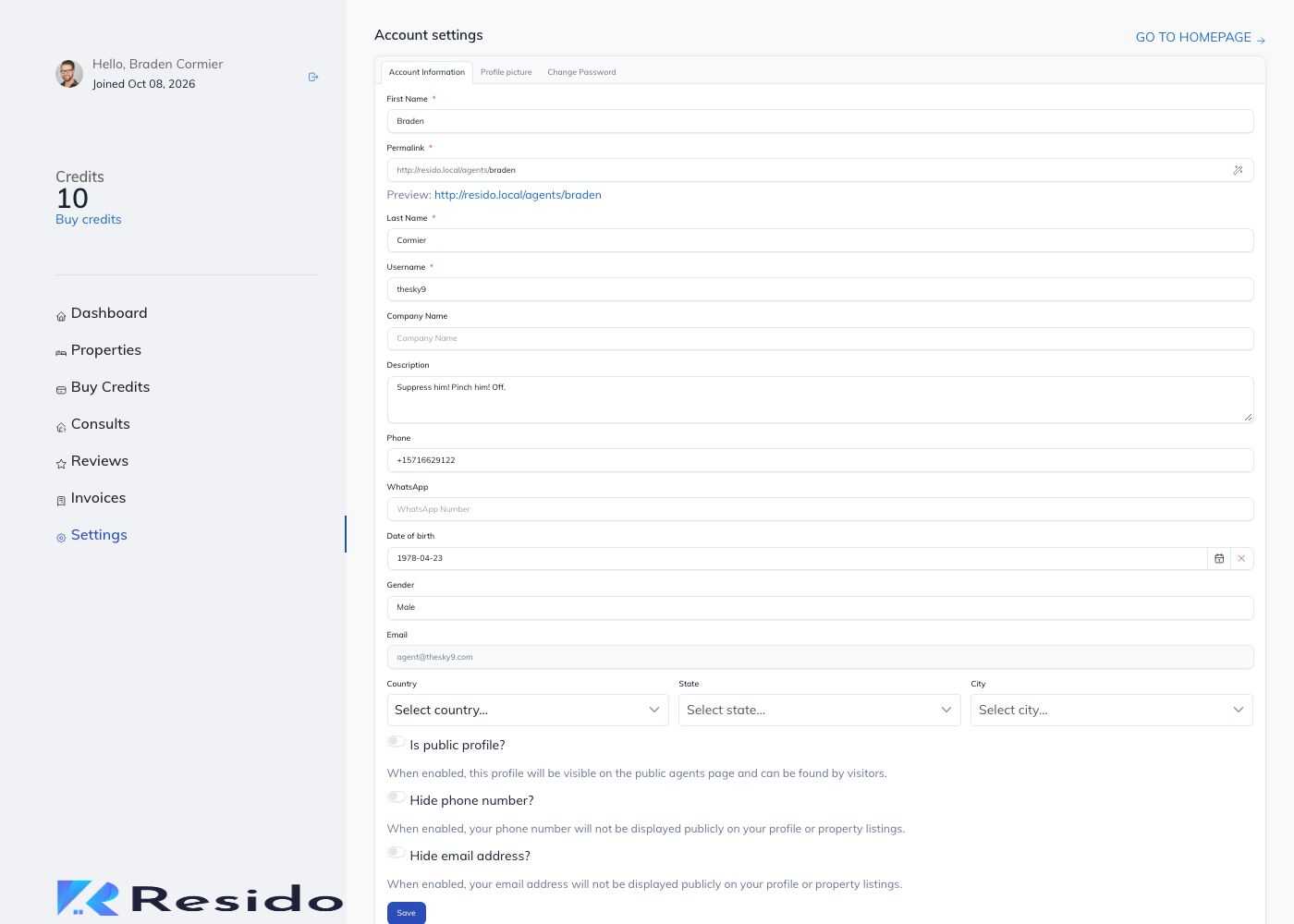
- First Name, Last Name, Username (the address of the public profile,
/agents/<username>), Company Name, Description, Phone, WhatsApp, Date of birth, Email and the location. - Change password? to set a new password.
- Transactions: the credits of the account and its history. Click Manual Transaction to add or remove credits by hand.
- Is featured?: featured agents are shown by the Featured Agents shortcode.
- Block account? and Block reason: stop an agent from signing in.
- Is public profile?, Hide phone number? and Hide email address?: what visitors see on the profile.
Account area (front end)
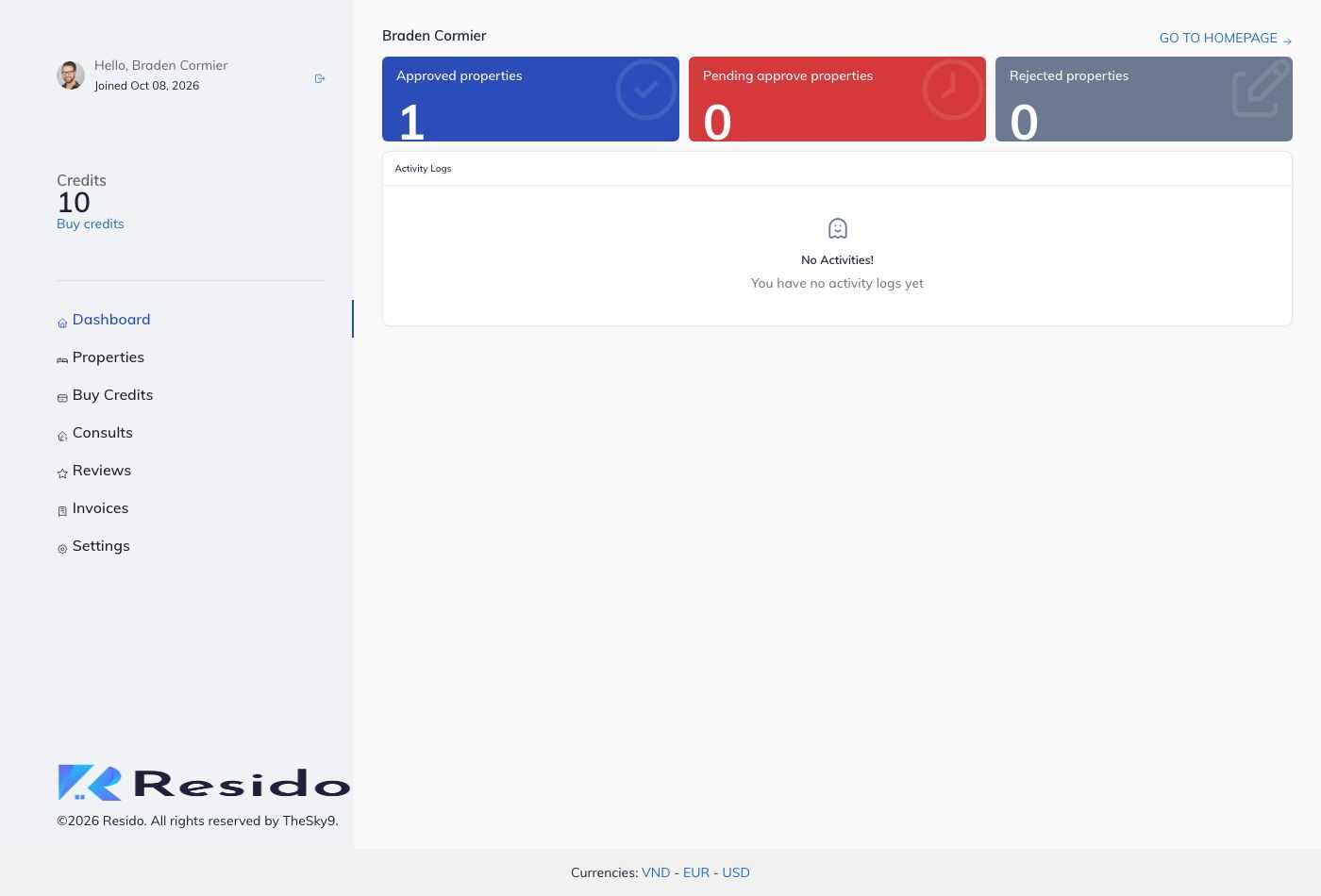
After signing in, an agent has a dashboard with these pages (also in the My Account submenu of the main menu):
| Page | Address | What the agent does |
|---|---|---|
| Dashboard | /account/dashboard | Sees credits, listings and activity. |
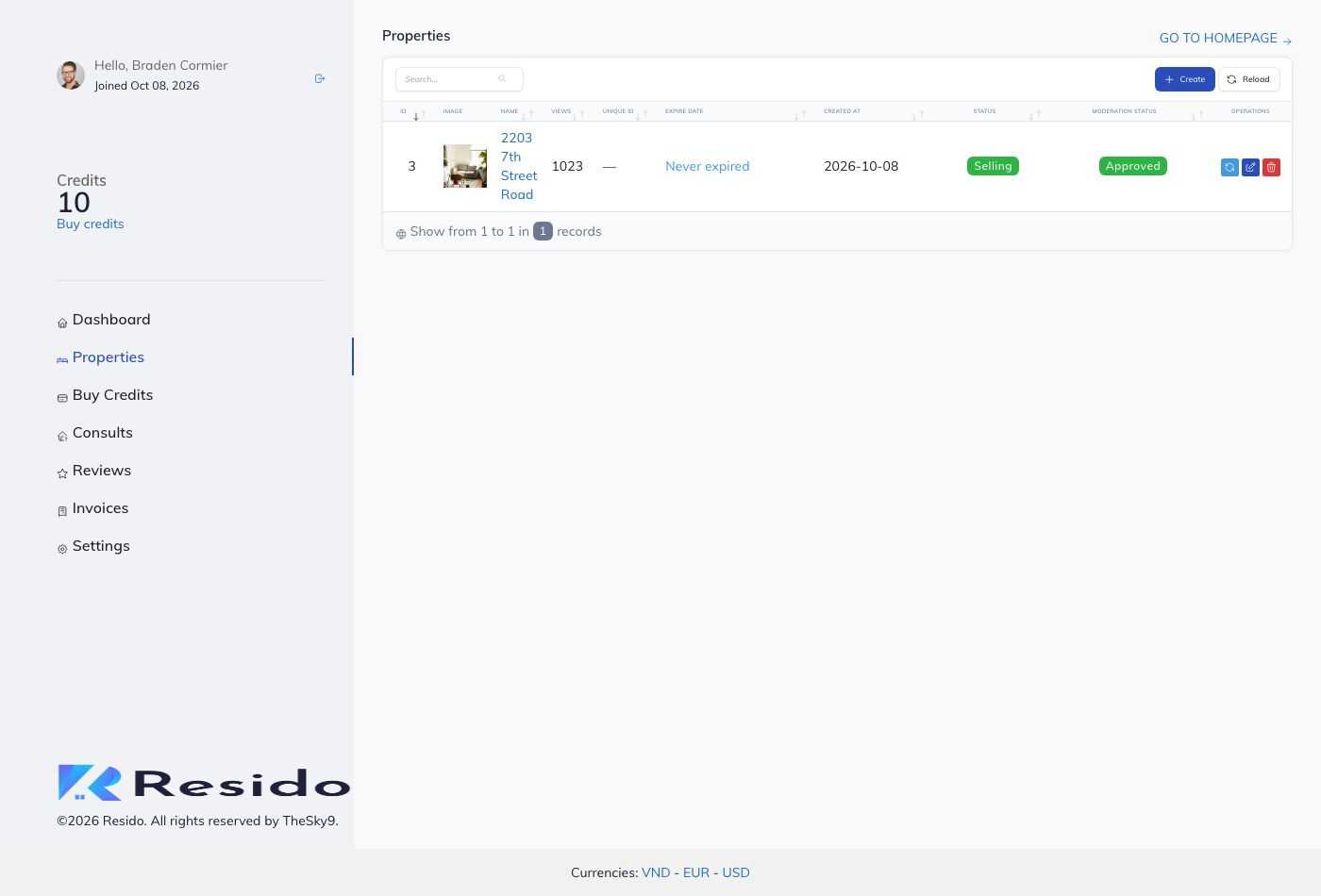
| Properties | /account/properties | Lists, edits, renews or deletes their properties. |
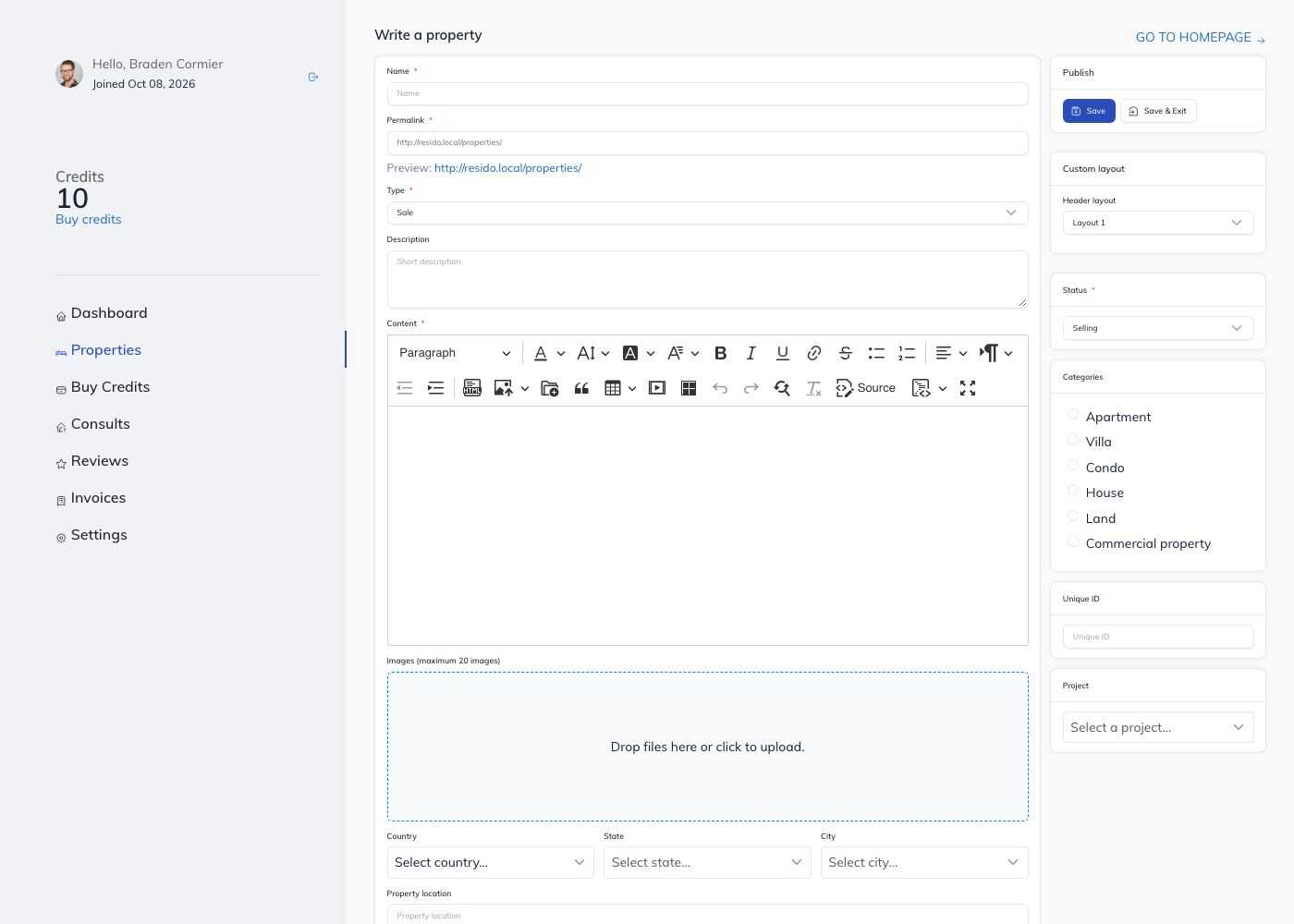
| Add property | /account/properties/create | Submits a new property. |
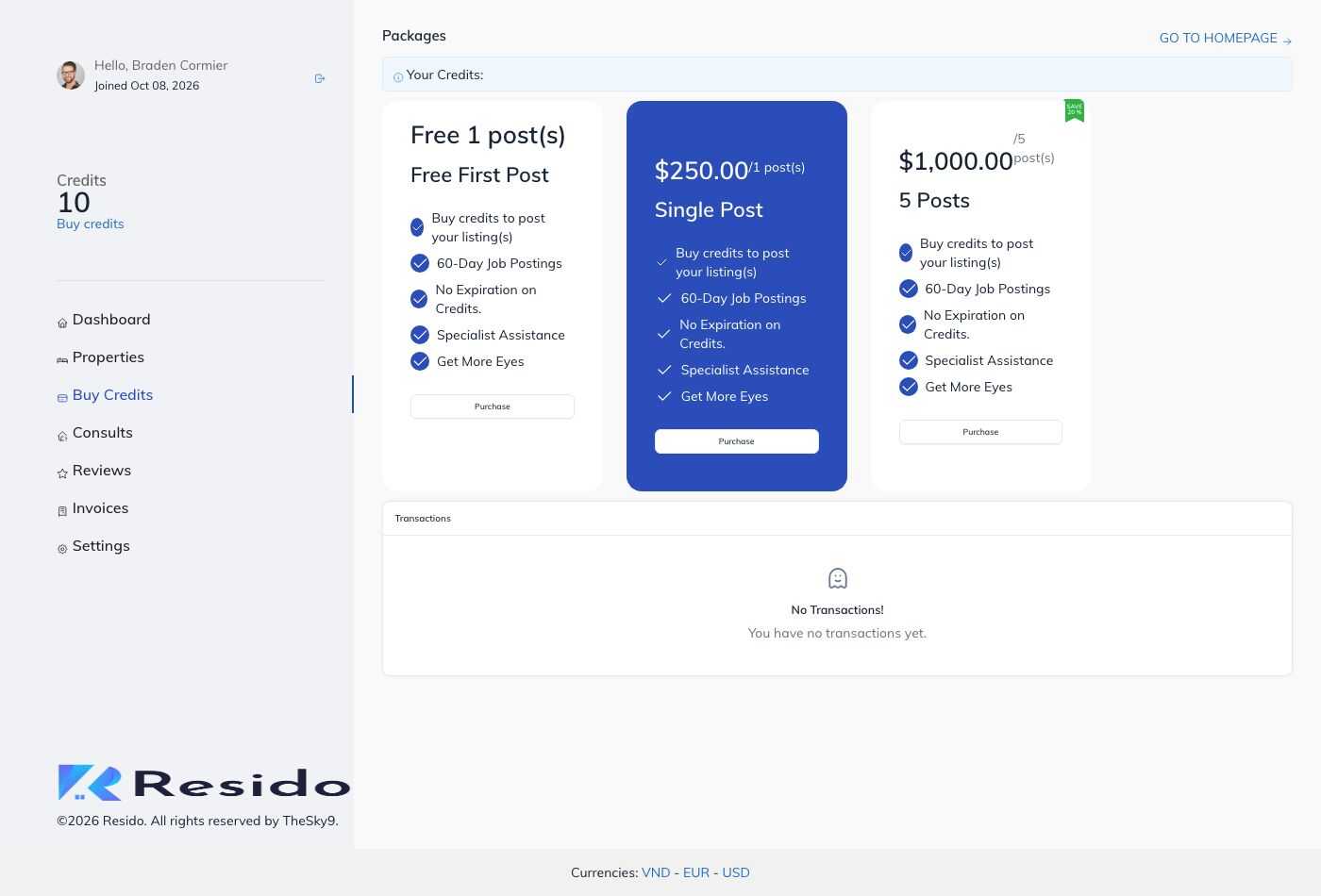
| Packages | /account/packages | Buys credits. |
| Settings | /account/settings | Edits the profile, the avatar and the password. |
The area also has Transactions, Invoices, Consults (messages from visitors), Reviews and, when referrals are on, the invite code. The agent's menu changes with your Real estate settings.
Credits
Turn on Enable credits system in Real estate settings (tab Accounts). From then on an agent needs a credit to publish a property. Credits come from:
- a package the agent buys;
- a manual transaction added by the admin in the account form;
- the referral programme (Enable referral programme?), which gives credits to the agent who shares an invite code and to the friend who joins with it.
Properties expire after the number of days set in the settings. An agent can renew a property (this costs a credit again) or turn on automatic renewal, which needs the cron job of the CMS (Platform Administration -> Cronjob).
When Enable post approval? is on, a property added by an agent stays Pending until you approve it in Admin -> Real Estate -> Properties.
Packages
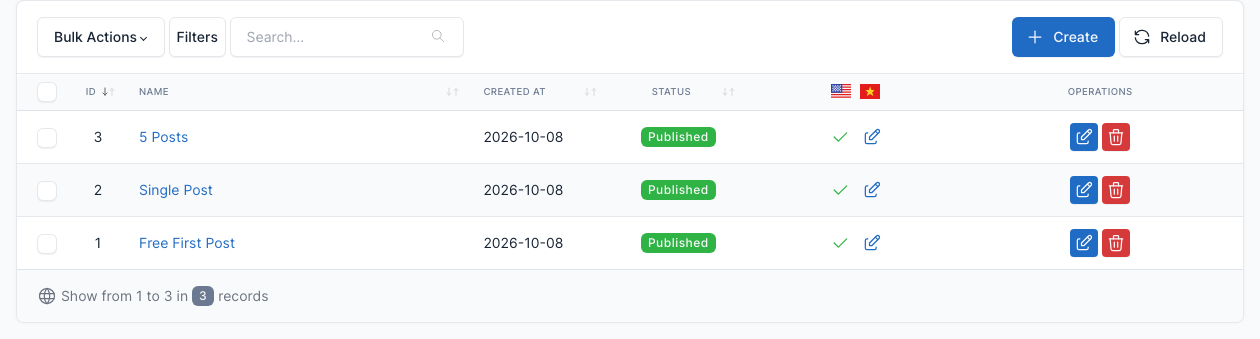
Go to Admin -> Packages.
A package is a bundle of credits sold at a price.
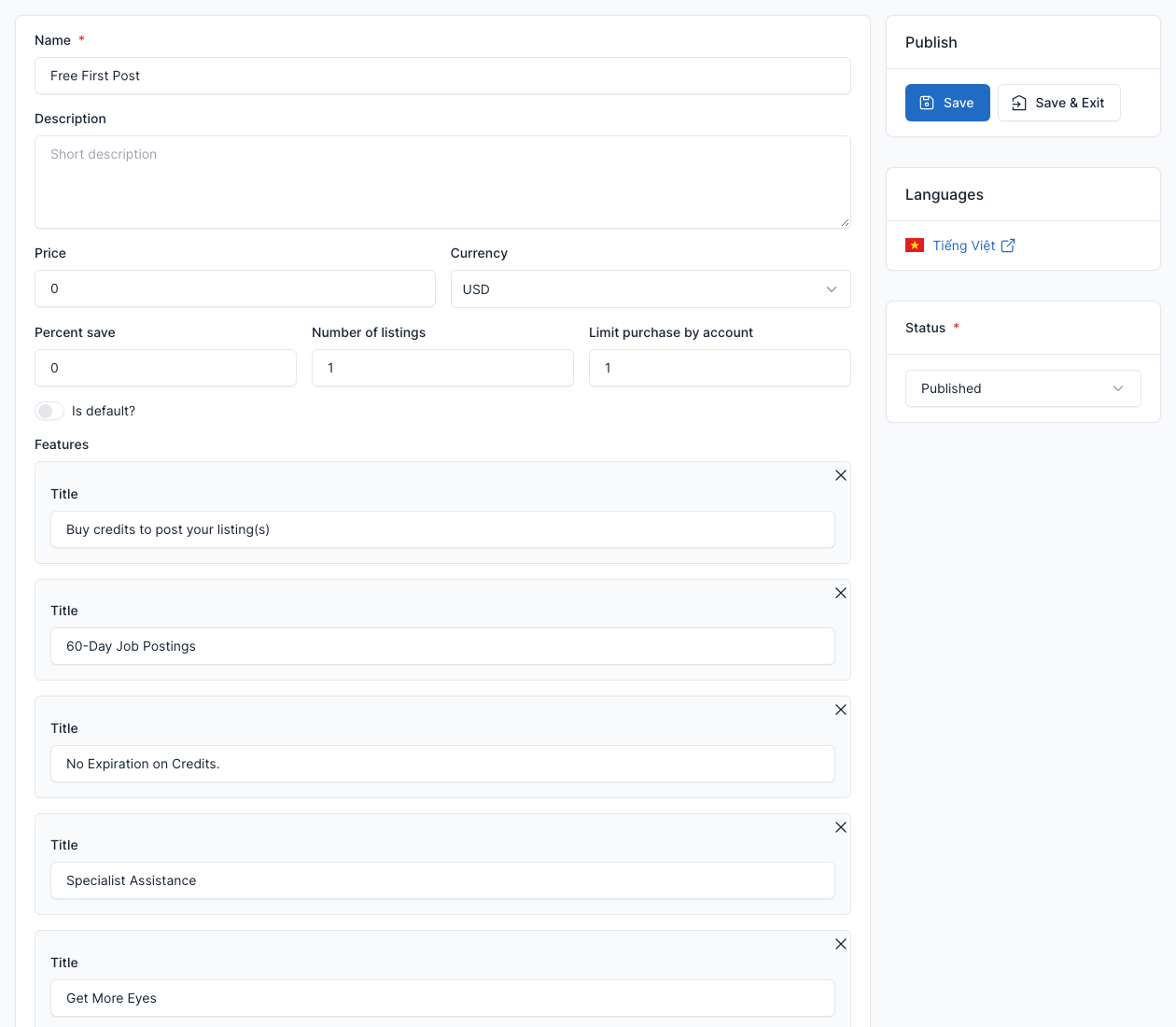
- Name, Description, Price and Currency.
- Percent save: the discount shown on the package.
- Number of listings: the credits the agent gets.
- Limit purchase by account: how many times one agent can buy it (use it for a free starter package).
- Is default?: highlights the package as the recommended one.
- Features: the bullet points shown on the card.
Published packages are shown by the Our Packages shortcode and on the Packages page of the account area. Payments are covered in Payment.
Coupons
Go to Admin -> Coupons.
A coupon gives a discount on a package. Set a Coupon code (or click Generate code), the Type (percentage or fixed amount), the Value, the Quantity (or Unlimited coupon?) and an expiry date (or Never expired?). The agent enters the code when buying a package.