Locations
The Location plugin holds the countries, states and cities used by properties, projects, agents and the search filters. The listings by city and by state (/properties/city/<slug>, /projects/state/<slug>) are built from it.
Go to Admin -> Countries, States or Cities.
Start with the country, then add its states, then its cities. A state belongs to a country and a city belongs to a state.
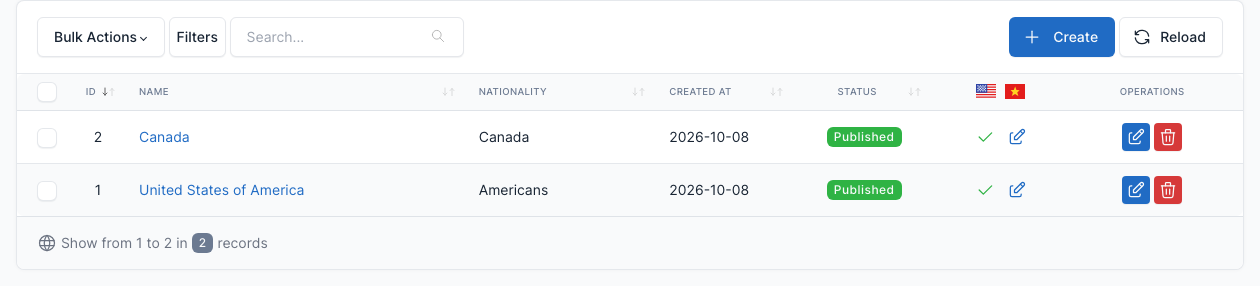
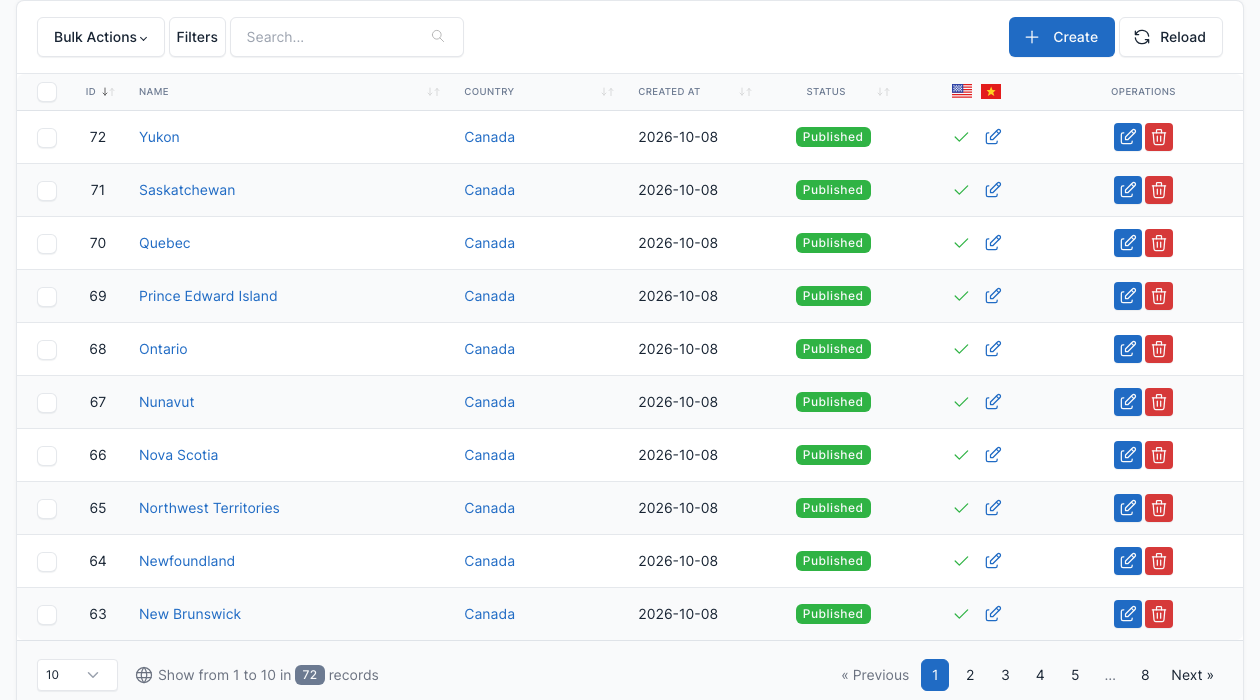
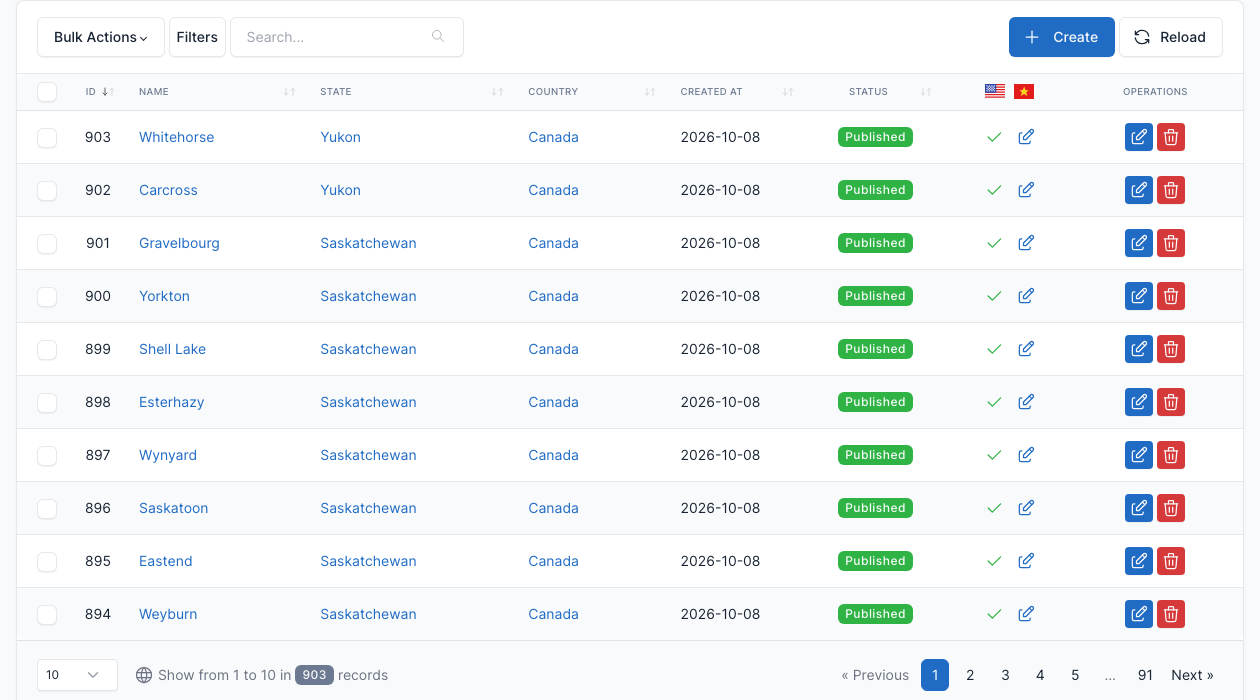
Each city has a name, a slug, a country and a state, an image, an order, a status and the Is default? flag. The images of the cities are used by the Find By Locations shortcode, so upload one for the cities you want to show on the home page. The number of cities shown is set in Theme options -> Content (see General).
Import and export
Go to Admin -> Location Importer or Location Exporter.
Use the importer to load many countries, states and cities from a spreadsheet instead of typing them. Download the example file, fill it in, upload it and check the result before you import it.
SEO texts
The title and description of the city and state pages come from the templates in Theme options -> Location SEO Templates. See General.