Members
Members are the people of your site: the authors of the posts, and visitors who sign up. A visitor who signs up can write posts from the front end.
Manage members
Go to Admin -> Members.
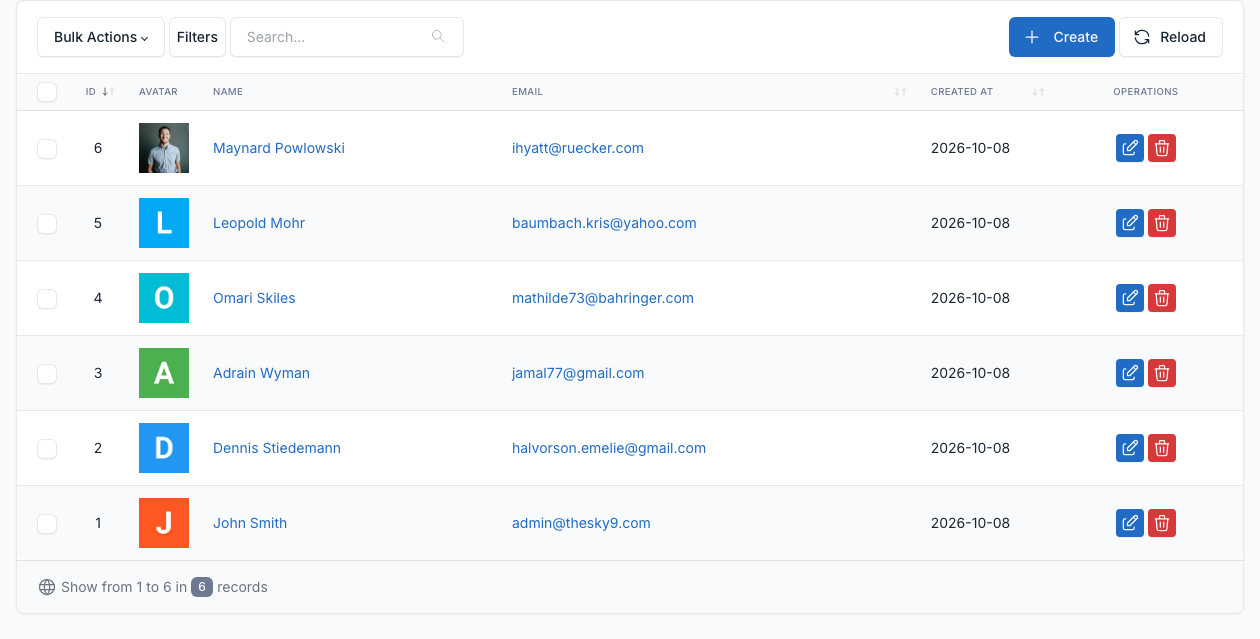
Click Create to add a member, or the edit button of a row to change one. A member has a name, a permalink (the address of the author page, for example /author/smith), an email, a phone, a date of birth, a description, a status and a picture. The name and the picture are shown as the author of a post. To pick the author of a post, see Blog.
Sign in and sign up
Visitors sign in at /login and sign up at /register. The pages have no link in the header: add the links to a menu if you want visitors to find them.
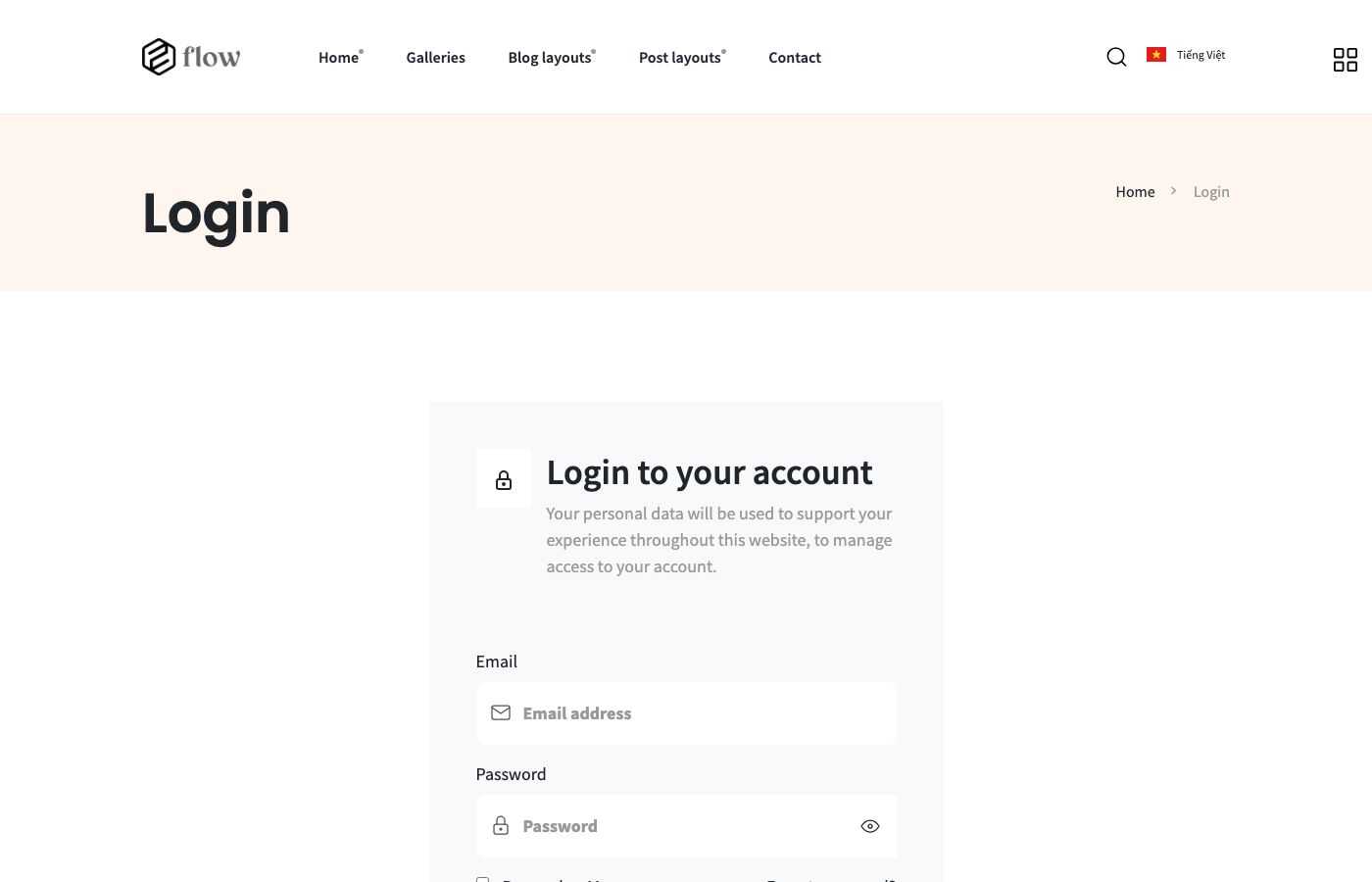
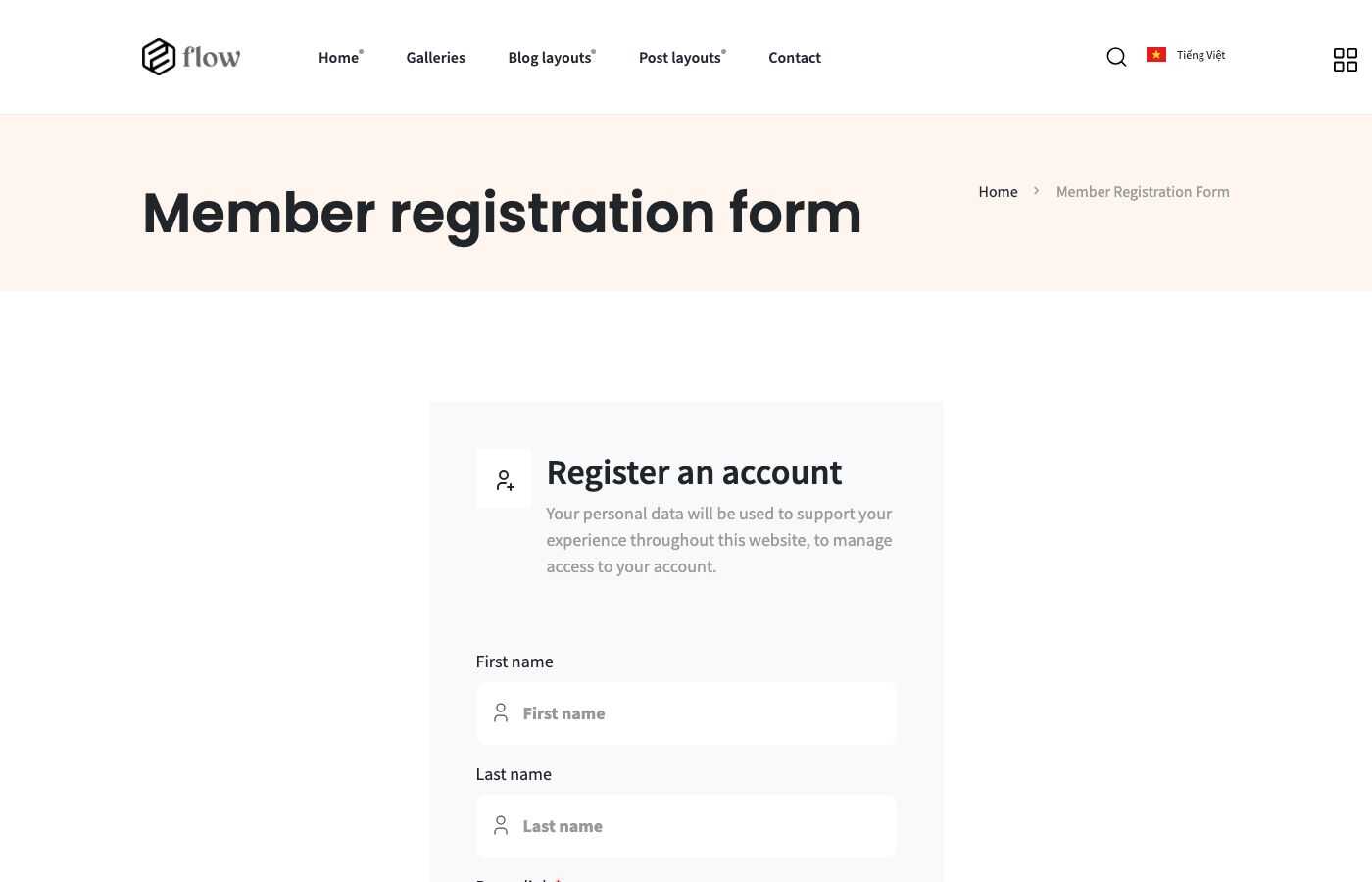
Choose the background pictures of the two pages in Theme options -> Member (see General).
A signed-in member opens the account area at /account/dashboard: a profile, the security settings and the posts of the member (/account/posts), where the member can create and edit posts.
Settings
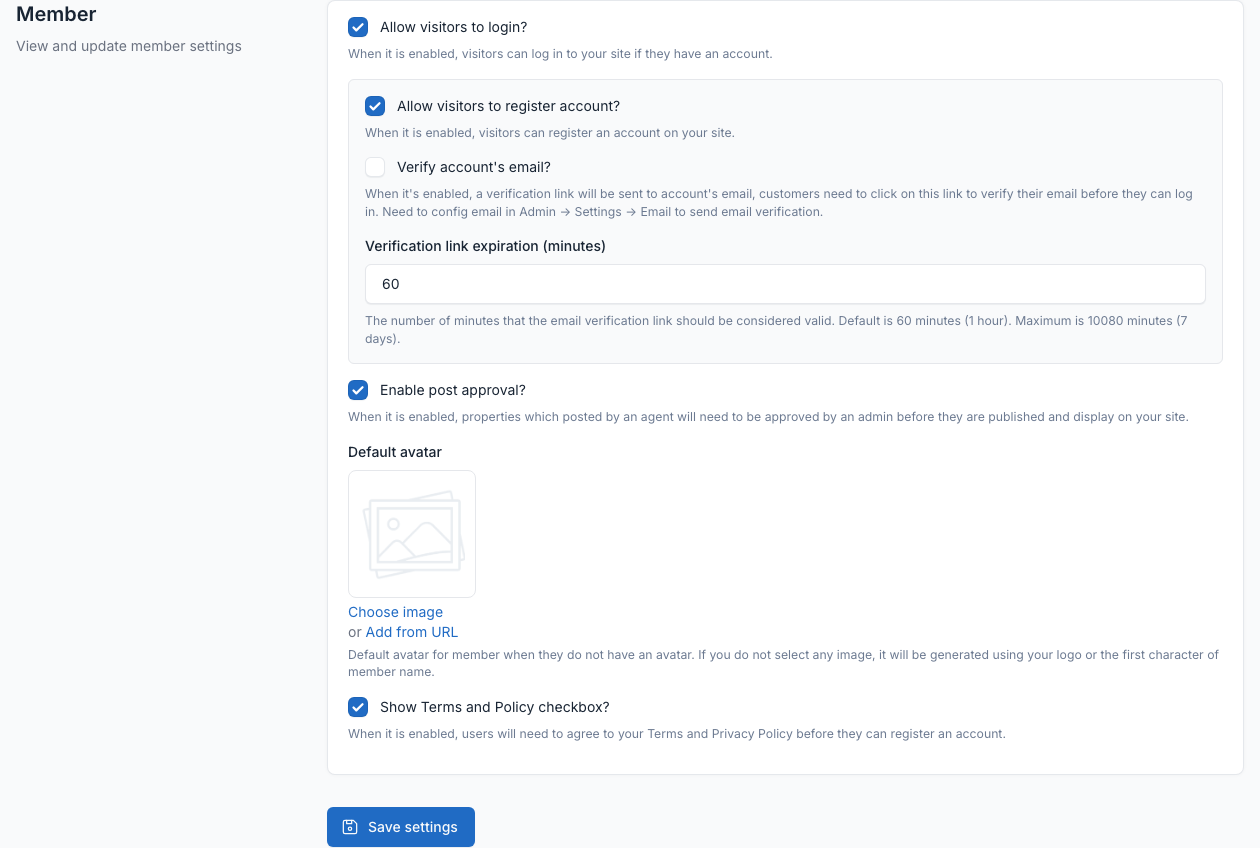
Go to Admin -> Settings -> Member.
- Allow visitors to login? and Allow visitors to register account?: turn the sign in and sign up pages on or off.
- Verify account's email?: send a verification link and set how long it stays valid.
- Enable post approval?: a post written by a member needs your approval before it is published.
- Default avatar and Show Terms and Policy checkbox?.