Footer
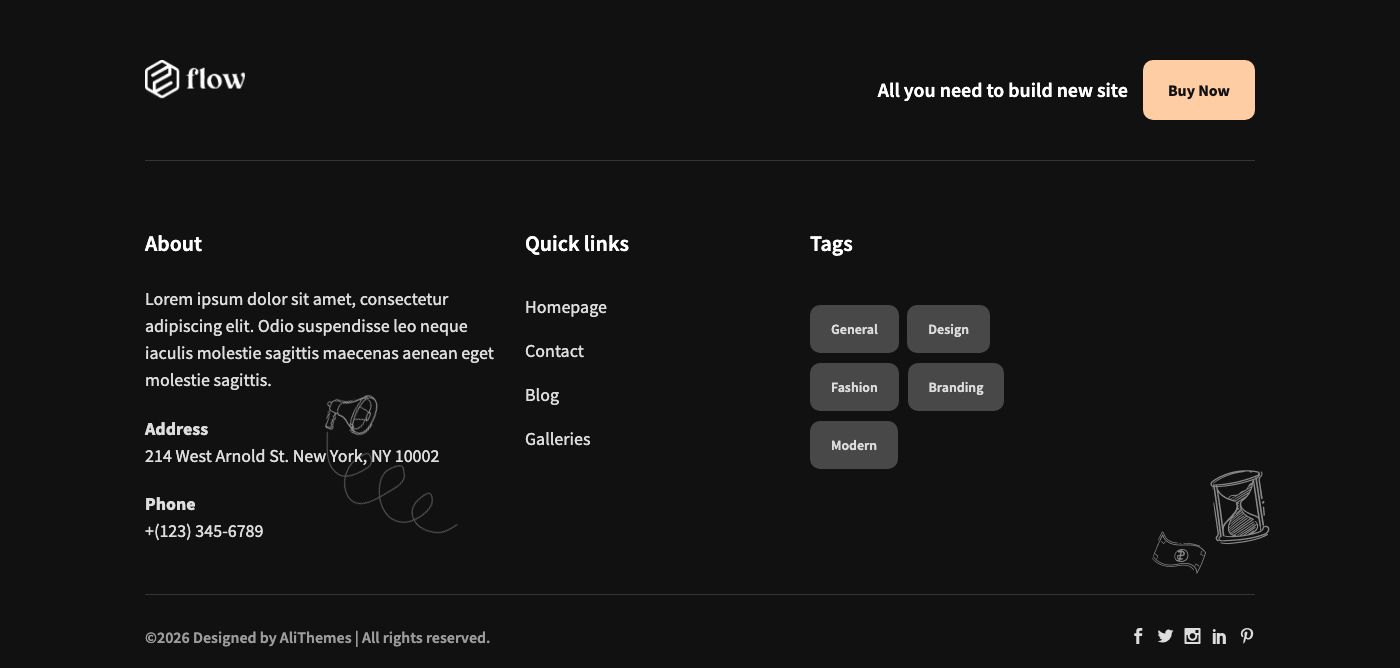
The footer has four sections. Each one can be turned on or off with a switch, and each one is filled from a different place.
| Section | What it shows | Where you edit it |
|---|---|---|
| Footer 1 | The newsletter band above the dark footer. | Widget area Footer sidebar 1 (see Widgets). |
| Footer 2 | The white logo, the action title and the action button. | Tab Logo (field Logo white) and tab Action of the Theme options. |
| Footer 3 | The About column, then the widgets of Footer sidebar 2 (the demo has Quick links and Tags). | Tab General (site description, address, phone) and the widget area Footer sidebar 2. |
| Footer 4 | The copyright line with the credit, and the social icons. | Tab General (copyright, designed by) and tab Social links. |
Setting
Go to Admin -> Appearance -> Theme options, tab Footer.
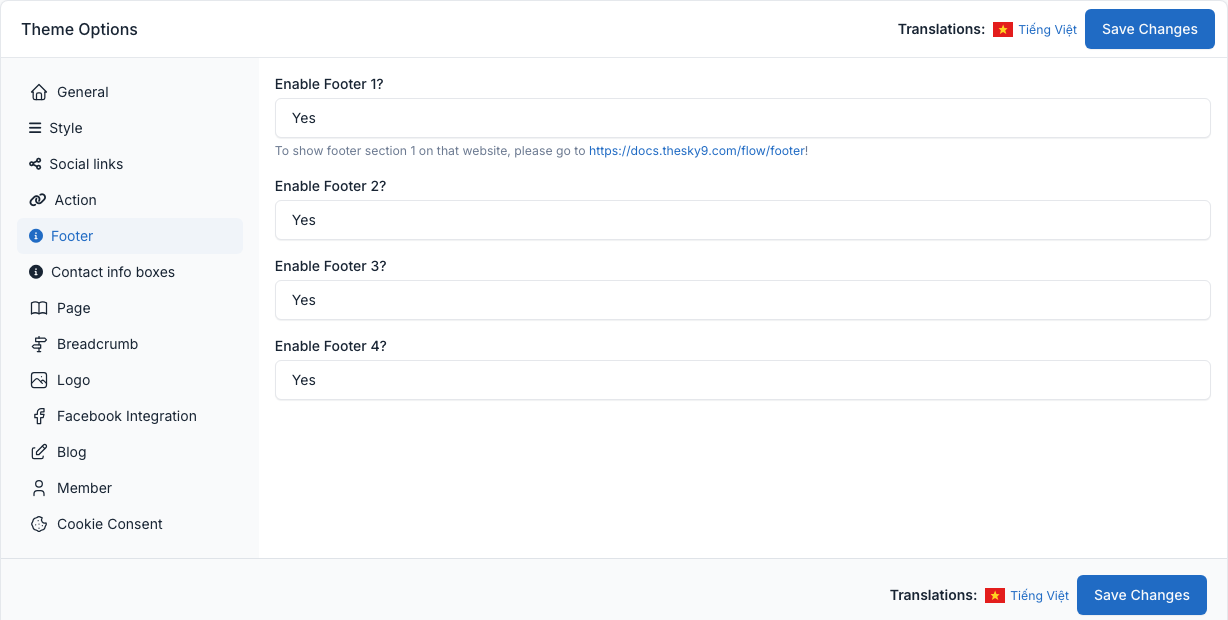
Set Enable Footer 1? to Enable Footer 4? to Yes or No to show or hide a section.
Footer 1: newsletter band
The band is the Newsletter widget of the area Footer sidebar 1. Its two fields are the small title (Subscribe) and the large title (to Our Newsletter). The form feeds the Newsletter plugin (see Newsletter).

Footer 2 to 4
- Footer 2: the logo comes from Logo white (see General); the title and the button come from the Action tab (see General). Without a button text and a URL the action is hidden.
- Footer 3: the columns after About are the widgets of Footer sidebar 2. Add, remove or reorder them in Admin -> Appearance -> Widgets.
- Footer 4: Copyright and Designed by are two text fields of the General tab; the social icons come from the Social links tab.
The help text of the footer tab in the admin links to this page.