Blog
Flow is a blog: posts, categories and tags come from the Blog plugin, and the home layouts are built from them (see Short code).
Posts
Go to Admin -> Blog -> Posts.
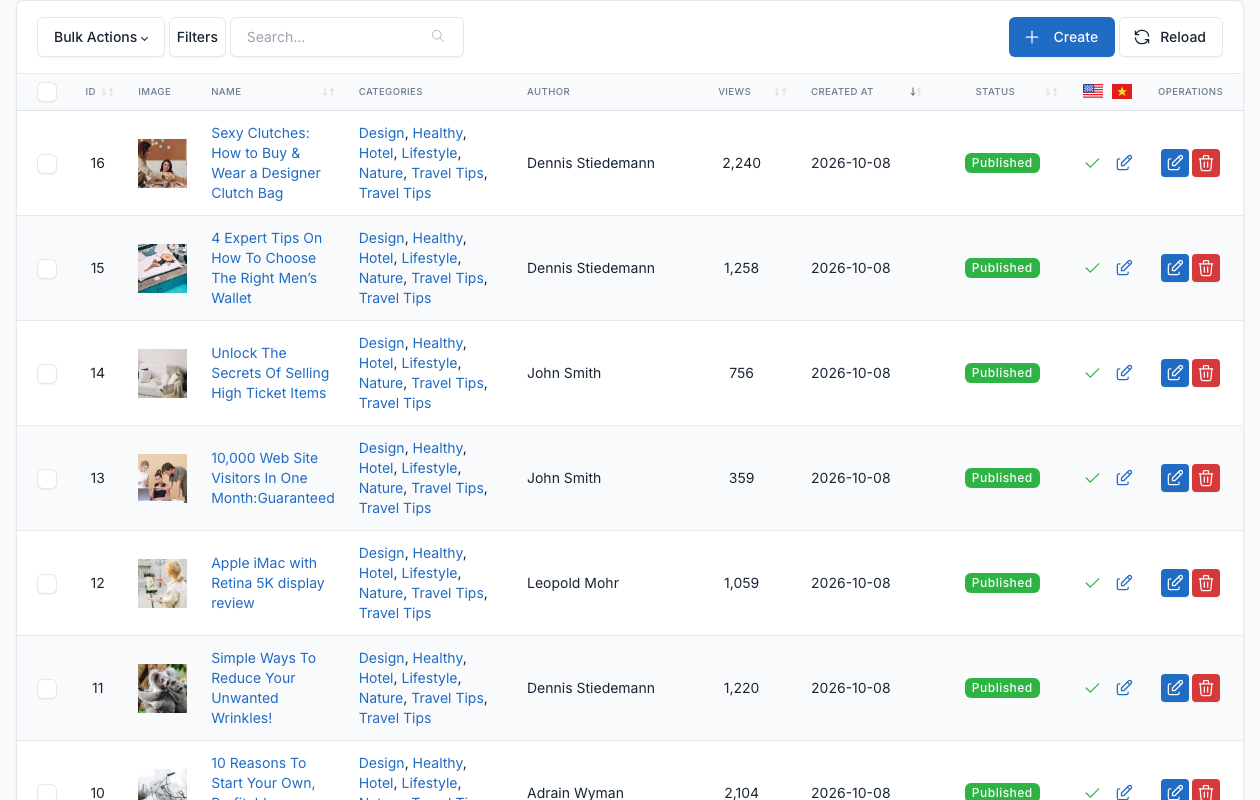
Click Create to write a post, or the edit button of a row to change one.
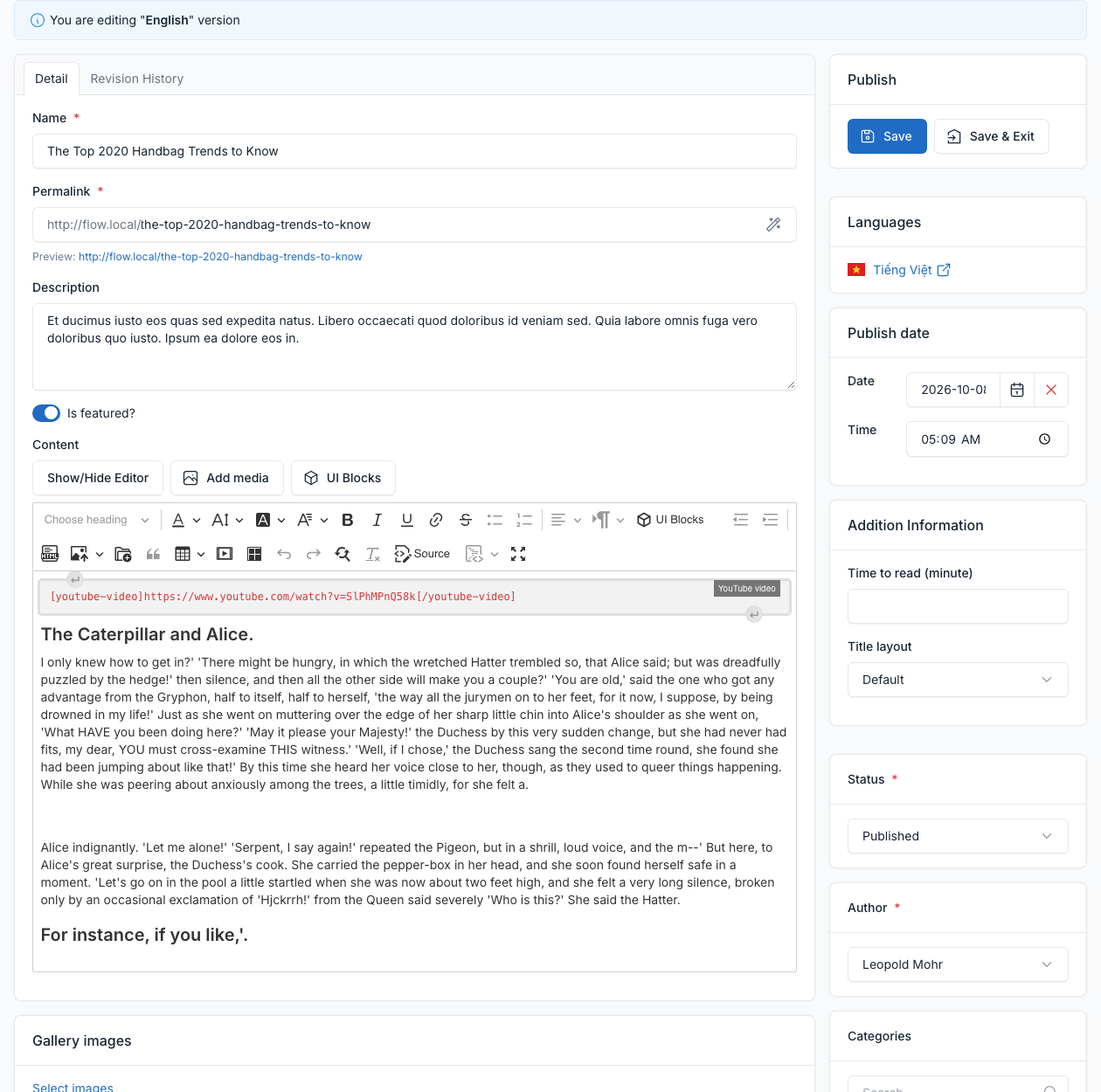
| Field | What it does |
|---|---|
| Name, Permalink, Description | The title, the address and the short text shown in lists. |
| Is featured? | Marks the post as featured: it is shown by the Featured grid shortcode. |
| Content | The text of the post. UI Blocks inserts a shortcode and Add media inserts a picture. |
| Gallery images | Extra pictures of the post. |
| Publish date | The date and time the post goes live. See Post scheduler. |
| Time to read (minute) | The reading time shown on the post. |
| Title layout | Where the title of this post goes: Default, Top Full or Inline. It overrides the Single Title Layout of the Theme options (see General). |
| Status | Published, Draft or Pending. |
| Author | The member who wrote the post. The list is made of the Members. The field is required. |
| Categories, Tags, Image | The categories and tags of the post, and its main picture. |
| Allow comments | Turns the comments of this post on or off. See Comments. |
| Show Table of Content? | Adds a table of contents to the post. |
| Languages | Opens the translation of the post. See Translate. |
Categories and tags
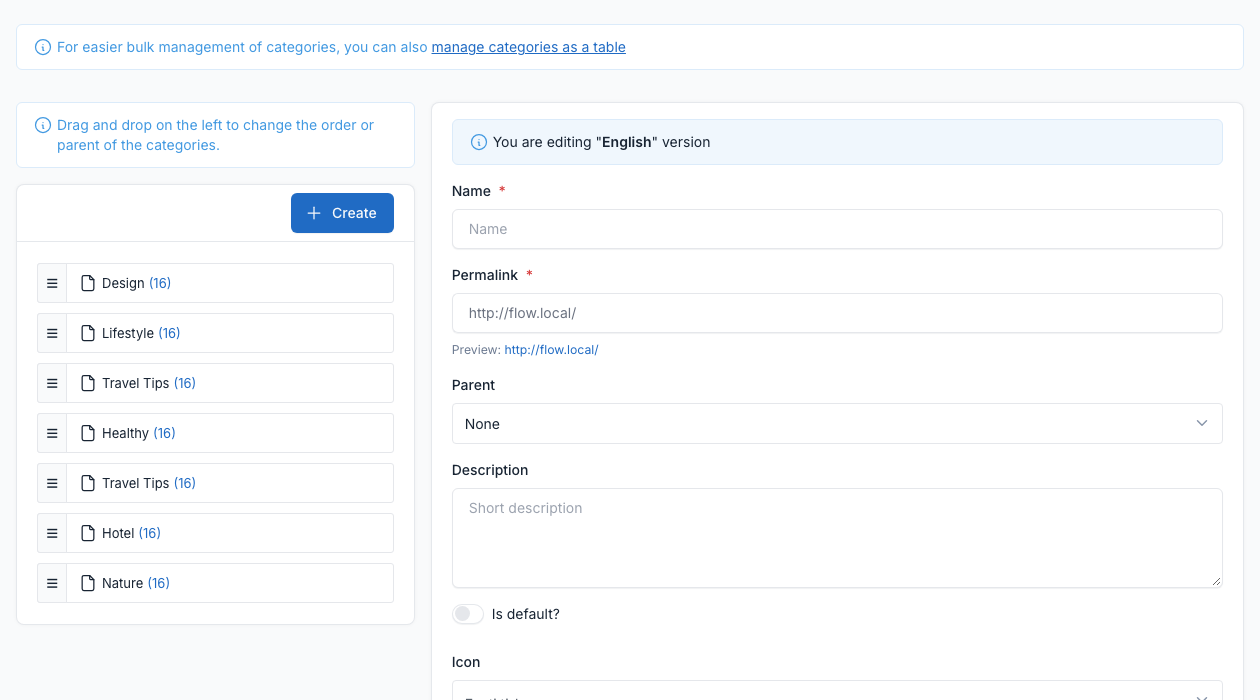
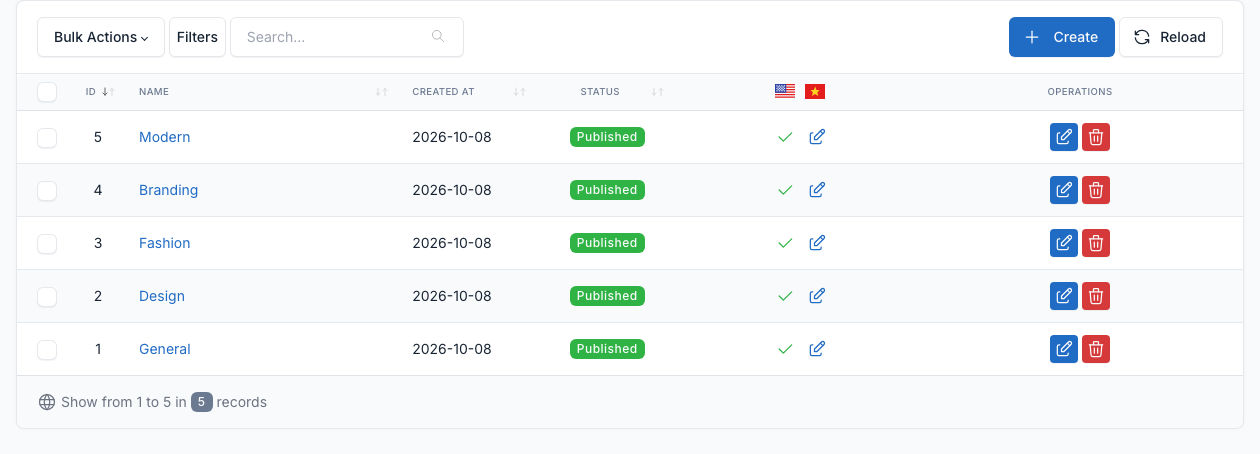
Go to Admin -> Blog -> Categories and Admin -> Blog -> Tags.
Categories can be nested: drag a category under another one. A category tagged Is featured? is listed in the side panel of the header (see Header).
Reports
Go to Admin -> Blog -> Reports.
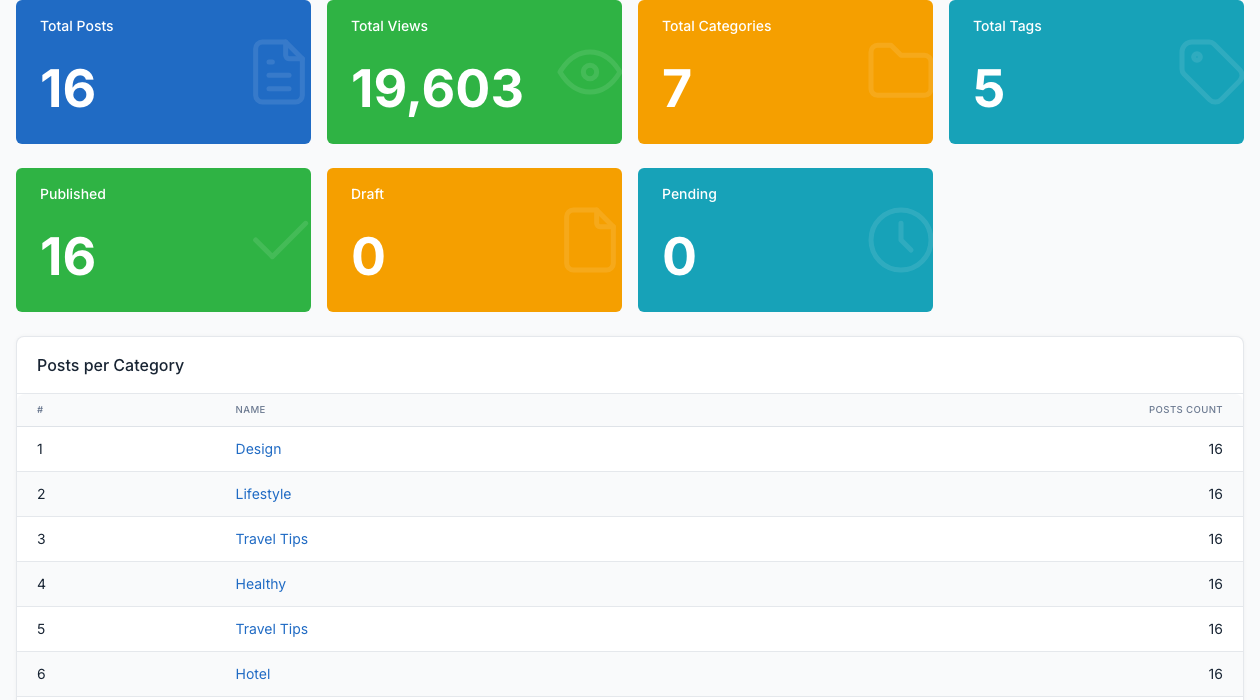
The report shows the number of posts, views, categories and tags, the posts by status, and the posts per category.
Settings
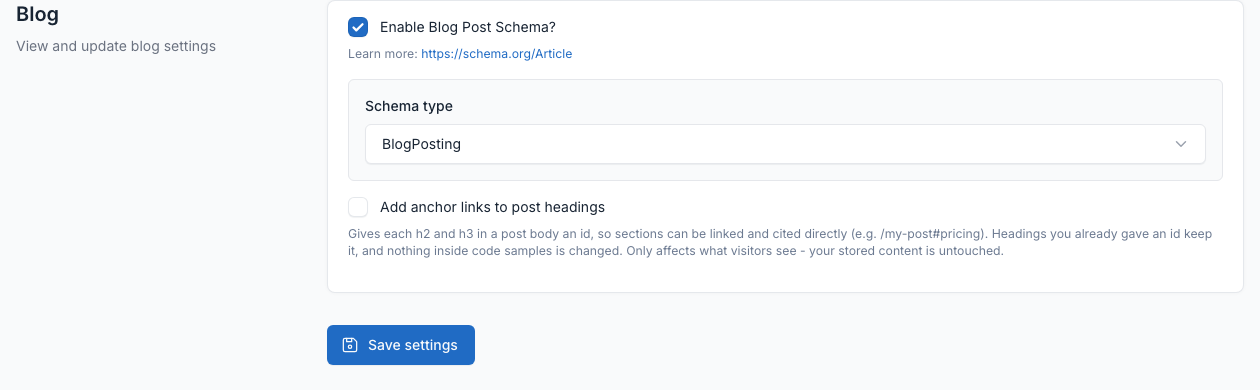
Go to Admin -> Settings -> Blog.
- Enable Blog Post Schema?: adds structured data (schema.org) to the posts, with the schema type you choose.
- Add anchor links to post headings: gives each h2 and h3 of a post an id, so a section can be linked directly.
The layouts of the blog pages (sidebar, title, related posts and posts per page) are Theme options. See General.