Header
Flow has one header design. Its parts are controlled from the menu editor and from Theme options.

| Part | Where you change it |
|---|---|
| Logo | Admin -> Appearance -> Theme options, tab Logo (see General). |
| Main menu | Admin -> Appearance -> Menus, menu Main menu (see Menu). |
| Search | Always on. See below. |
| Language switcher | Shown when more than one language is active (see Translate). |
| Side panel | Tab General, field Enable sidebar canvas?. See below. |
Search
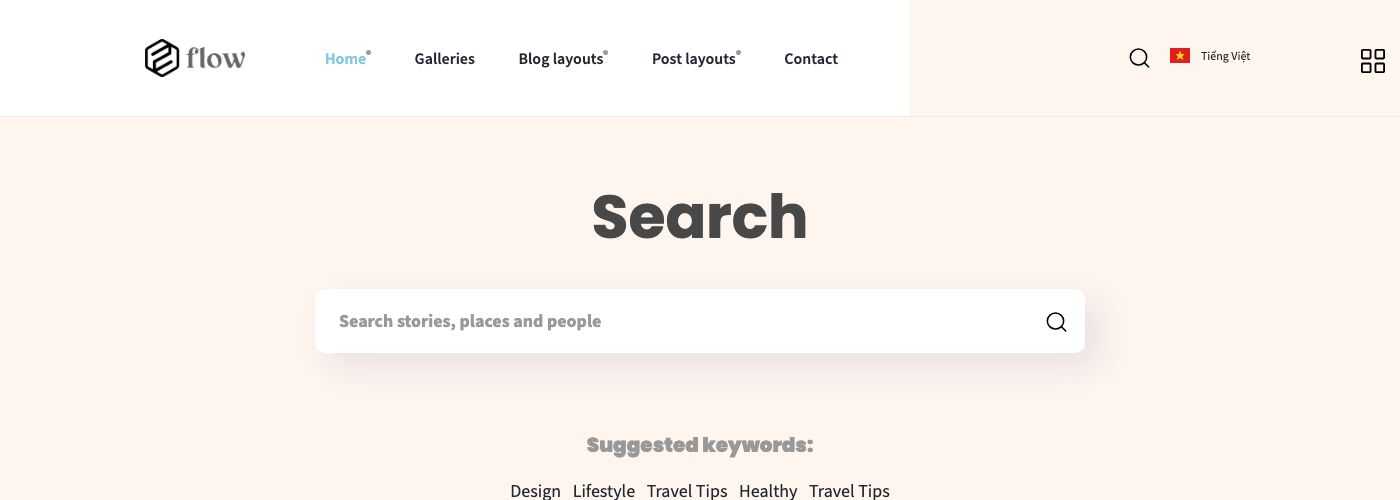
The magnifier icon opens a full-width search box. Visitors type a word and the page lists the matching posts. Under the box the page suggests keywords: they are your 5 most popular categories.
Side panel
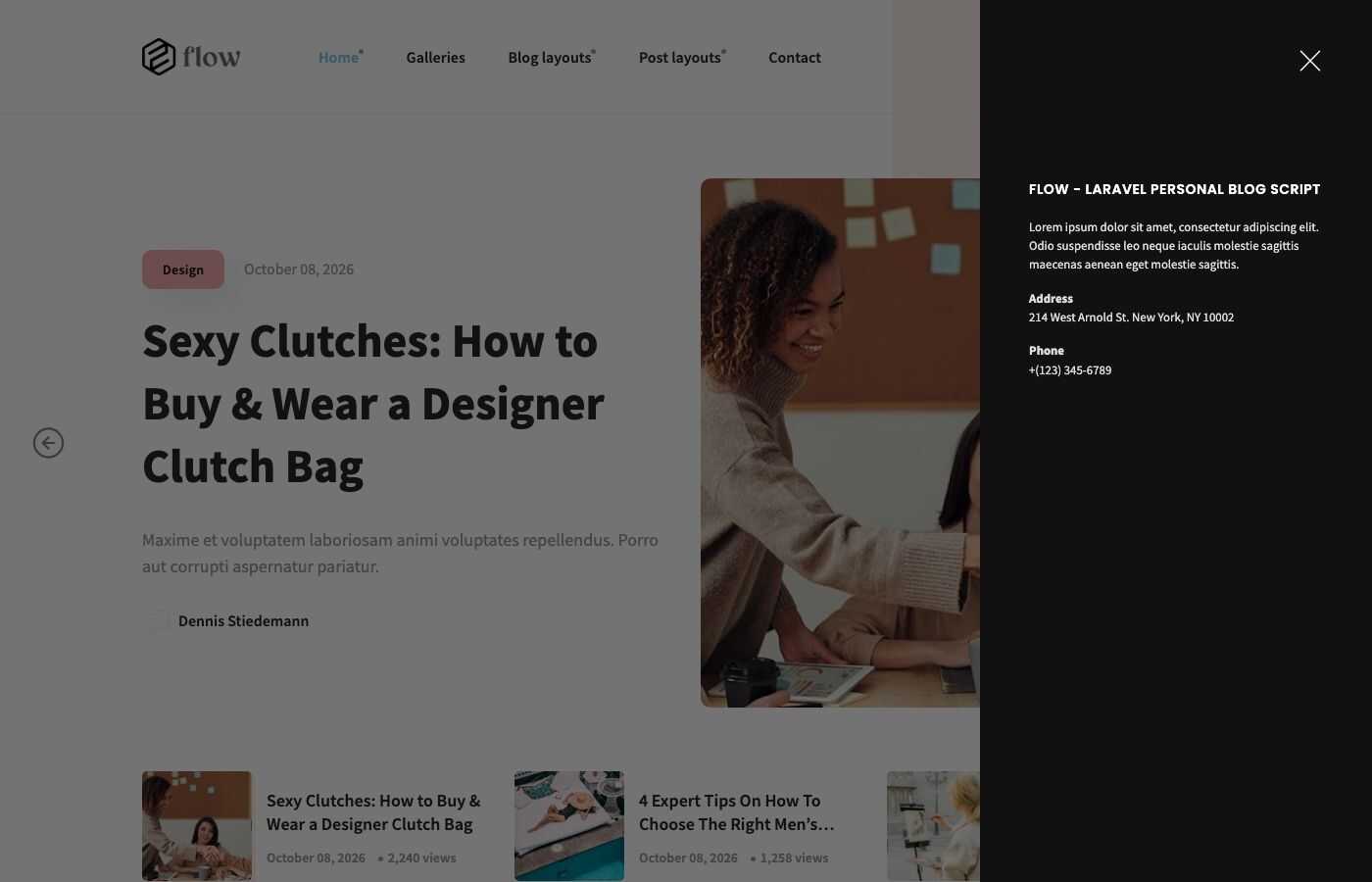
The grid icon at the right of the header opens the side panel (sidebar canvas). It shows your featured categories with the number of posts (none in the demo, because no category is featured), then the site title, the site description, the address and the phone number.
- To feature a category, tick Is featured? in the category editor (Admin -> Blog -> Categories).
- The site description, address and phone are edited in Theme options -> General.
- To remove the panel and its icon, set Enable sidebar canvas? to No in the same tab.
Language switcher
The switcher shows the flag and the name of the other language, for example Tiếng Việt on the English site. On phones it moves to a small bar above the header. The second language is served under its own address, for example /vi. See Translate.
Mobile
On small screens the main menu collapses into a menu button.