Gallery
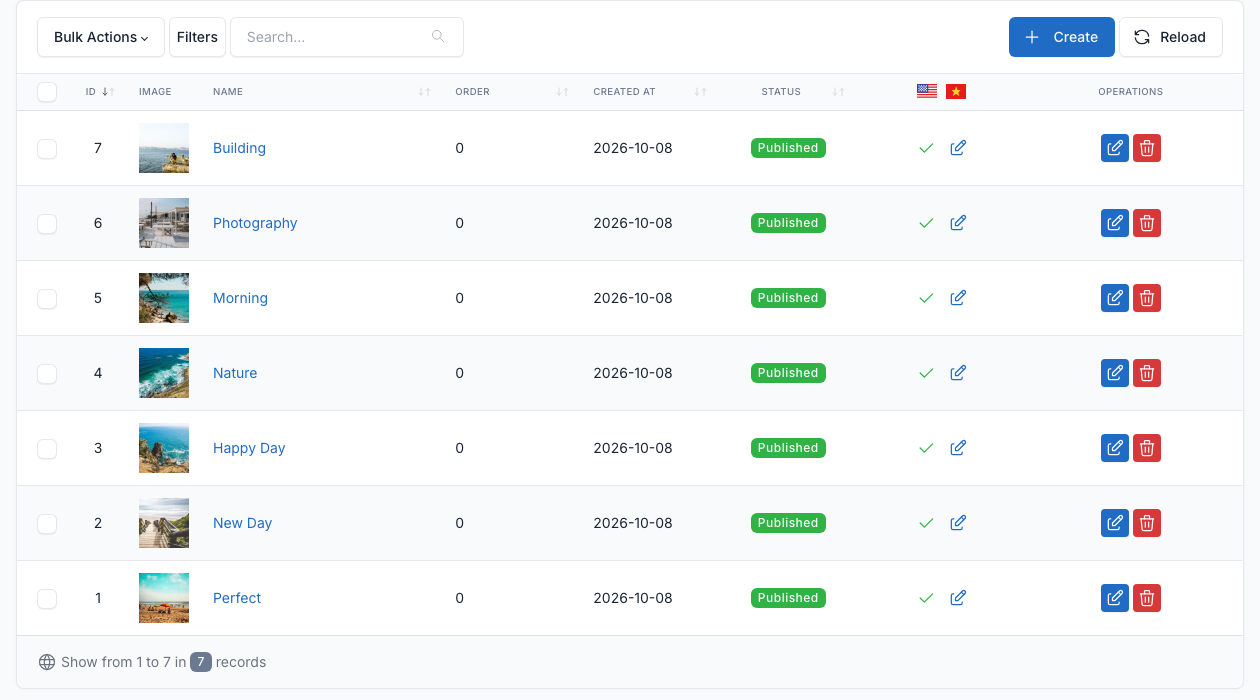
Go to Admin -> Galleries.
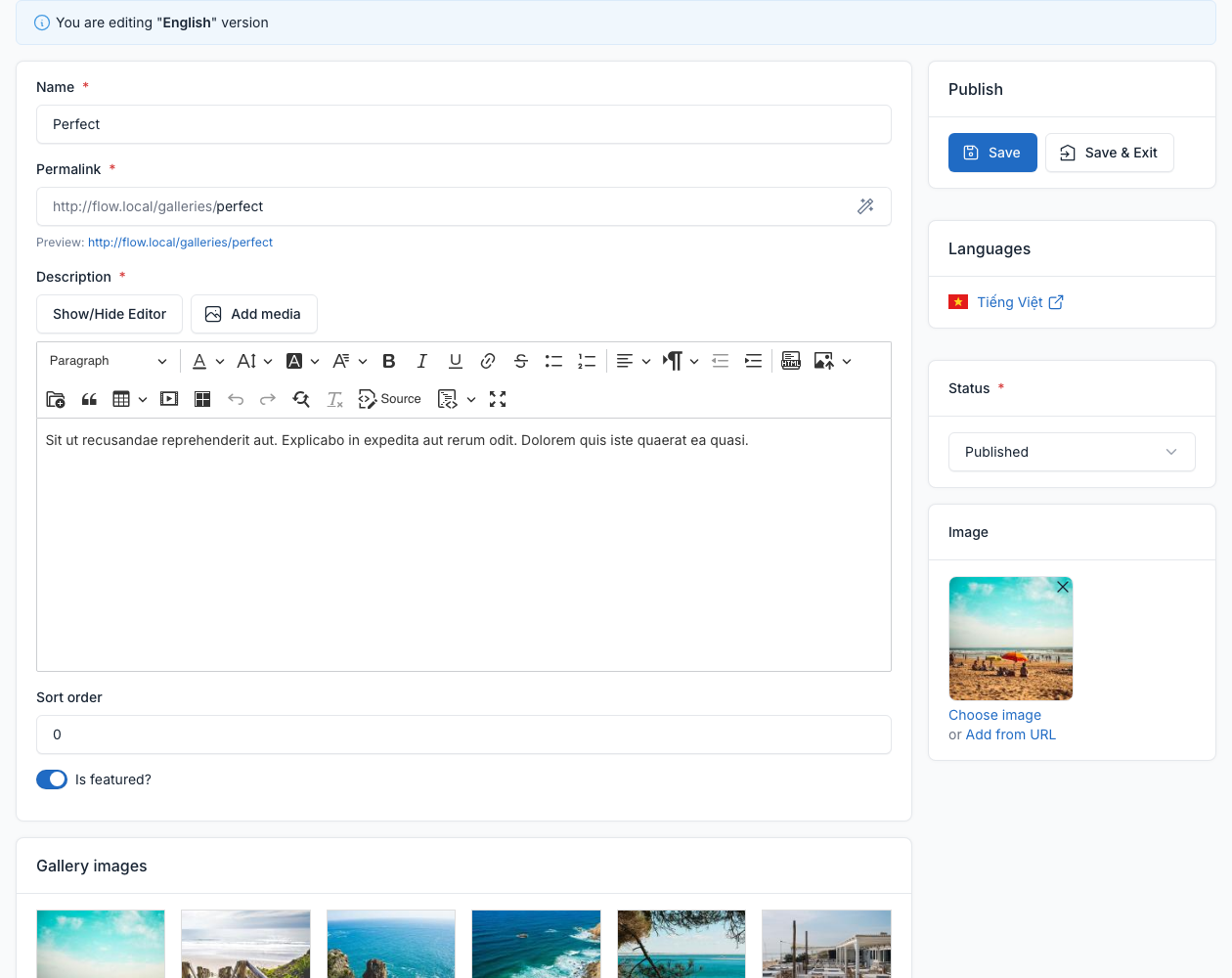
Galleries are albums of pictures. Each gallery has a name, a permalink, a description, a sort order, a status, a main picture and its pictures. Tick Is featured? to mark it as featured.
On the site
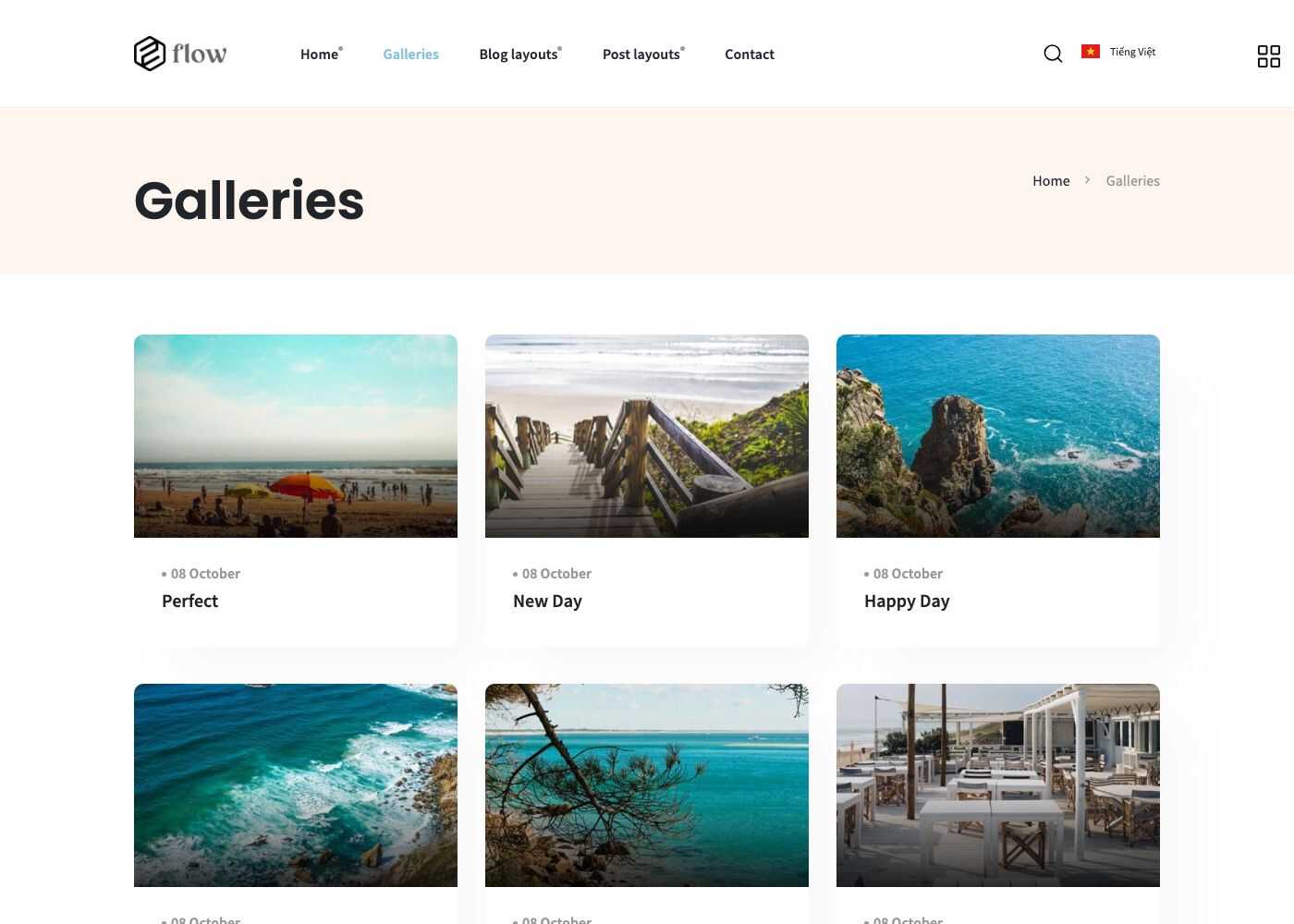
- The Galleries page (
/galleries) lists all galleries. Choose it in Admin -> Appearance -> Theme options -> Page (see General).
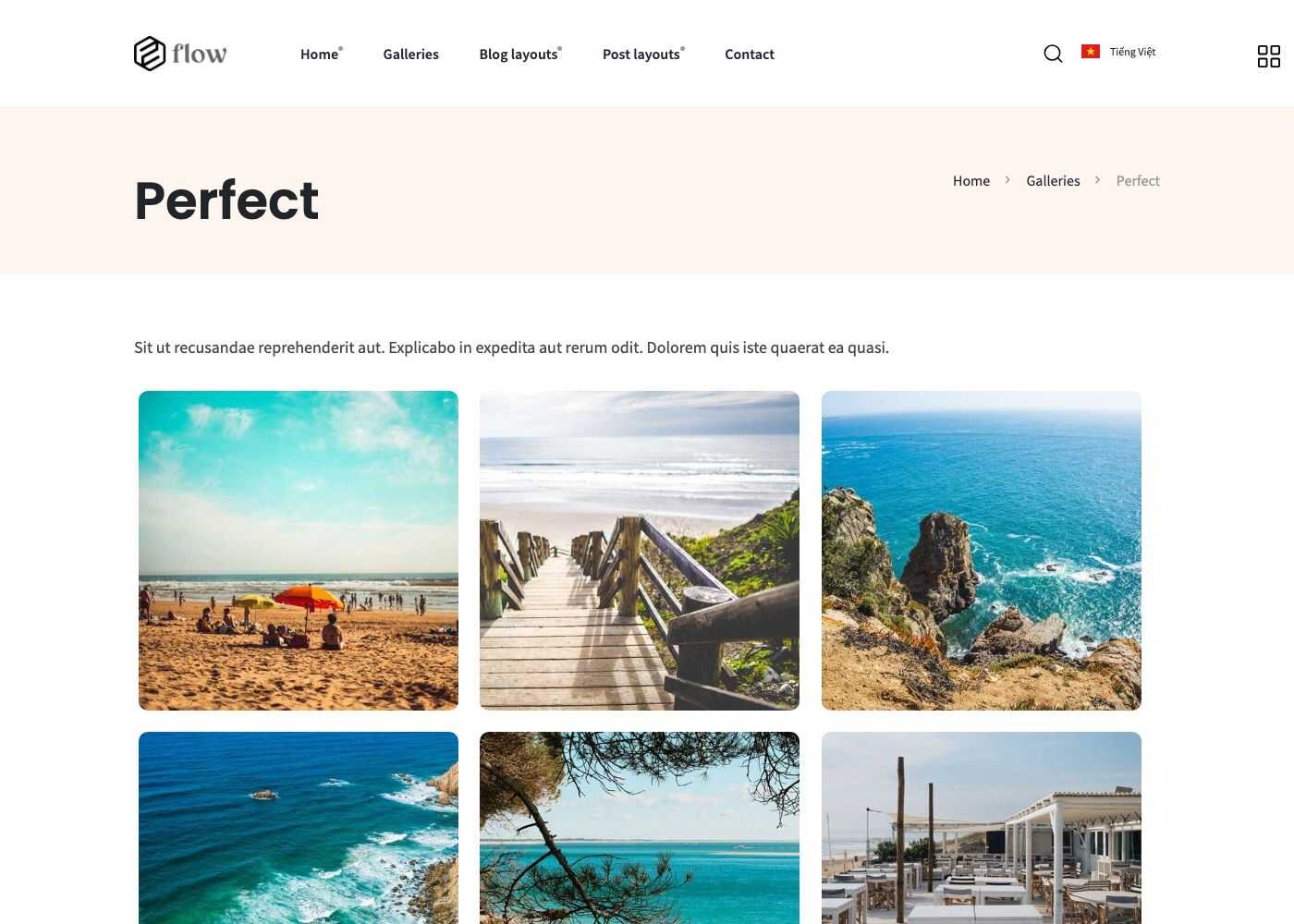
- Click a gallery to open it and browse its pictures in a lightbox.
- The Gallery shortcode shows one gallery on any page, and Theme Galleries shows a grid of galleries. See Short code.
- The Galleries widget shows the latest pictures in a sidebar. See Widgets.