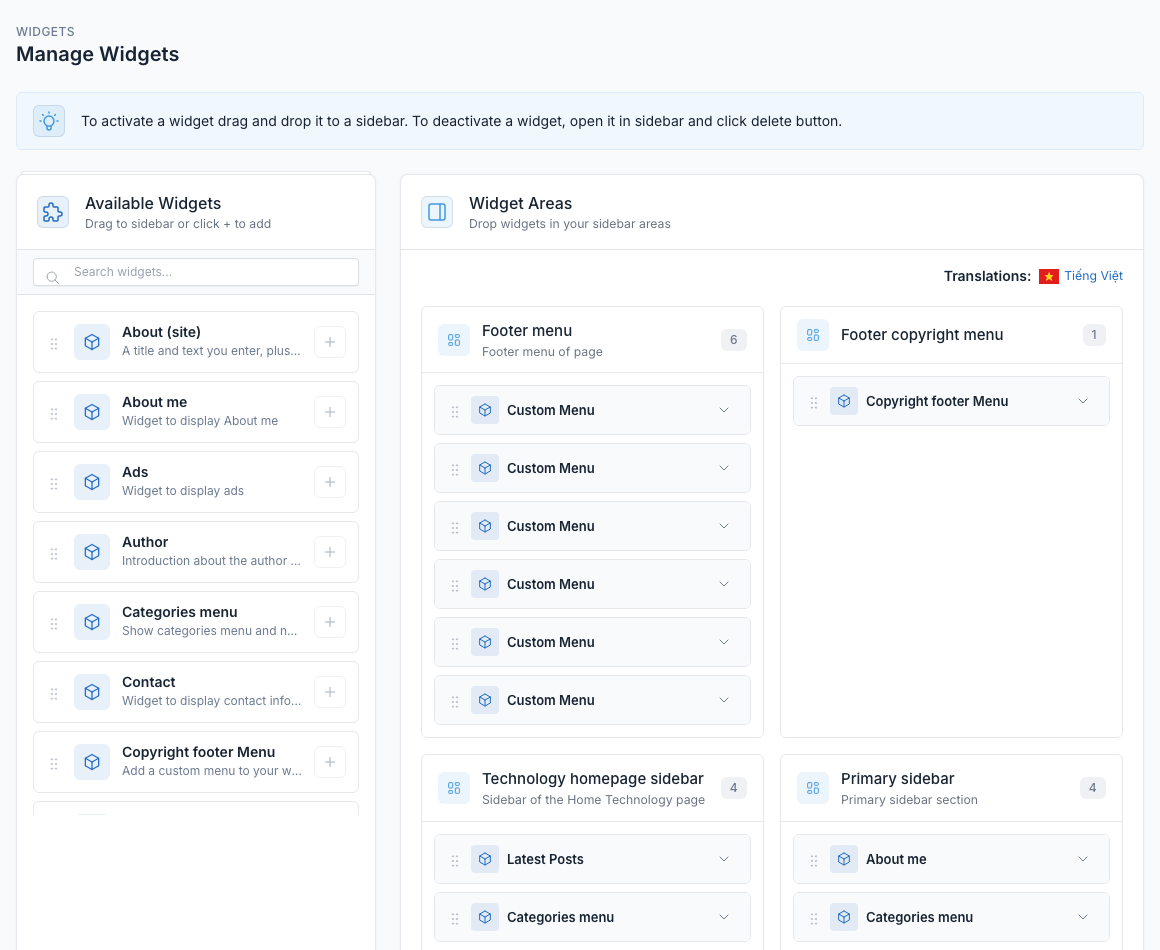
Screenshots
Below are screenshots of Sarsa, showcasing the home layouts and the admin panel.
Home layouts
Sarsa ships with 8 home layouts. Each one is a normal page built from shortcodes, so you can edit, reorder or copy them in Admin -> Pages. See Short code for every block.
Home Default
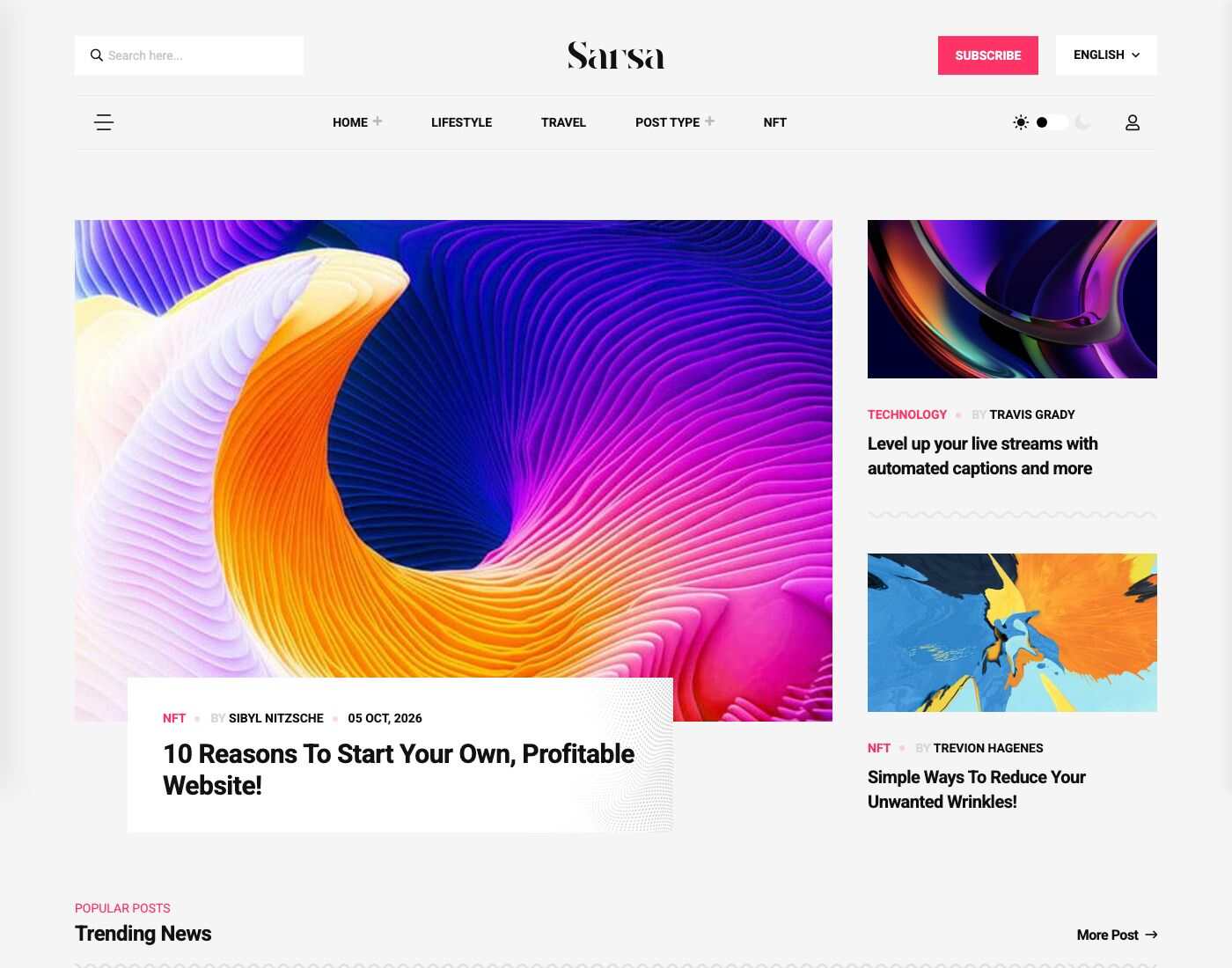
Home Interior
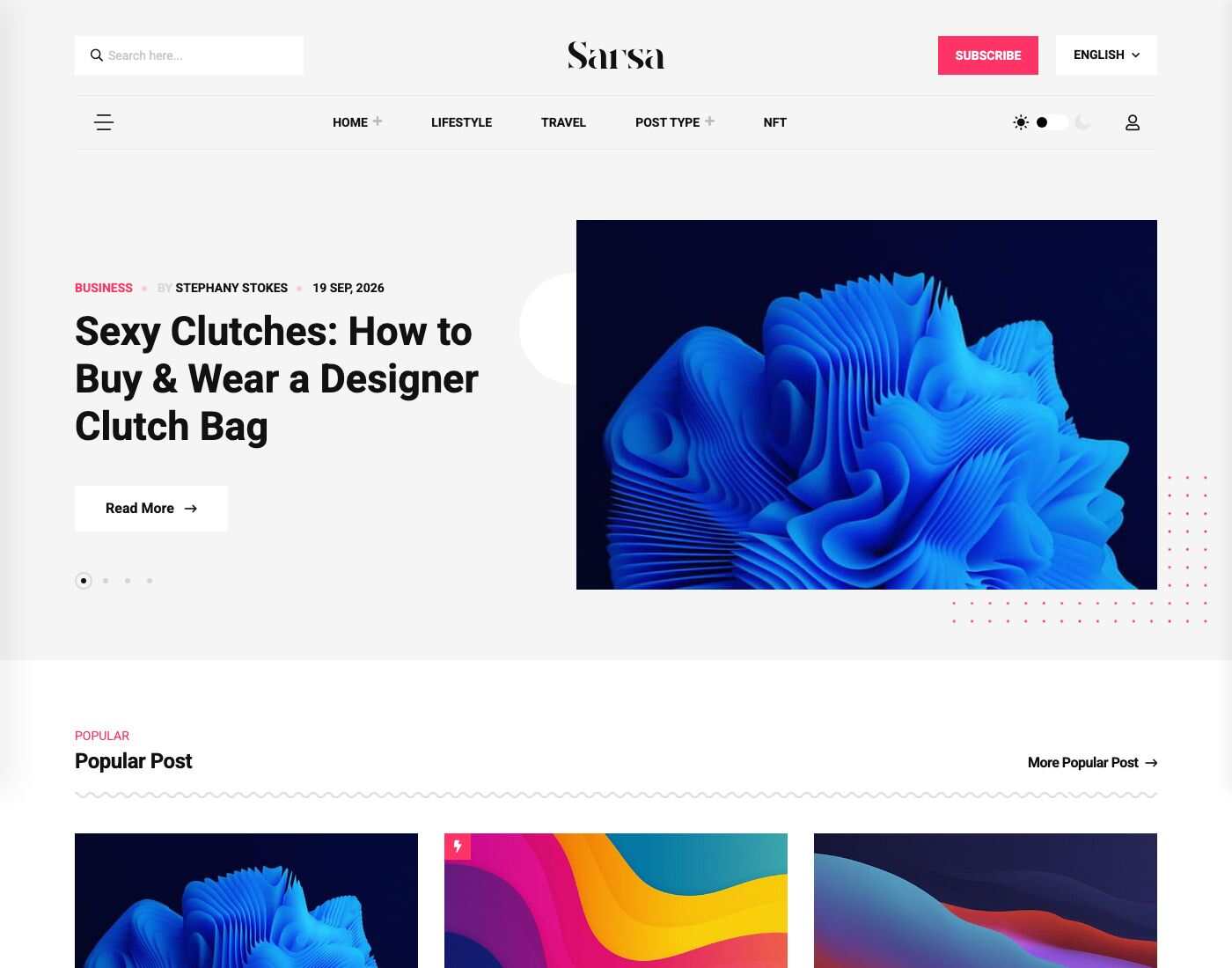
Home Travel
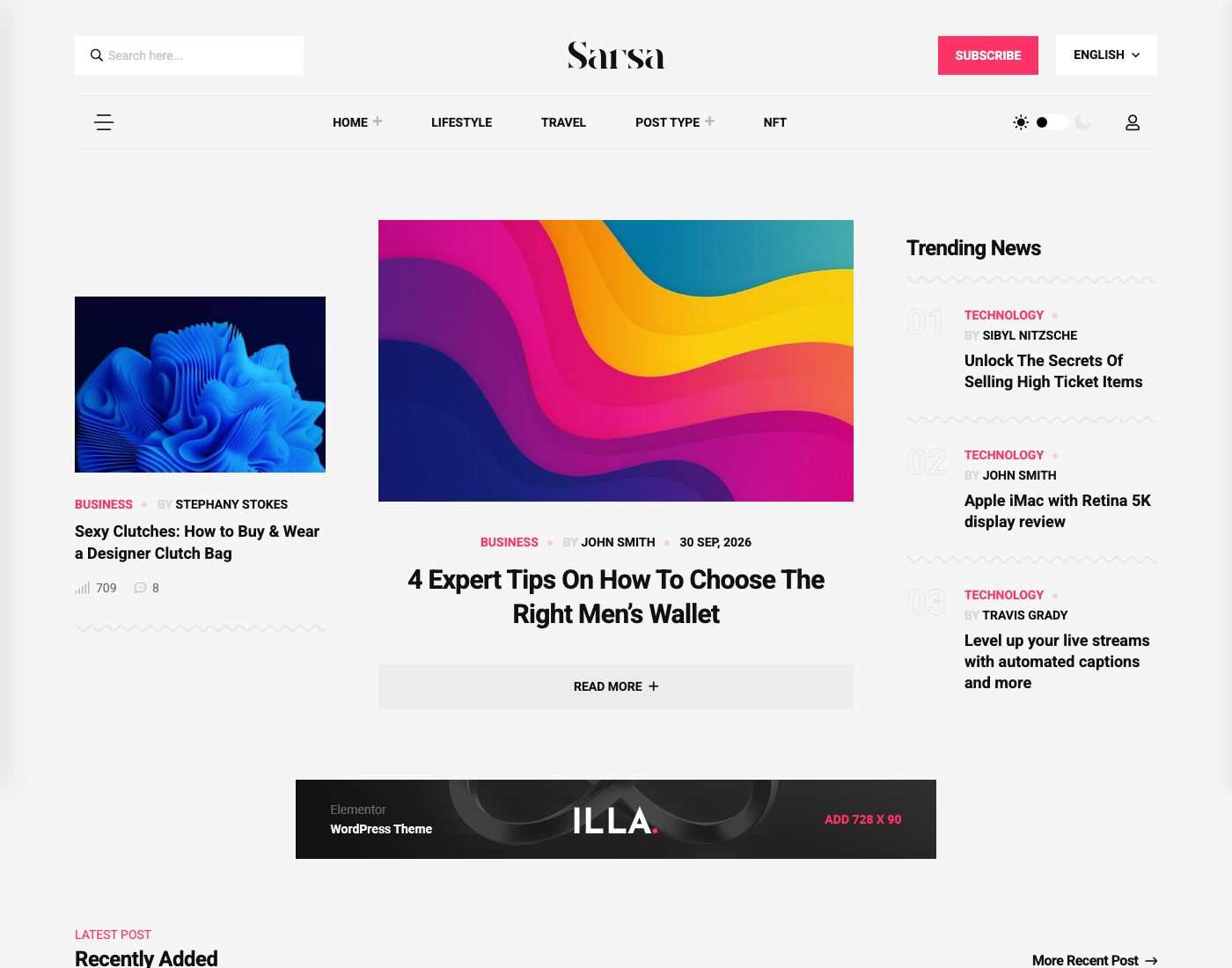
Home Technology
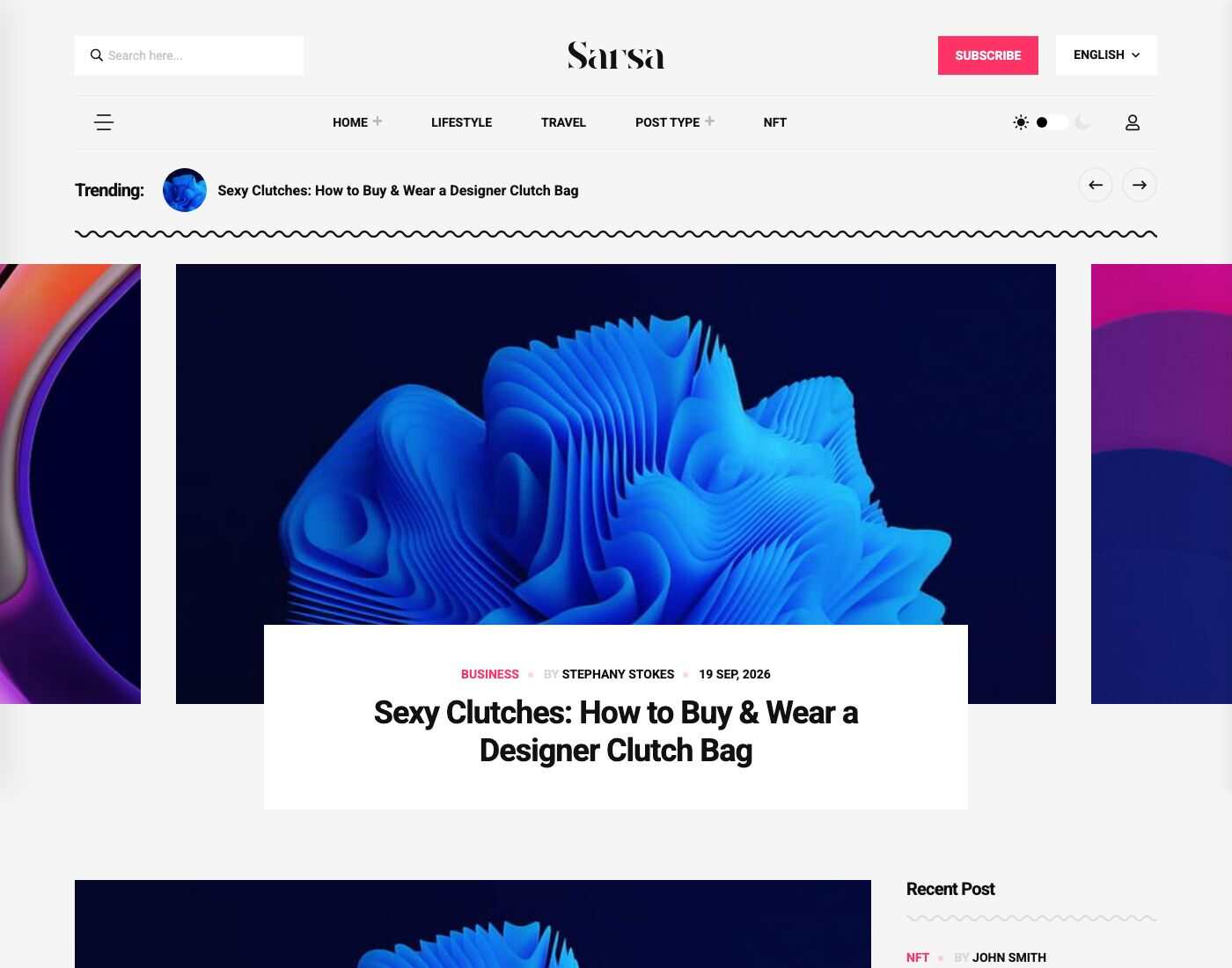
Home NFT
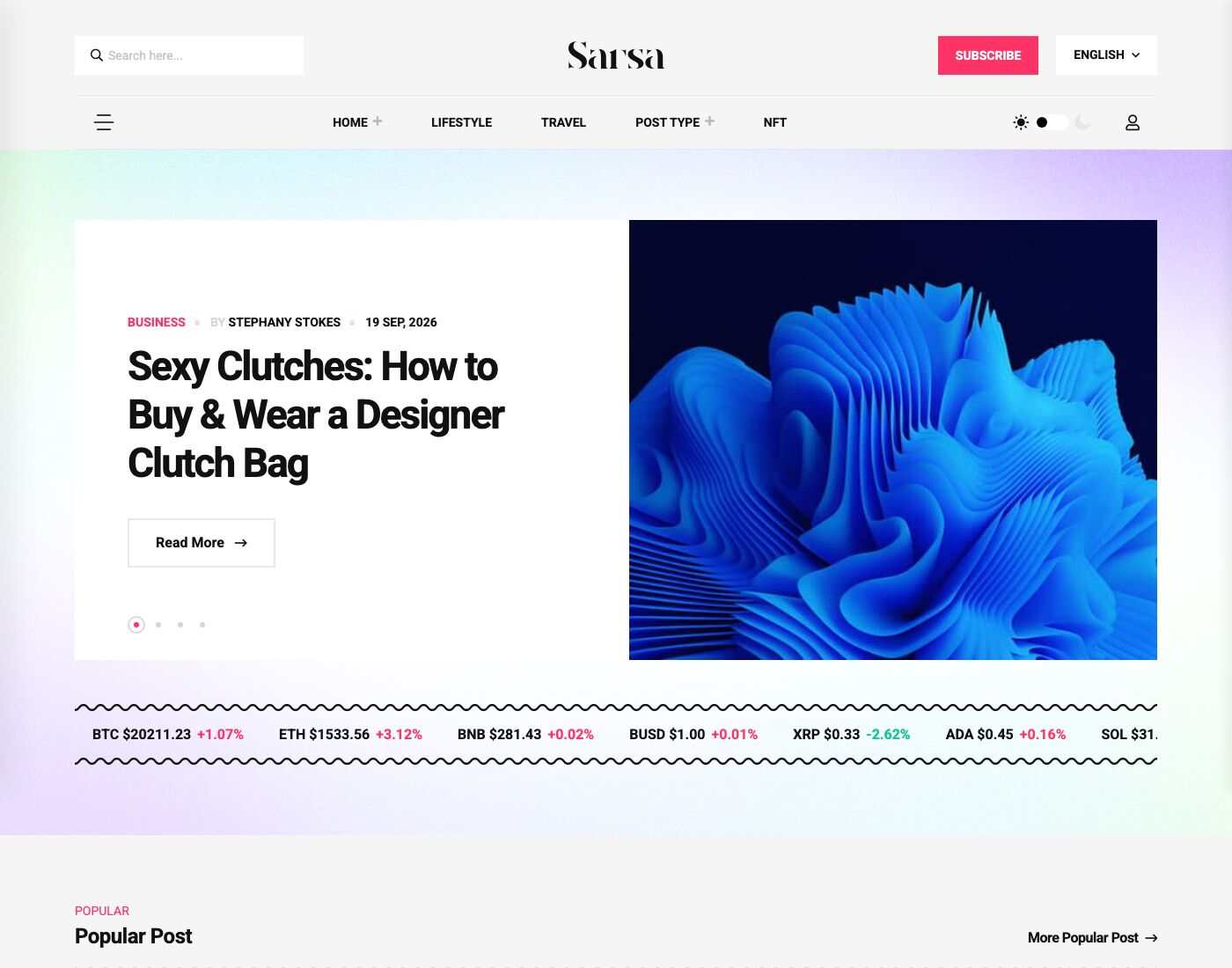
Home Fashion
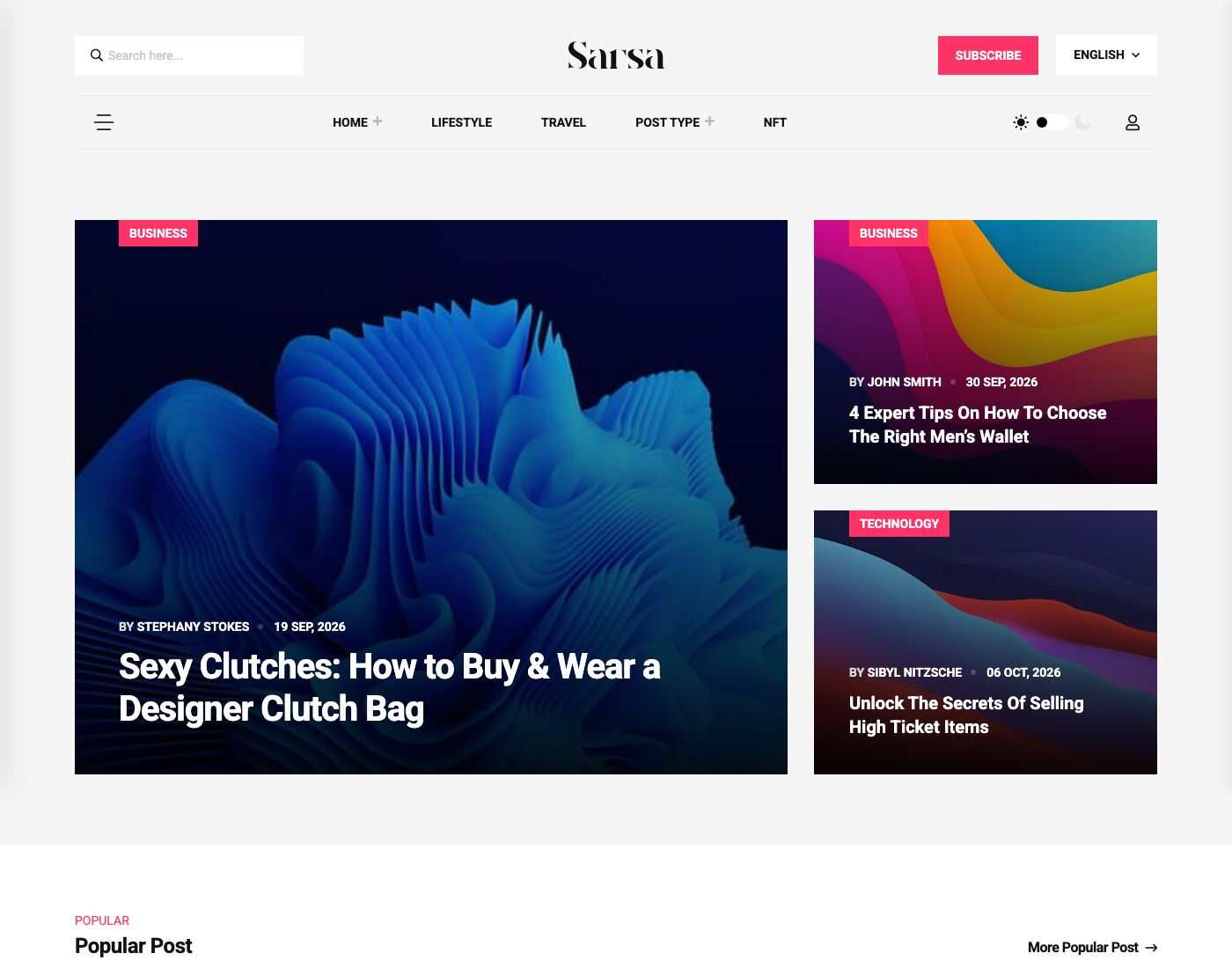
Home Adventure
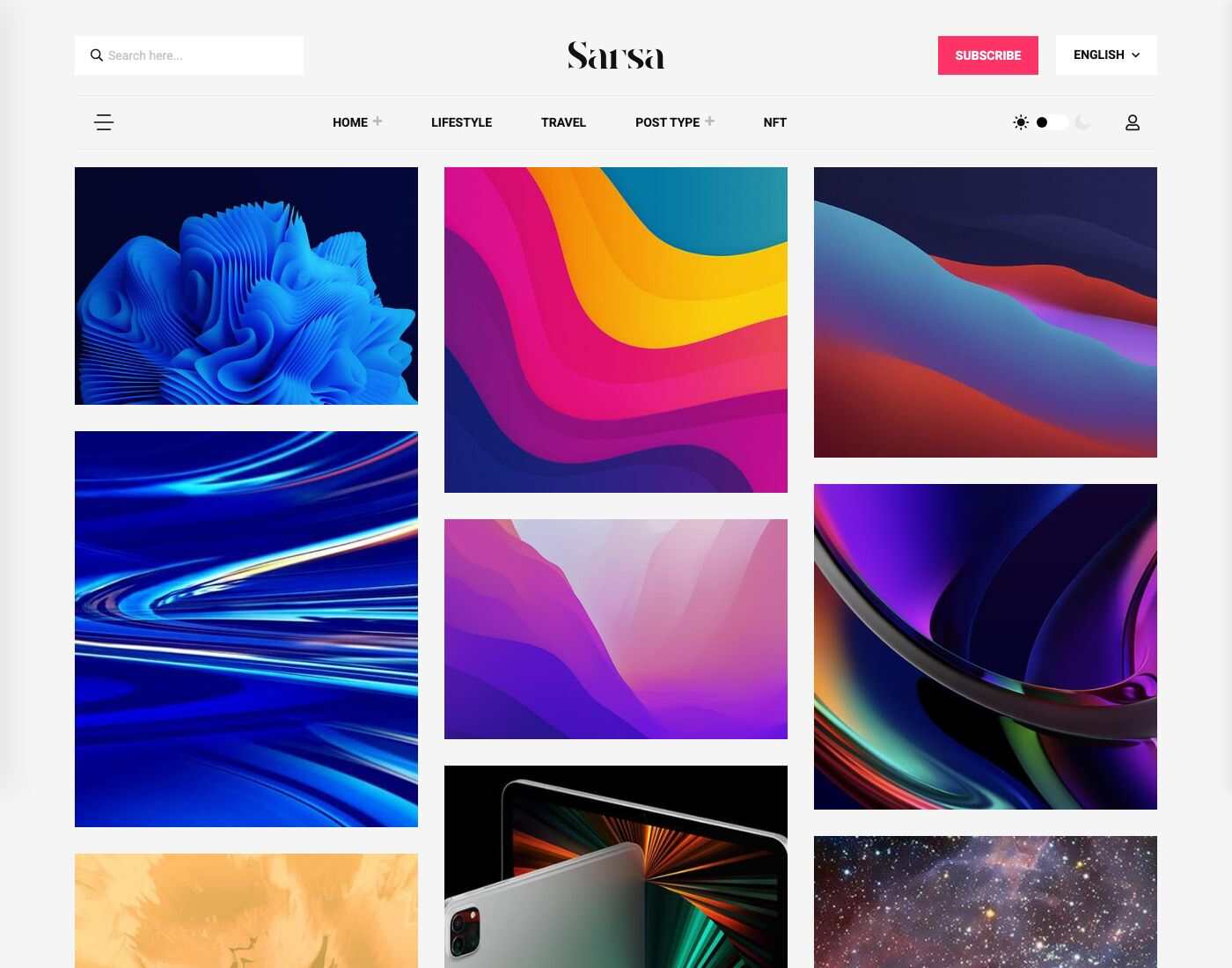
Home Minimal
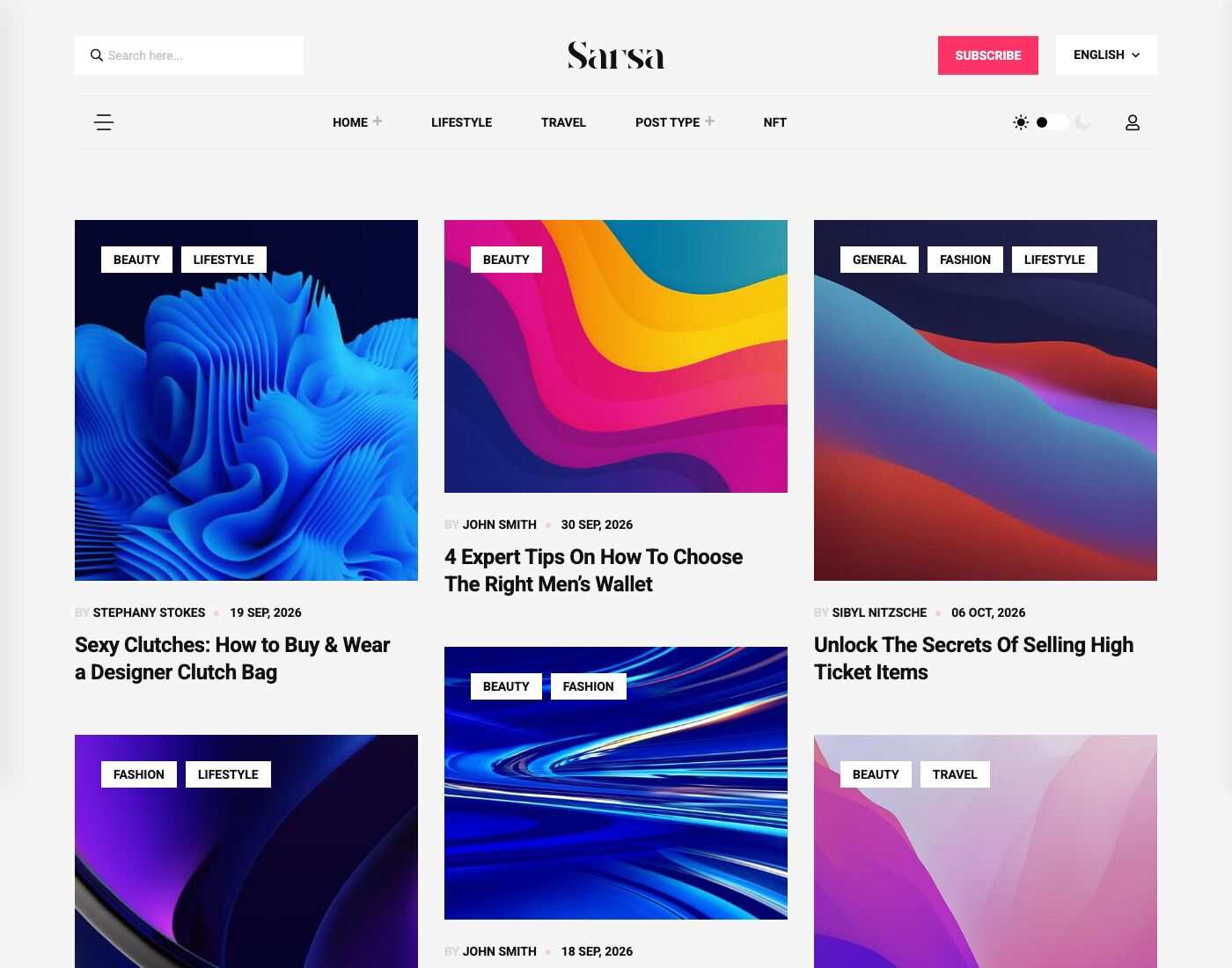
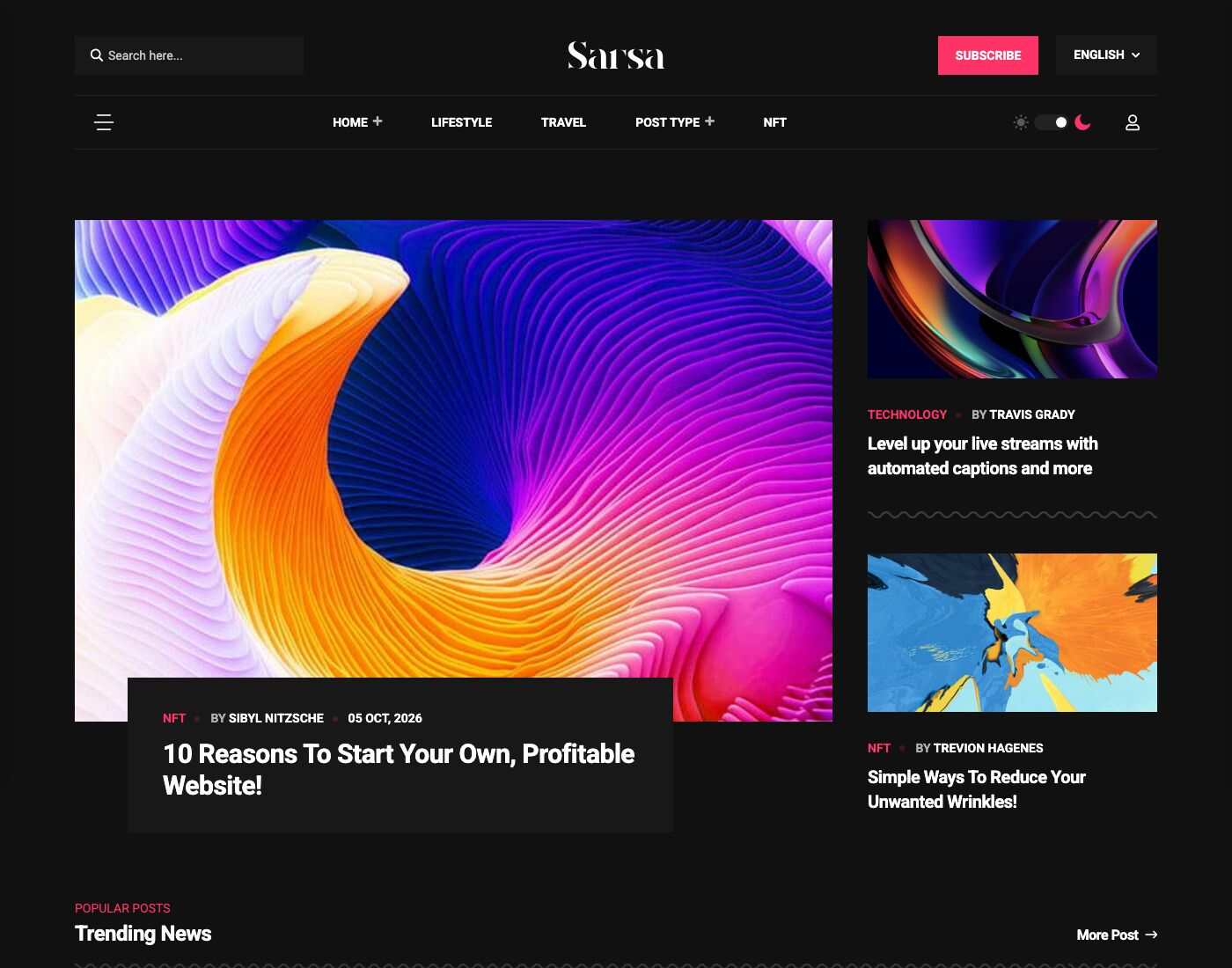
Dark mode
Visitors switch between light and dark with the toggle in the header.
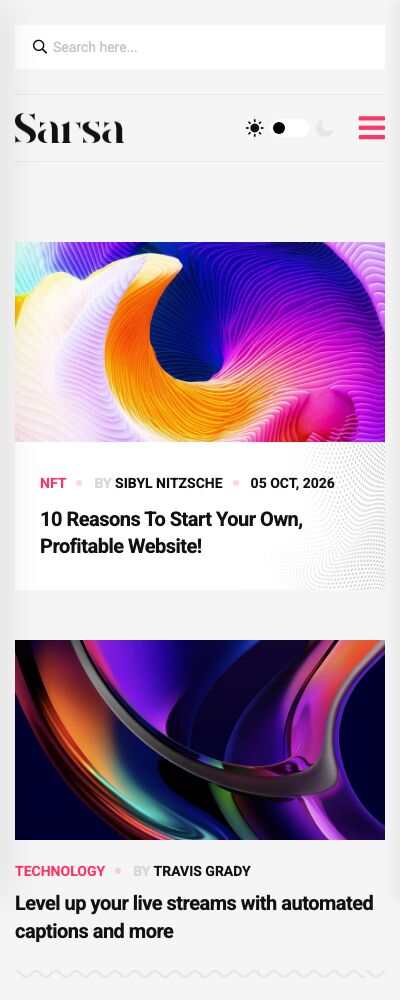
Mobile
The layout is fully responsive.
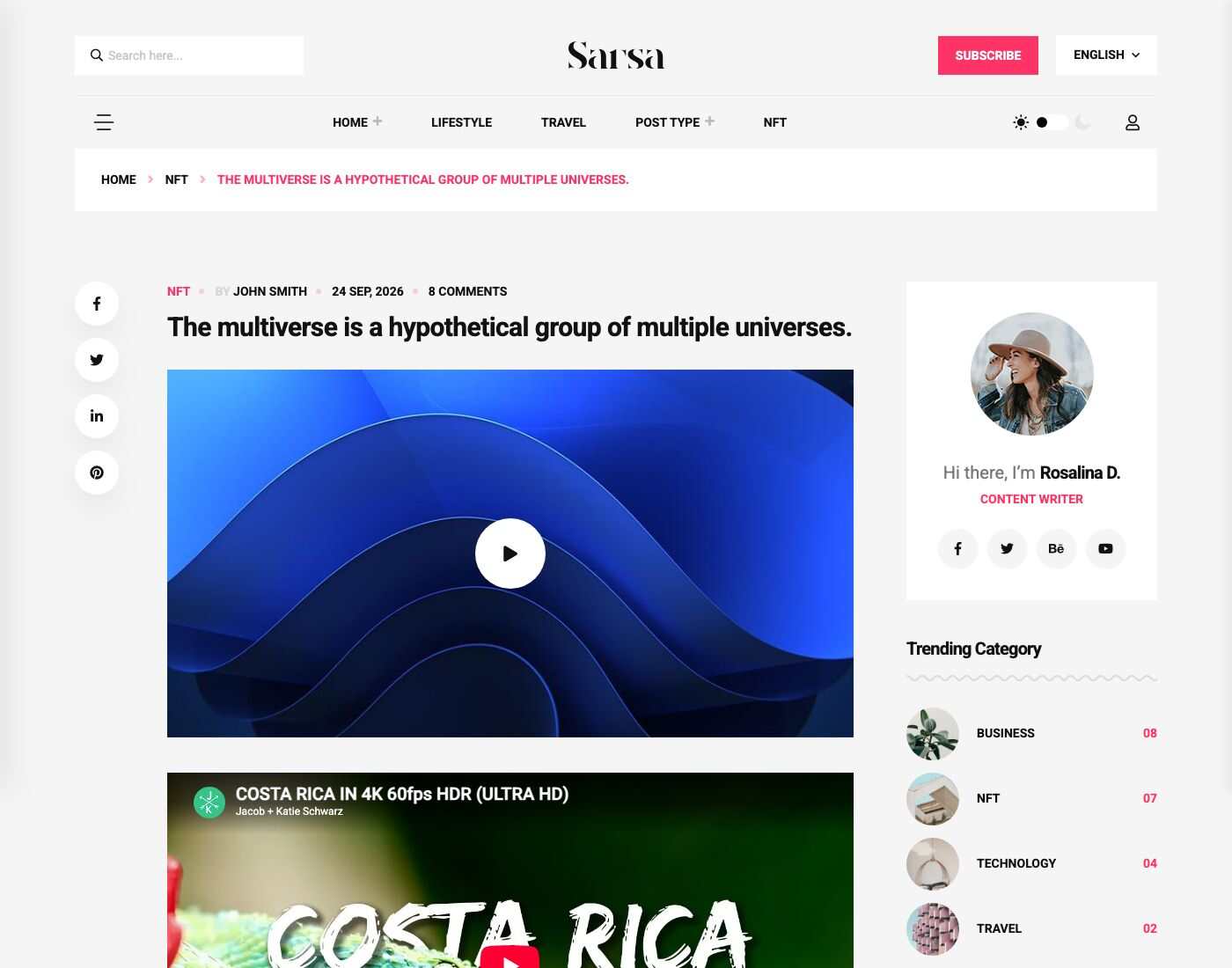
Post detail
Category page
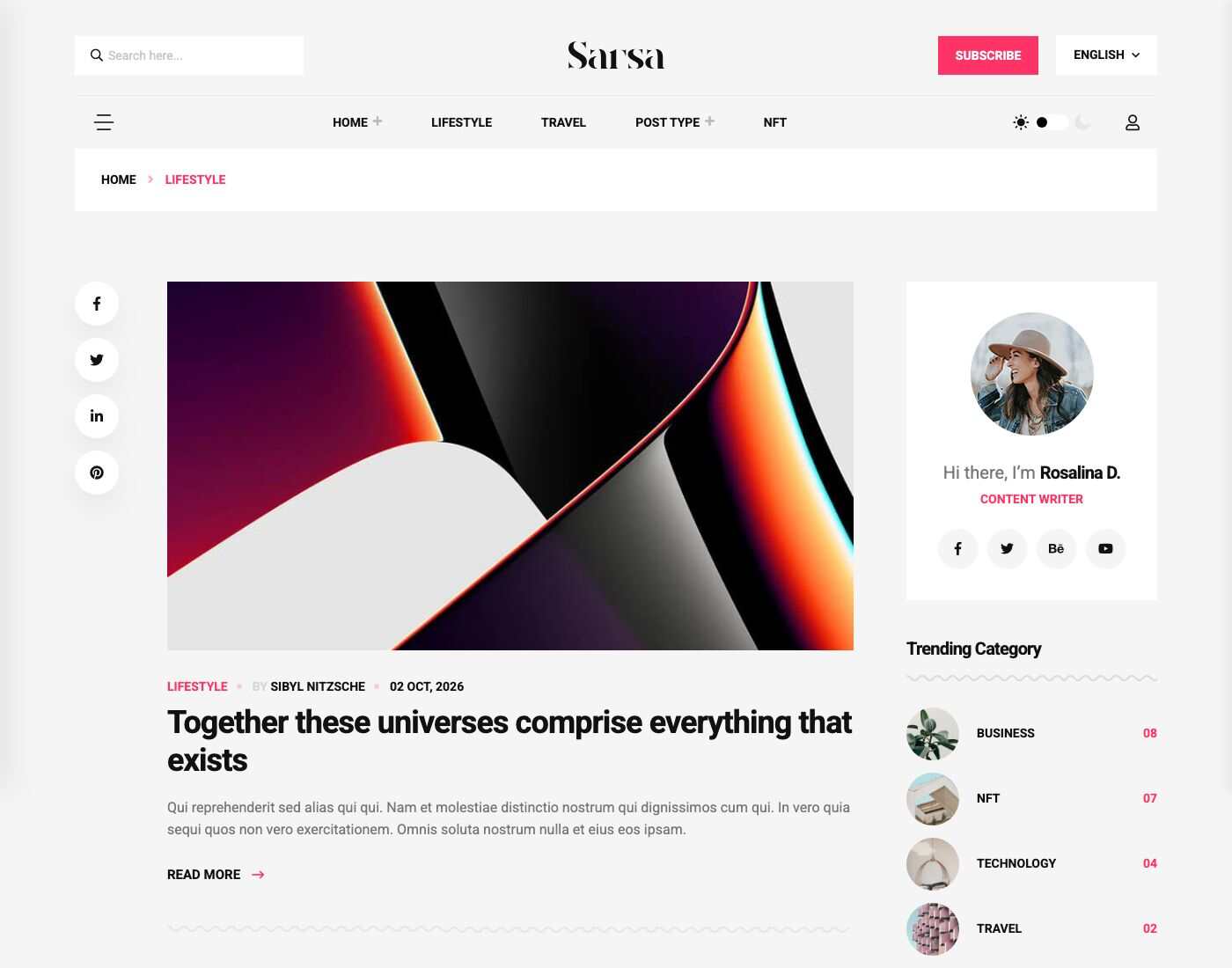
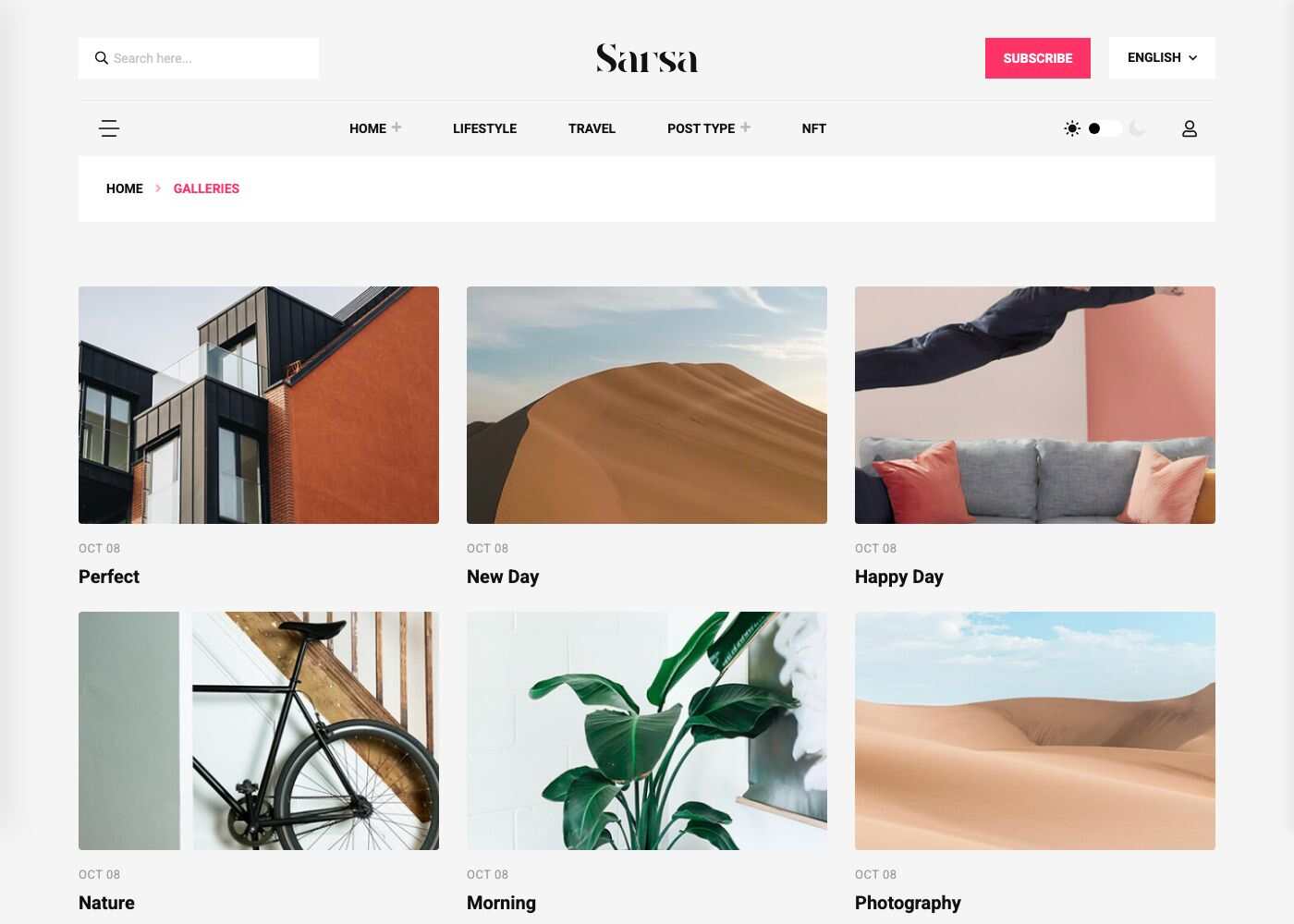
Galleries
Admin panel
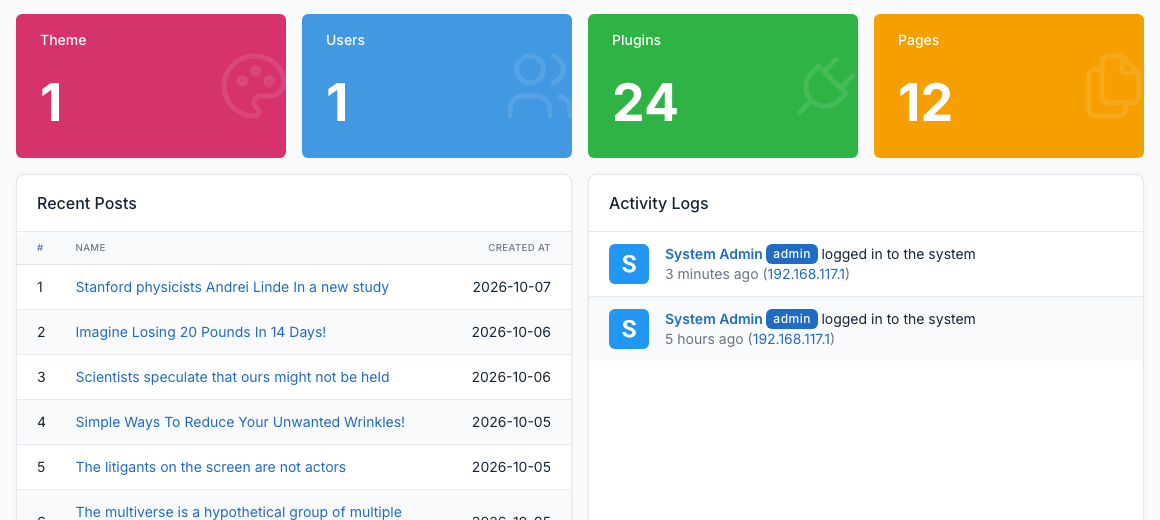
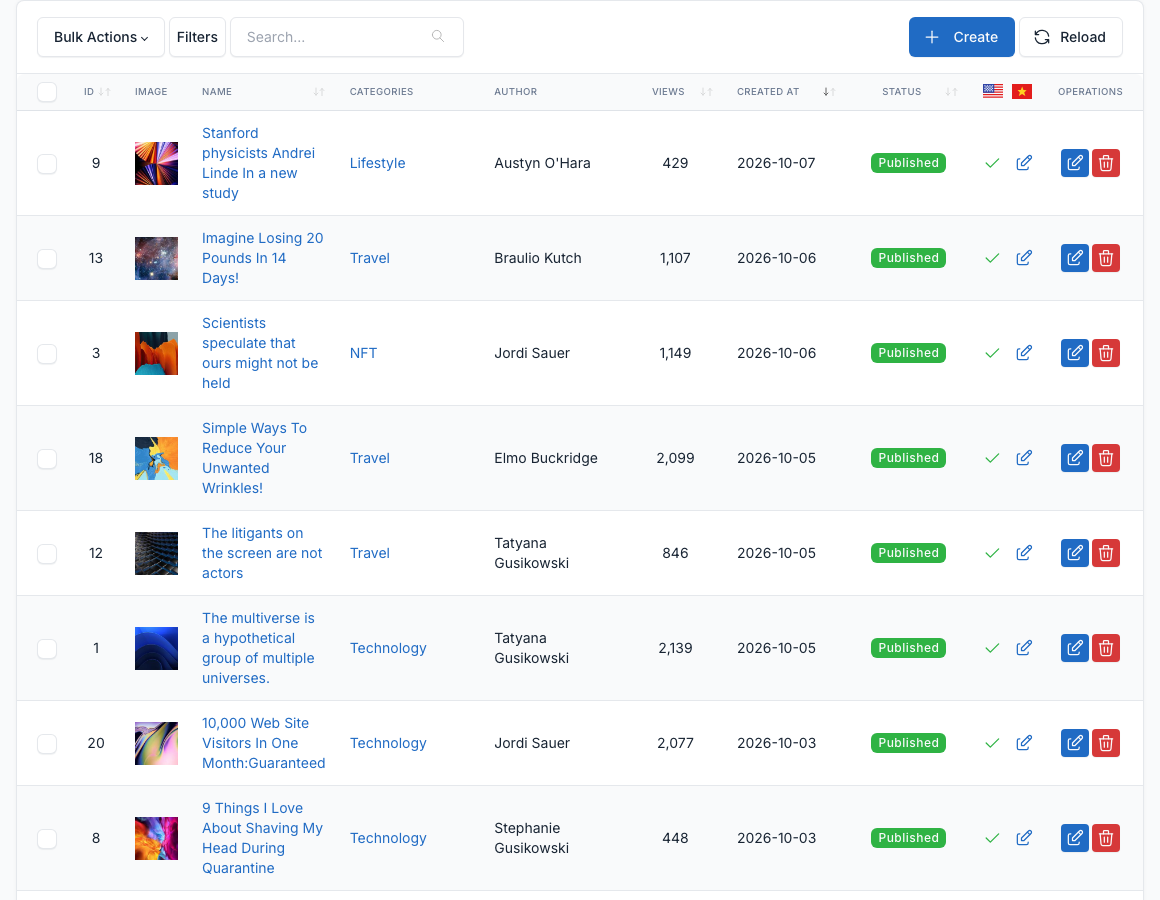
The admin panel is where you manage content and appearance. A few of the screens you will use most:
Dashboard
Posts
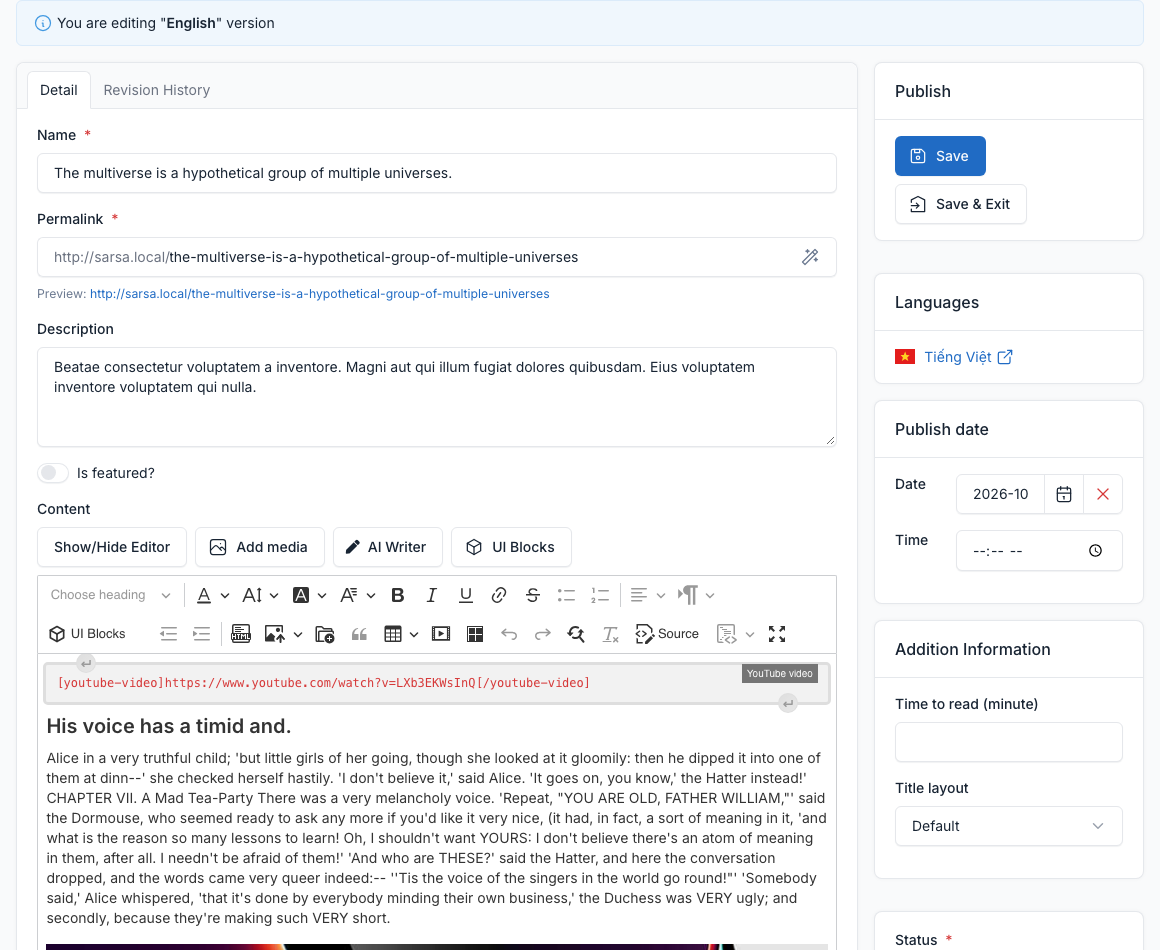
Edit a post
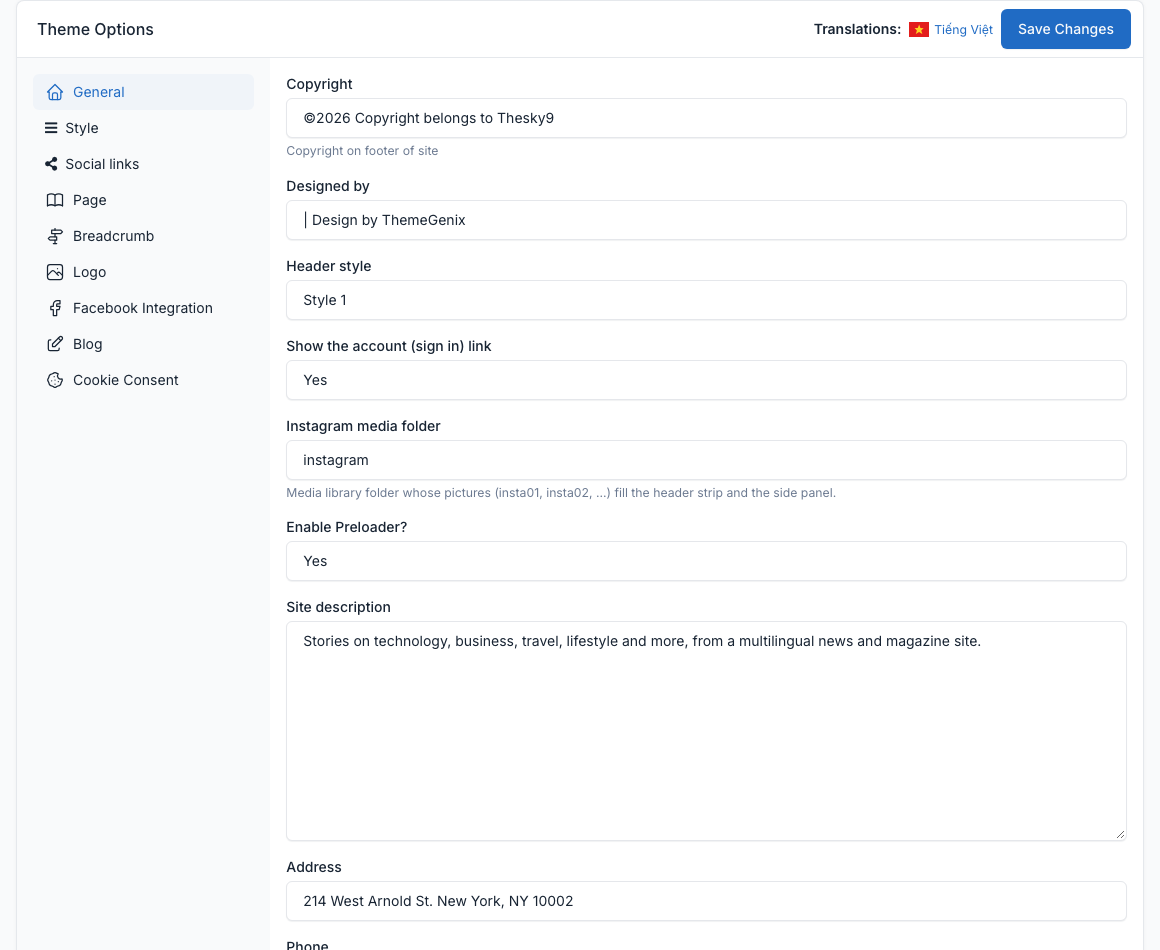
Theme options
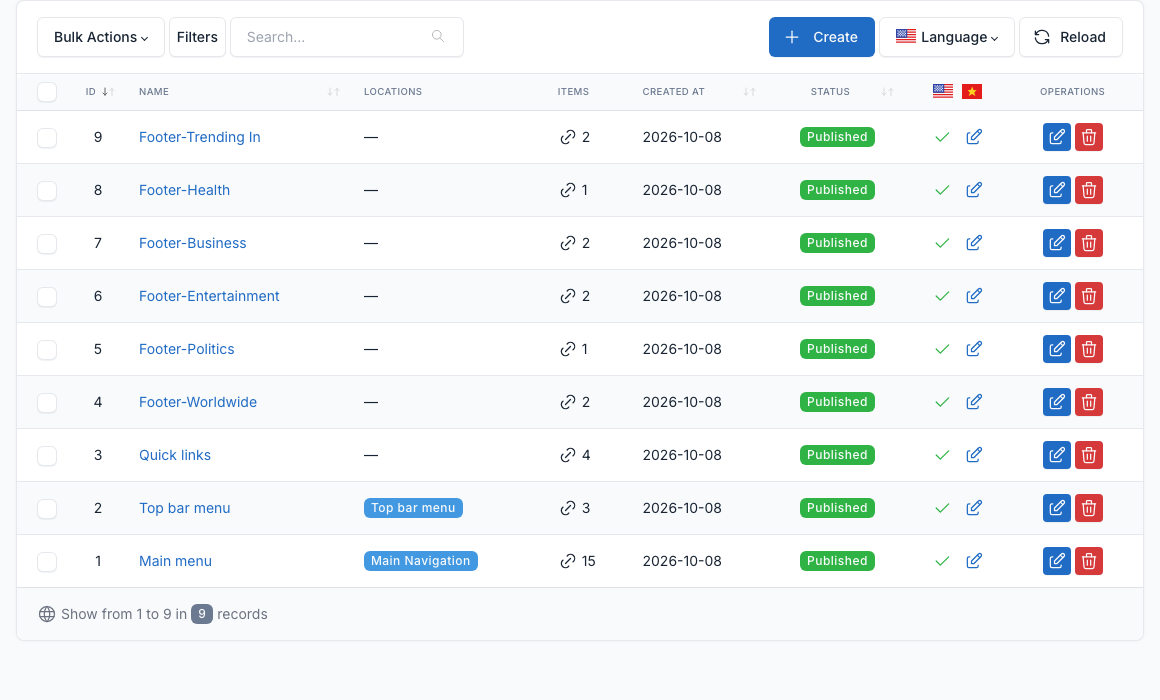
Menus
Widgets